


Unitree RL GYM:
Robot Control via Reinforcement Learning.
Train Go2 and G1 robots in Isaac Gym, validate in MuJoCo, and deploy to real hardware. Complete Train → Play → Sim2Sim → Sim2Real pipeline guide.
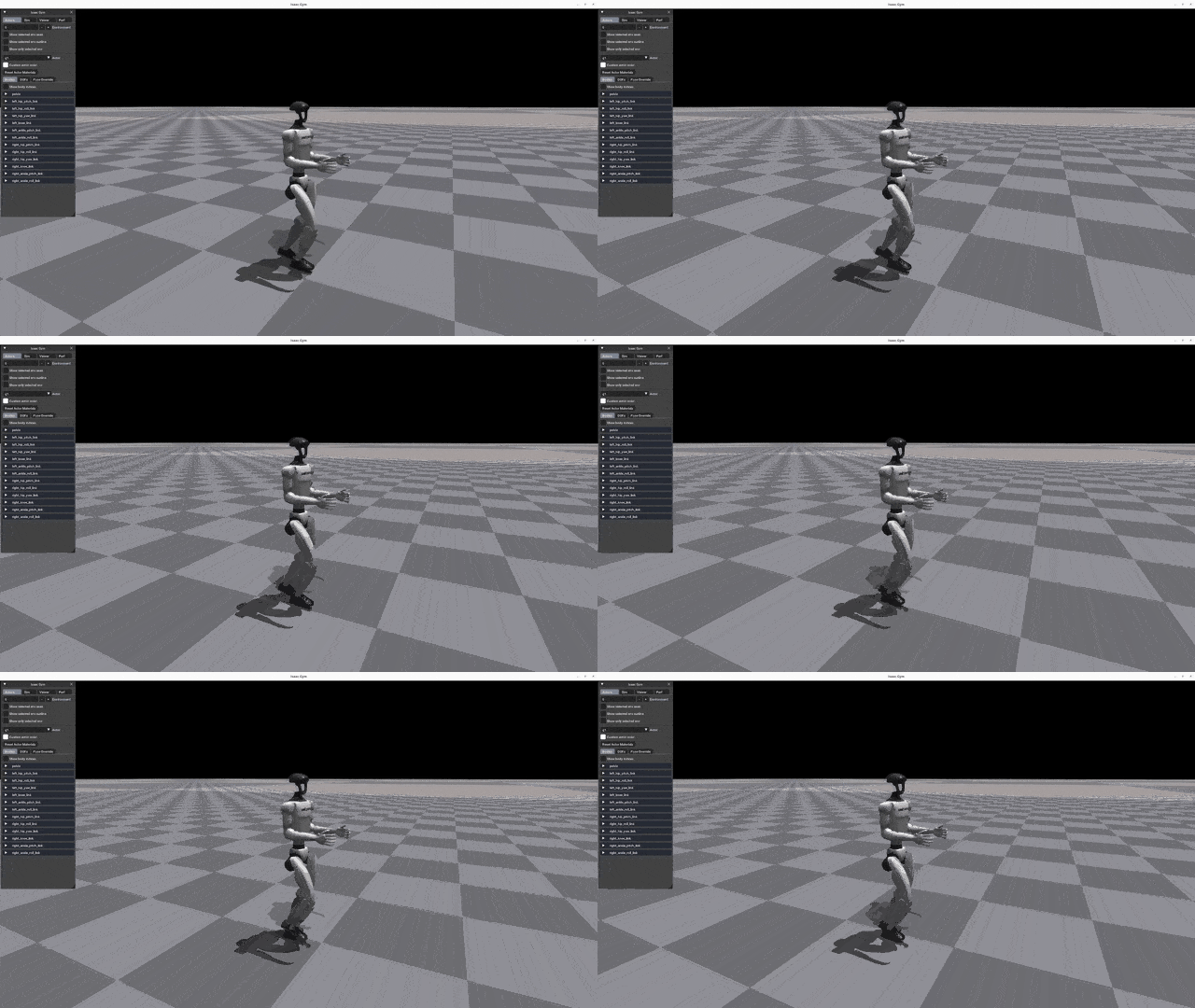
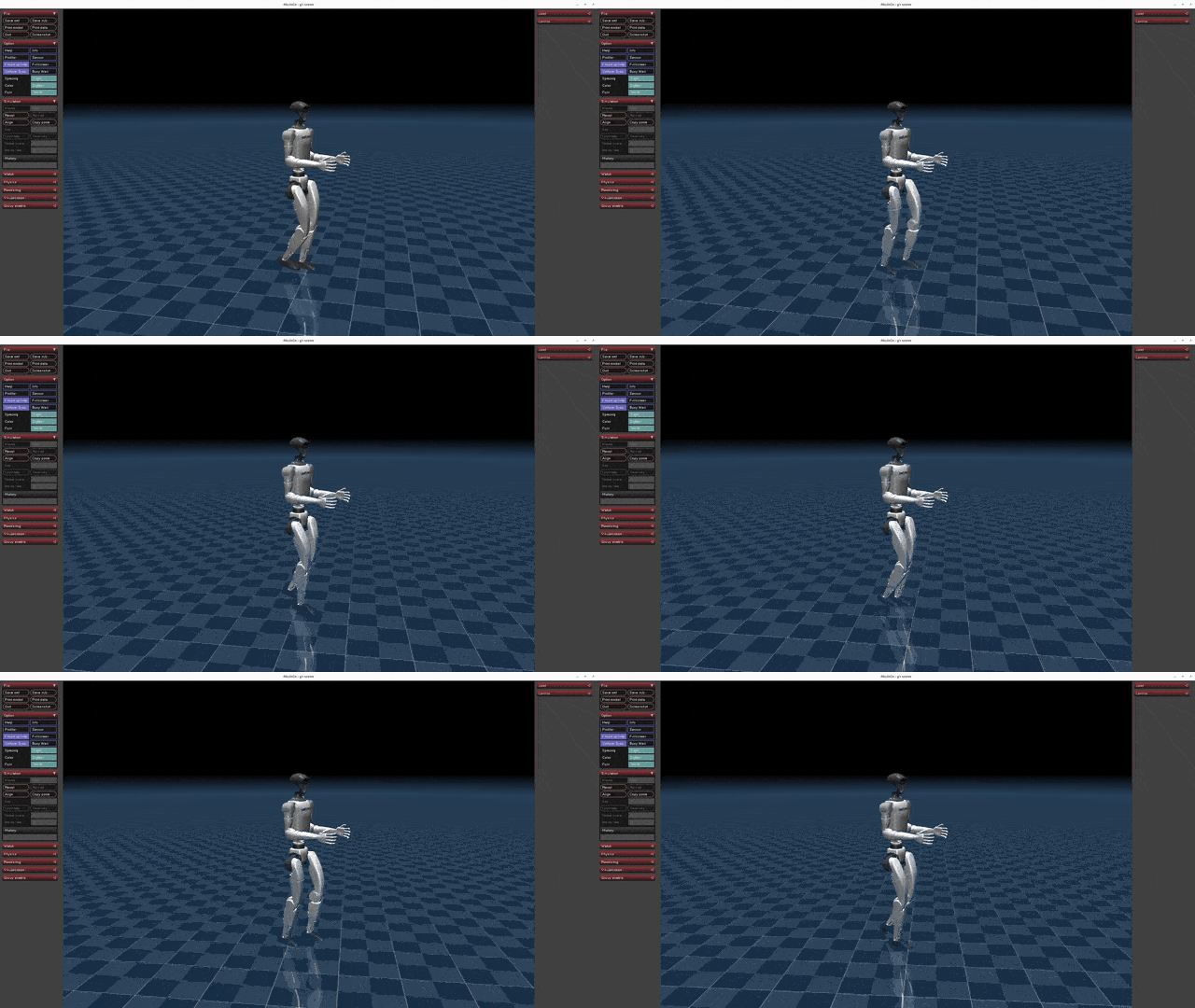

Workflow: Sim-to-Real in 4 Steps
Training
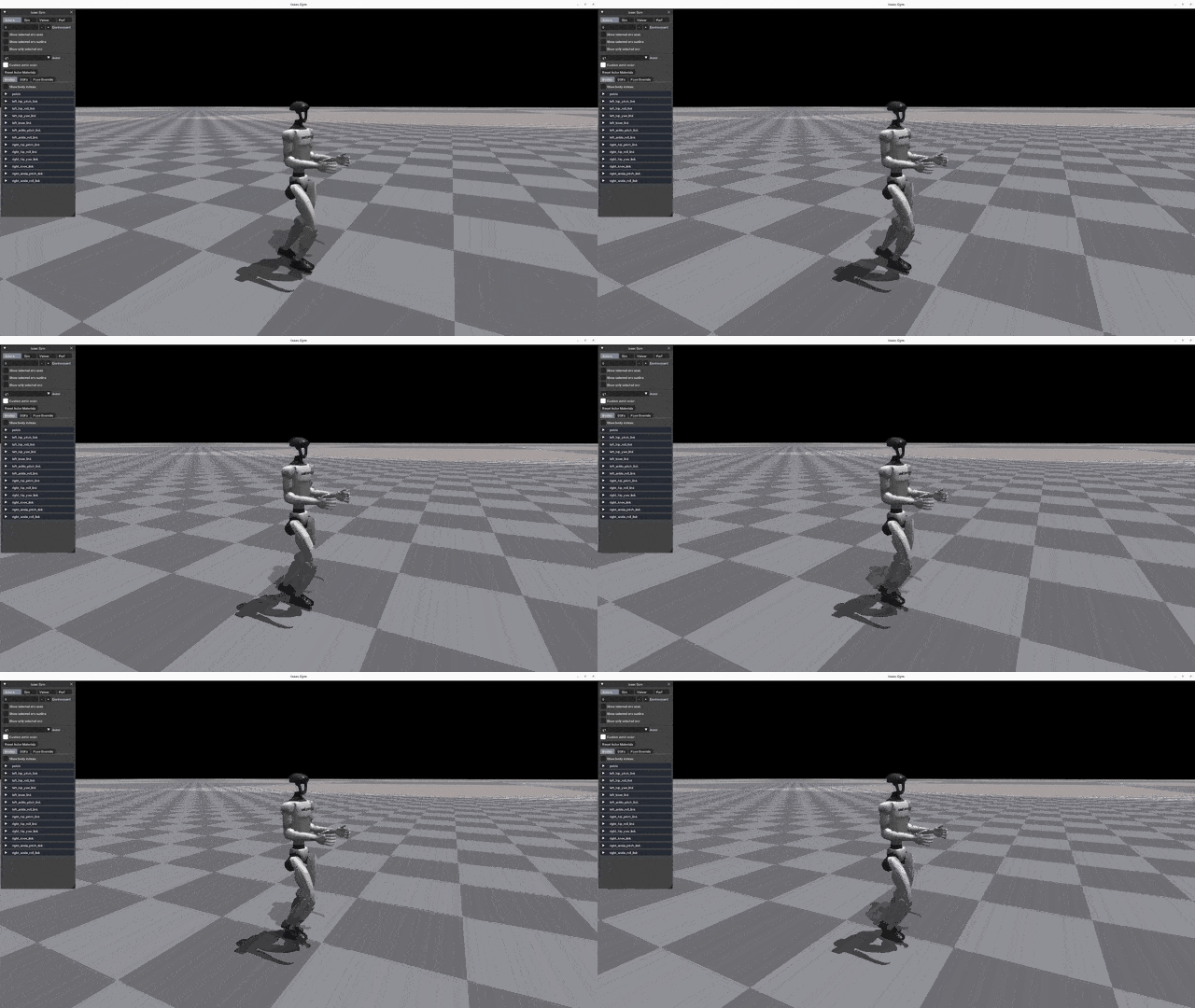
1: TrainLet the robot interact with the environment in the Isaac Gym simulation to discover policies that maximize designed rewards. GPU-parallelized training across thousands of environments simultaneously.
Validation
2: PlayVisually verify the trained policy. Export the Actor network in MLP or LSTM format.
Cross-Simulation
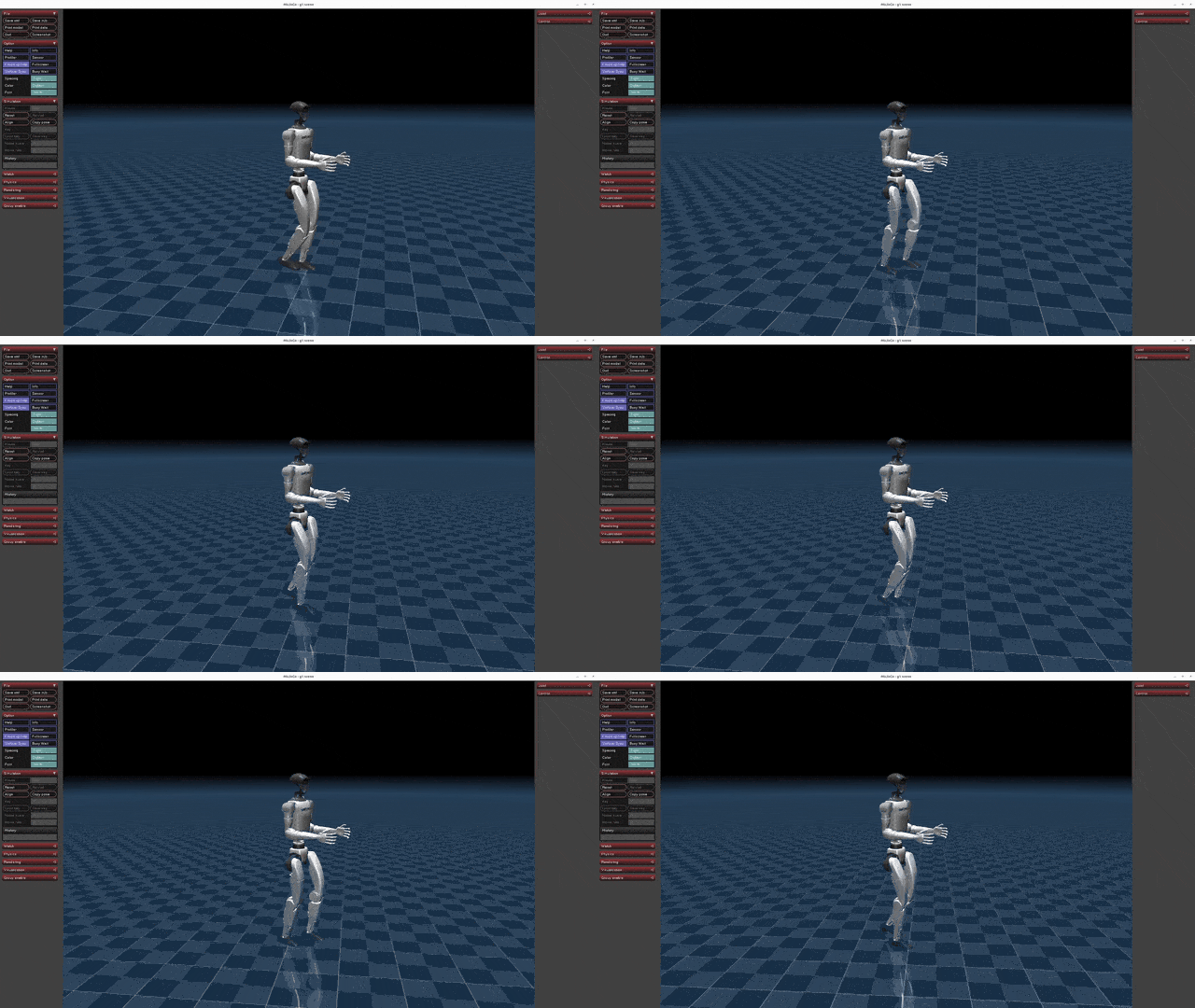
3: Sim2SimTransfer the Gym-trained policy to MuJoCo simulator to test environment independence. Overfitting validation.
Physical Deployment

4: Sim2RealDeploy the policy to a real Unitree robot. Safe physical validation in debug mode.
Supported Robot Models
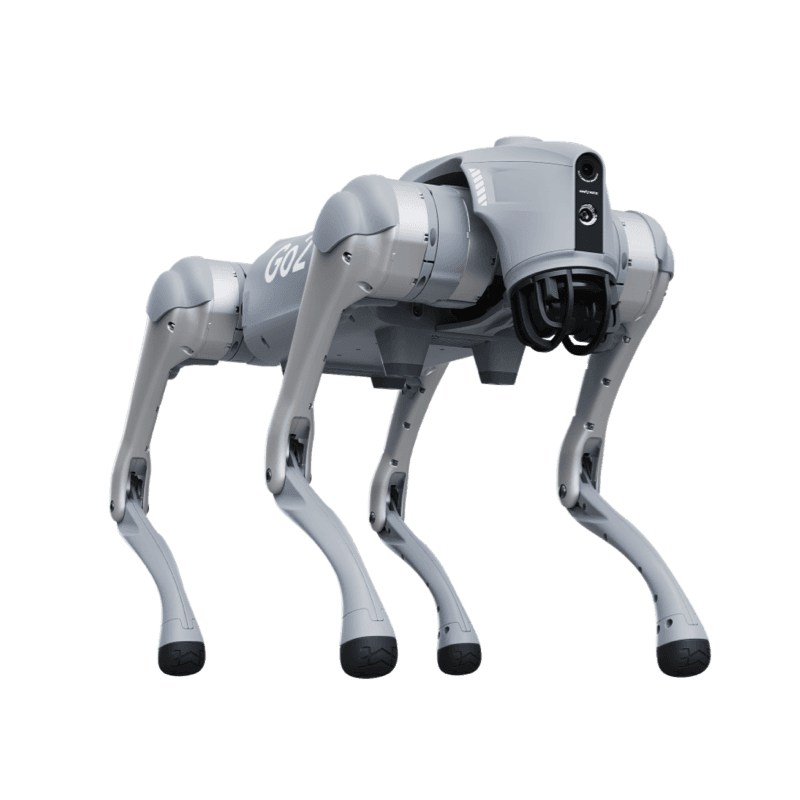
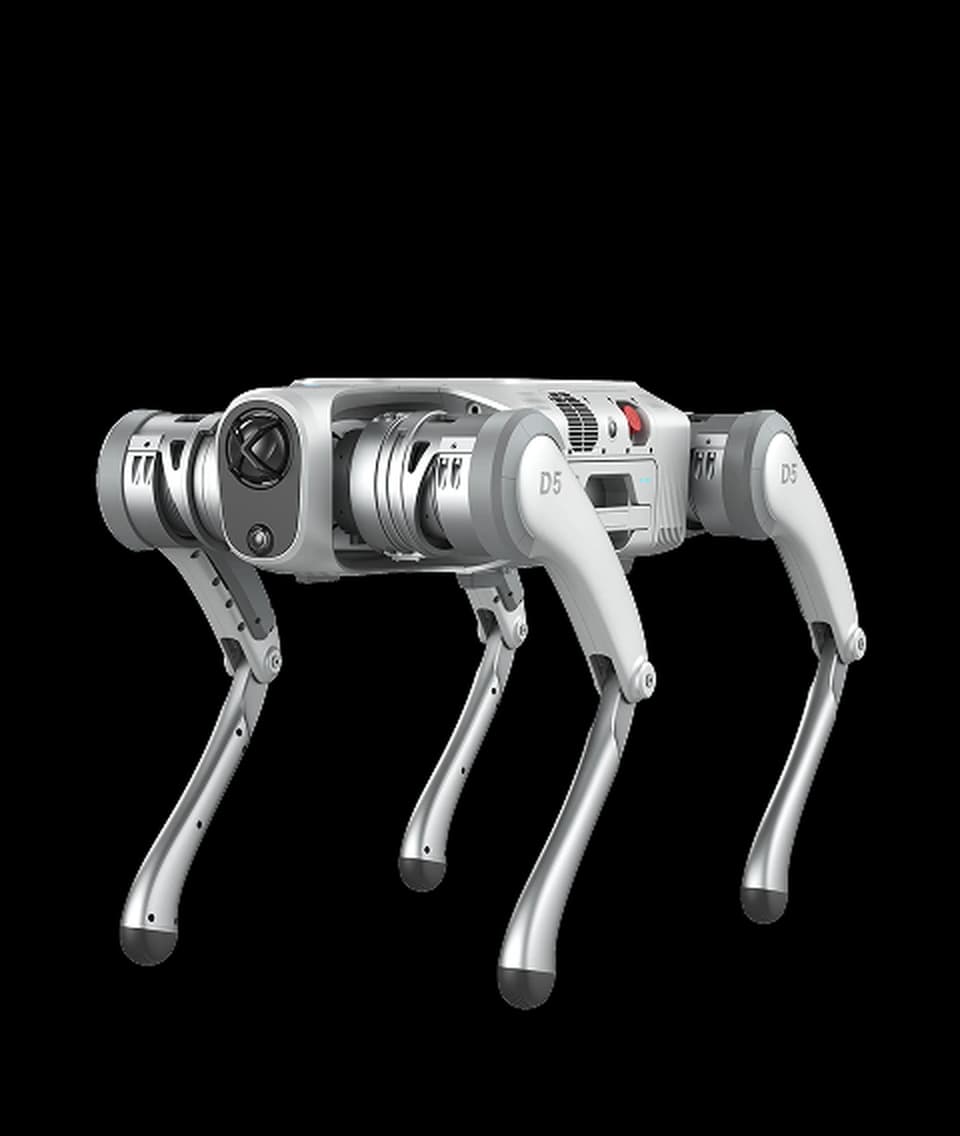
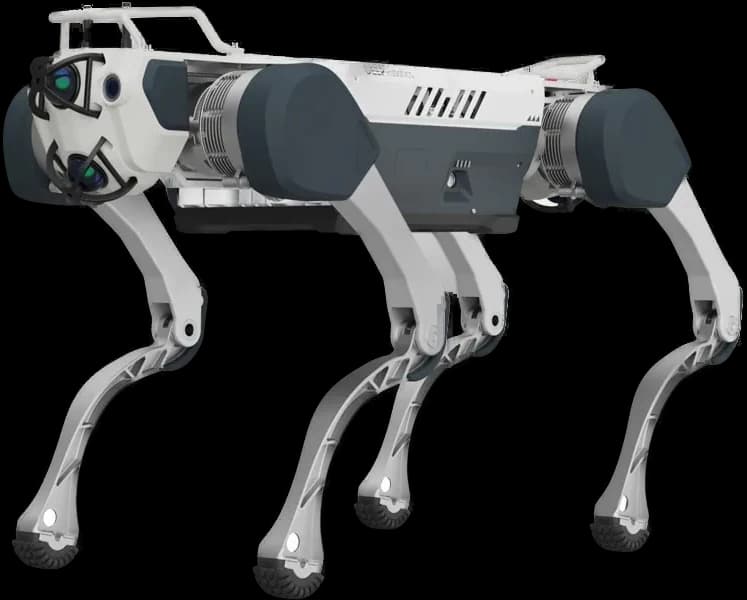
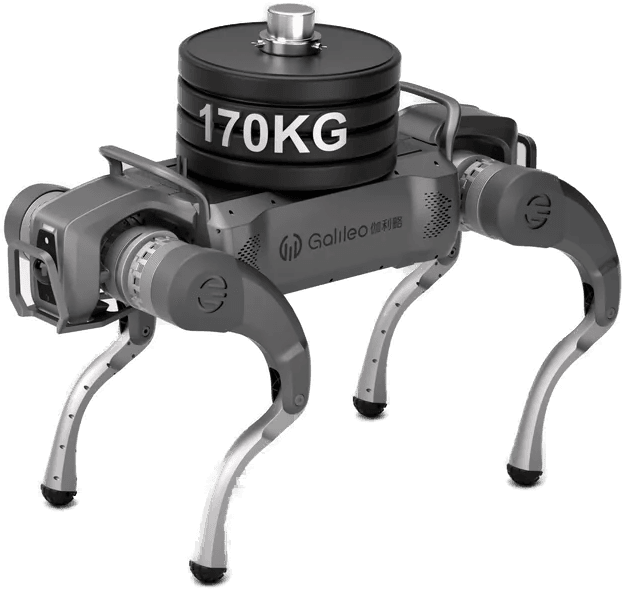
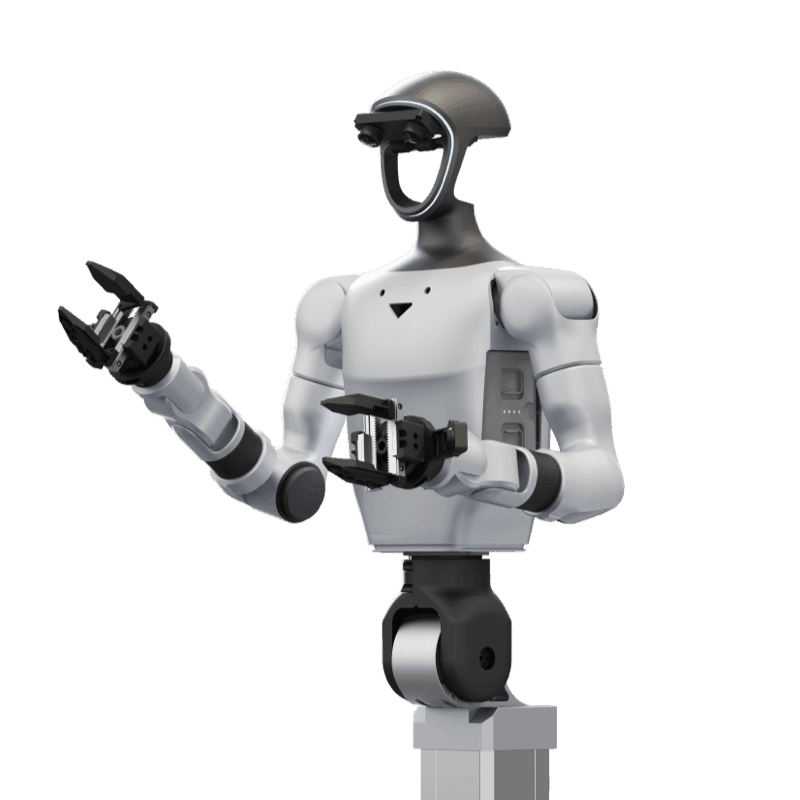
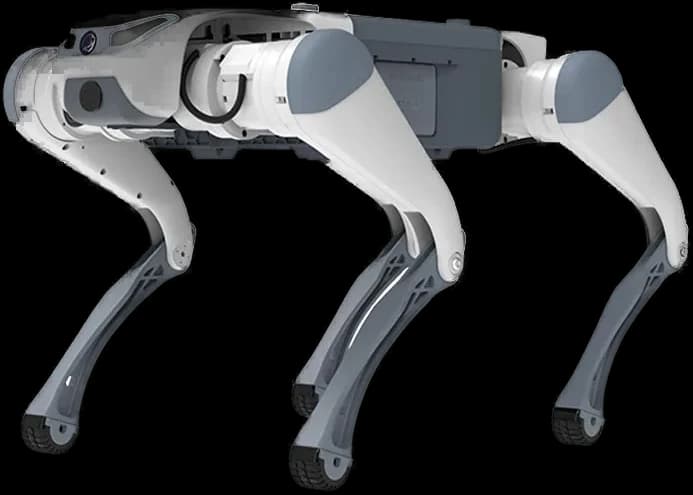
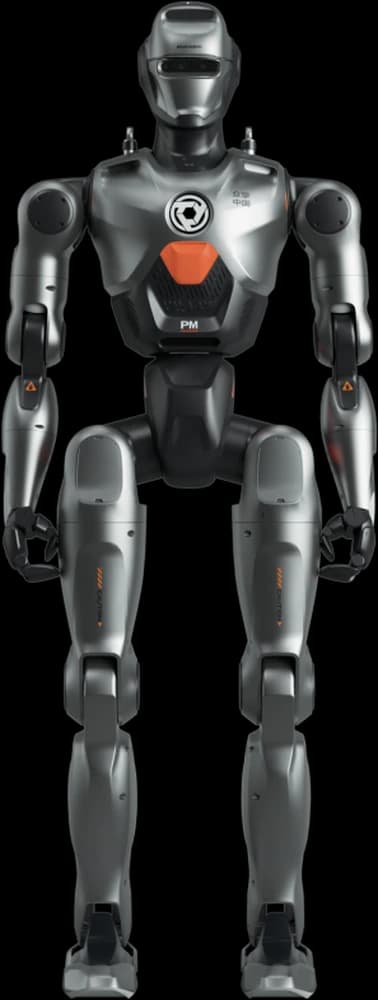
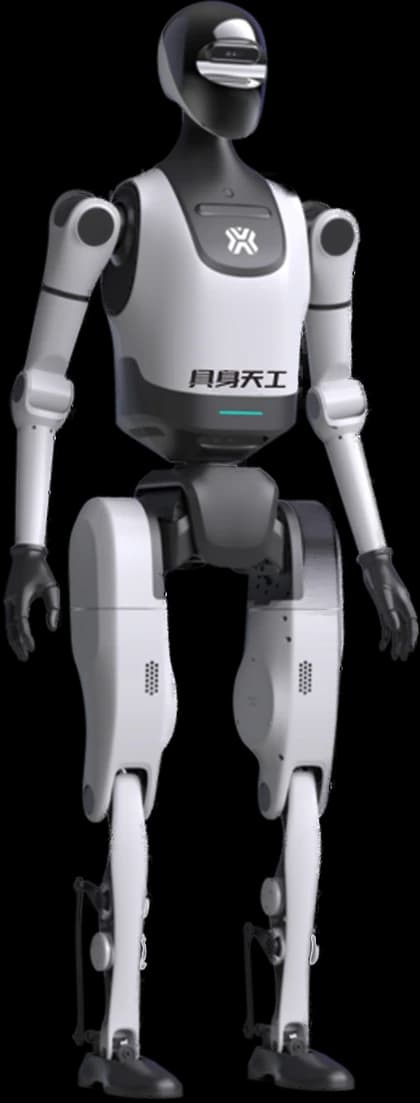
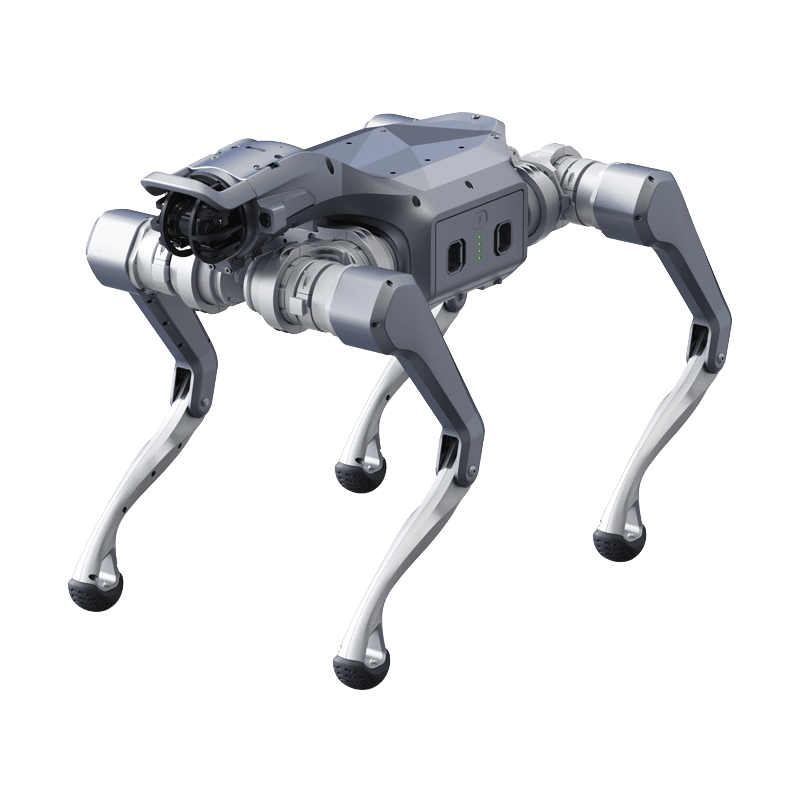
Unitree RL GYM currently supports Go2 and G1 models. Pre-trained weights and configuration files are available for each model.
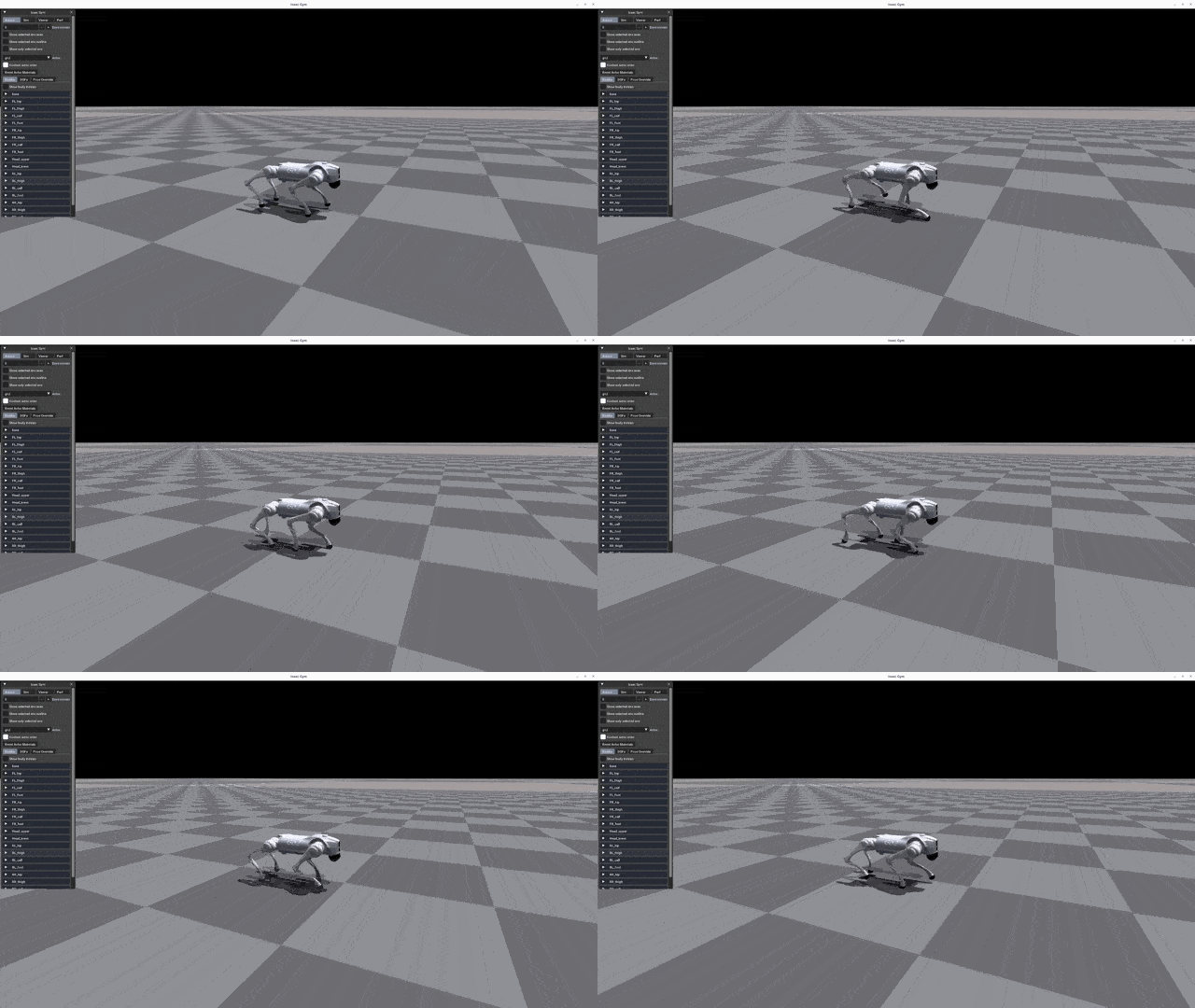
1. Training
Start training with the command below. Use --headless to disable the GUI for higher training efficiency.
python legged_gym/scripts/train.py --task=go2 --headlessDefault output directory: logs/<experiment_name>/<date_time>_<run_name>/model_<iteration>.pt
PARAMETER REFERENCE
--taskRequired. Robot model: go2, g1--headlessHeadless mode (higher efficiency)--resumeResume training from a checkpoint--experiment_nameExperiment name--run_nameRun name--load_runRun to load (default: latest)--checkpointCheckpoint number to load--num_envsNumber of parallel environments--seedRandom seed--max_iterationsMaximum training iterations--sim_deviceSimulation device (e.g., cpu)--rl_deviceRL computation device (e.g., cpu)2. Play (Validation)
Run the Play command to visualize training results. Loads the latest model by default.
python legged_gym/scripts/play.py --task=g1Network Export
Play automatically exports the Actor network. Standard MLP networks are saved as policy_1.pt, RNN networks as policy_lstm_1.pt.
policy_1.pt (MLP)policy_lstm_1.pt (RNN)3. Sim2Sim (MuJoCo)
Run the Gym-trained policy in MuJoCo simulator to validate environment independence.
python deploy/deploy_mujoco/deploy_mujoco.py {config_name}Example: G1 Model:
python deploy/deploy_mujoco/deploy_mujoco.py g1.yamlUsing Custom Models
The default model is located at deploy/pre_train/{robot}/motion.pt. Update the policy_path in the YAML configuration file to use your custom-trained model.
MuJoCo Simulation Results
4. Sim2Real (Physical Robot)
Ensure the robot is in debug mode before deploying to the physical robot.
python deploy/deploy_real/deploy_real.py {net_interface} {config_name}PARAMETERS
net_interfaceNetwork interface connected to the robot (e.g., enp3s0)config_nameConfiguration file (e.g., g1.yaml, h1.yaml)C++ Deployment (G1)
The G1 pre-trained model can also be deployed via C++. Requires LibTorch dependency.
cd deploy/deploy_real/cpp_g1
wget https://download.pytorch.org/libtorch/cpu/libtorch-cxx11-abi-shared-with-deps-2.7.1%2Bcpu.zip
unzip libtorch-cxx11-abi-shared-with-deps-2.7.1+cpu.zip
mkdir build && cd build
cmake .. && make -j4
./g1_deploy_run {net_interface}
Physical Robot Results
Frequently Asked Questions
Which robots does Unitree RL GYM support?
It supports Go2 (quadruped) and G1 (humanoid) models. Pre-trained weights and Isaac Gym + MuJoCo configurations are available for each model.
What hardware is required for training?
An NVIDIA GPU (CUDA-enabled) is recommended. Since Isaac Gym uses GPU-parallelized simulation, RTX 3060 and above provide the most efficient results. CPU mode is also available but training time is significantly longer.
What is the sim2real transfer success rate?
With proper domain randomization and reward shaping, 80-95% sim2real transfer success can be achieved. MuJoCo intermediate validation further improves this rate.
Are pre-trained models available?
Yes, pre-trained locomotion policies are provided for each model in the deploy/pre_train/ directory. You can directly test these models on physical robots.
Can it integrate with ROS2?
Yes, trained policies can be wrapped as ROS2 nodes. They integrate with Nav2 and SLAM pipelines via the unitree_ros2 packages.
Is Unitree RL GYM support available in Turkey?
Yes, Robotlar.org provides Unitree RL GYM setup, training parameter optimization, and sim2real transfer consulting in Turkey.
Resources & Links
Unitree RL GYM: GitHub
Official source code, pre-trained models, and configuration files.
legged_gym
ETH Zurich's quadruped training framework: foundational infrastructure.
rsl_rl
Reinforcement learning algorithm implementation (PPO, LSTM, etc.).
MuJoCo
Google DeepMind's physics simulation engine: Sim2Sim validation.
unitree_sdk2_python
Hardware communication interface for physical deployment.
Unitree SDK Guide
Unitree development guide with Python, C++, ROS2, and simulation environments.
DreamDojo World Model Guide
The complement to physics-engine simulation: world-model robot training and G1 support.
Unitree RL Support
in Turkey.
Get support from our Unitree technical team in Turkey for Isaac Gym setup, reward function design, or sim2real transfer.