
Why GR00T + G1? NVIDIA's End-to-End Vision
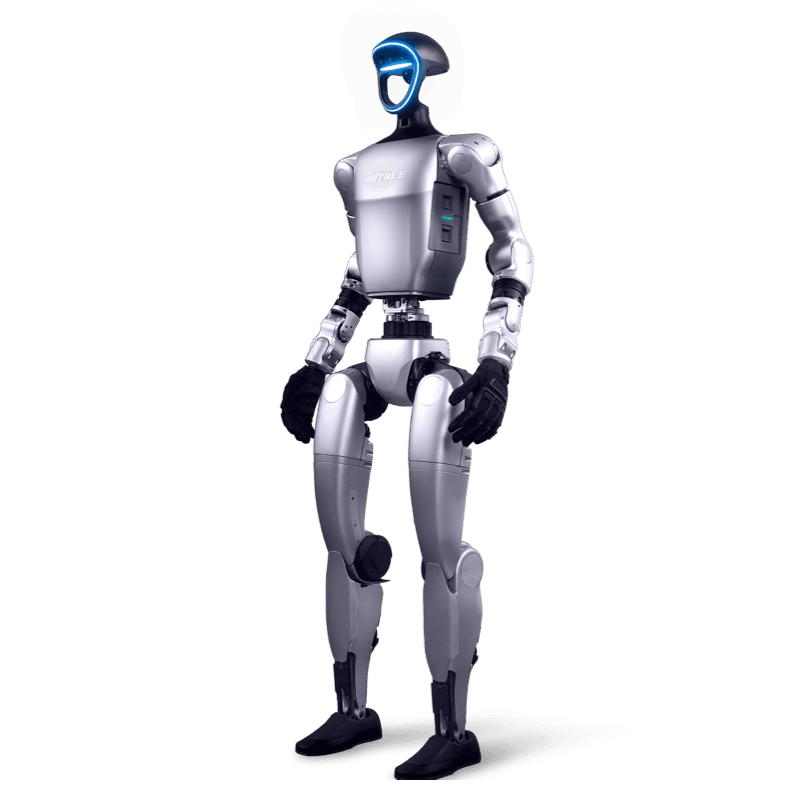
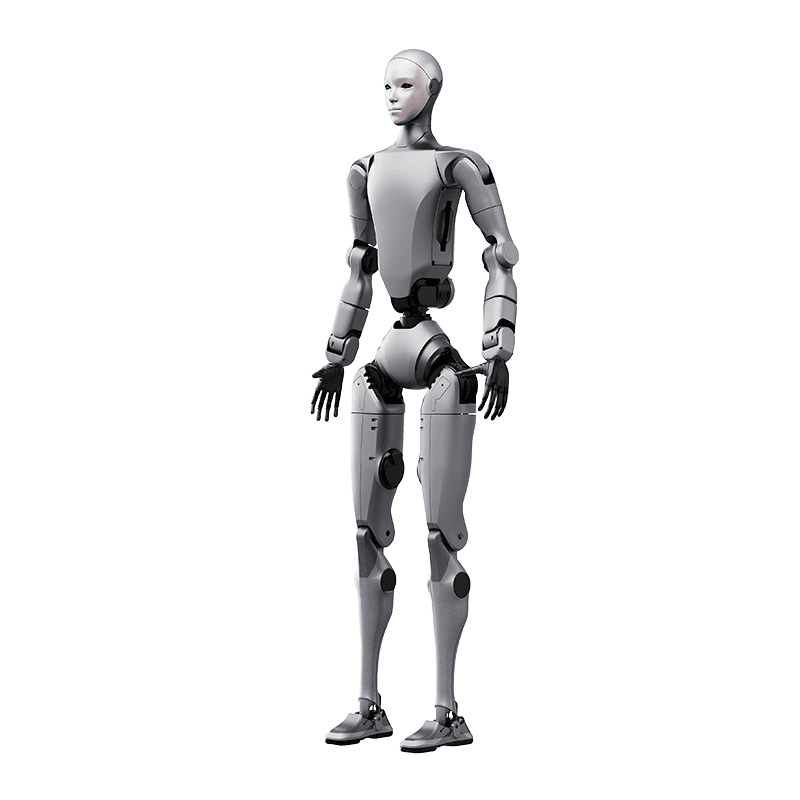
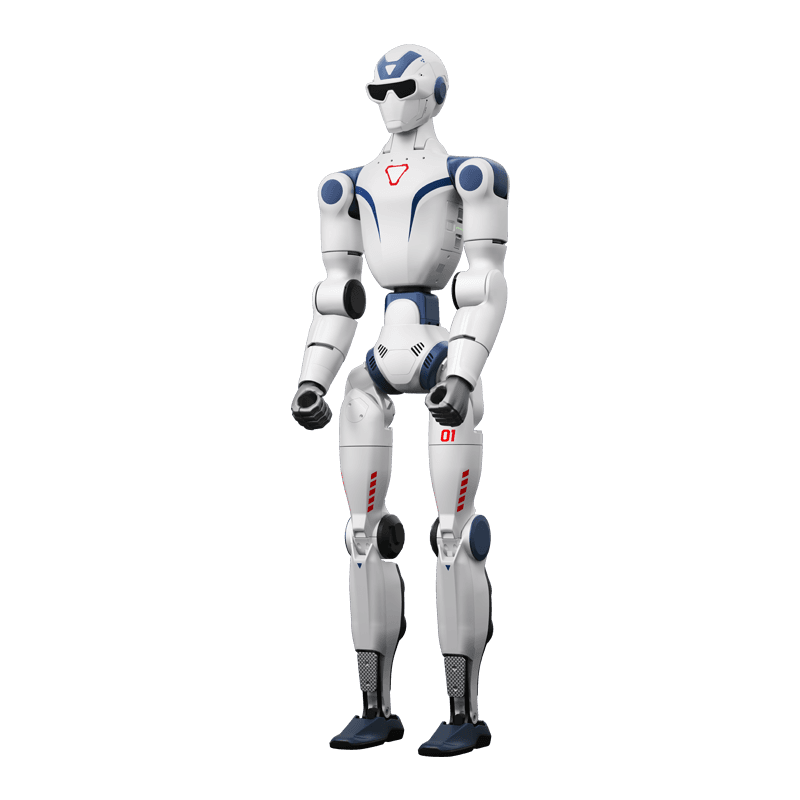
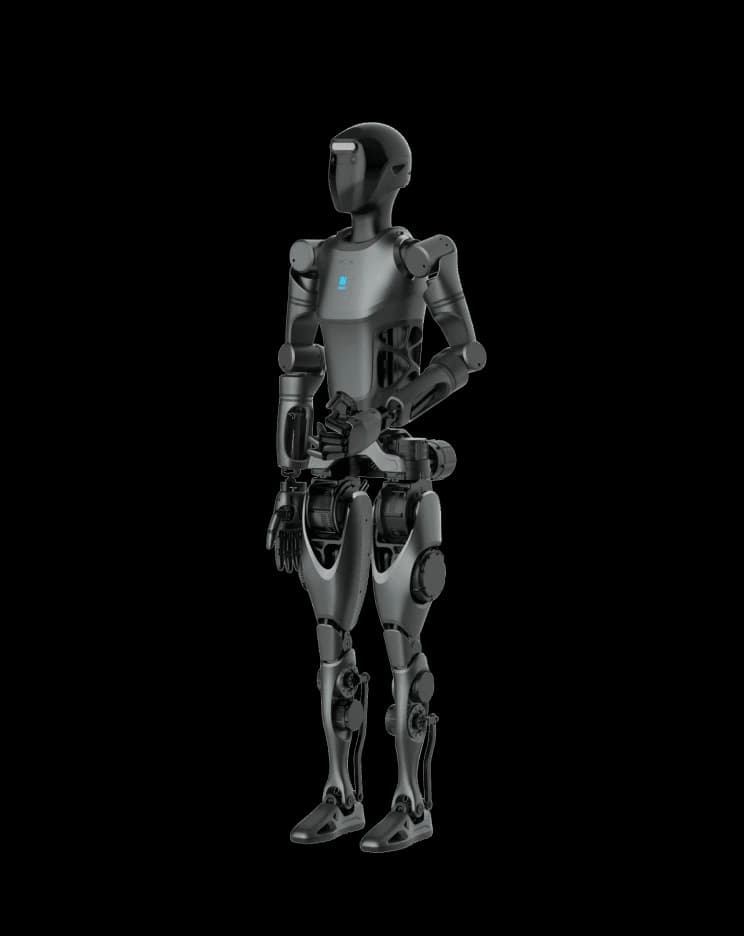
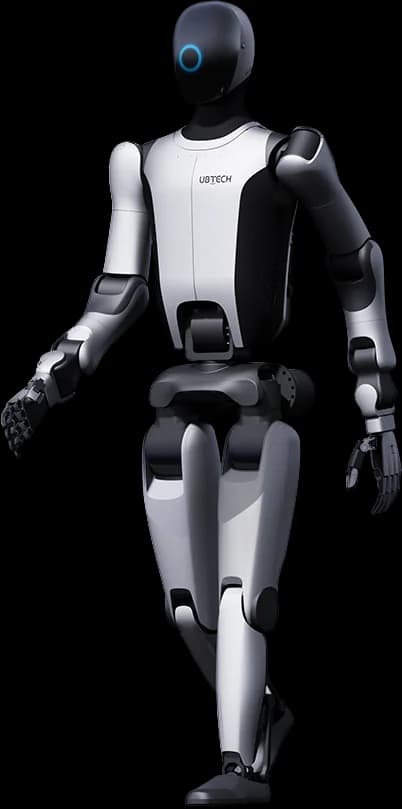
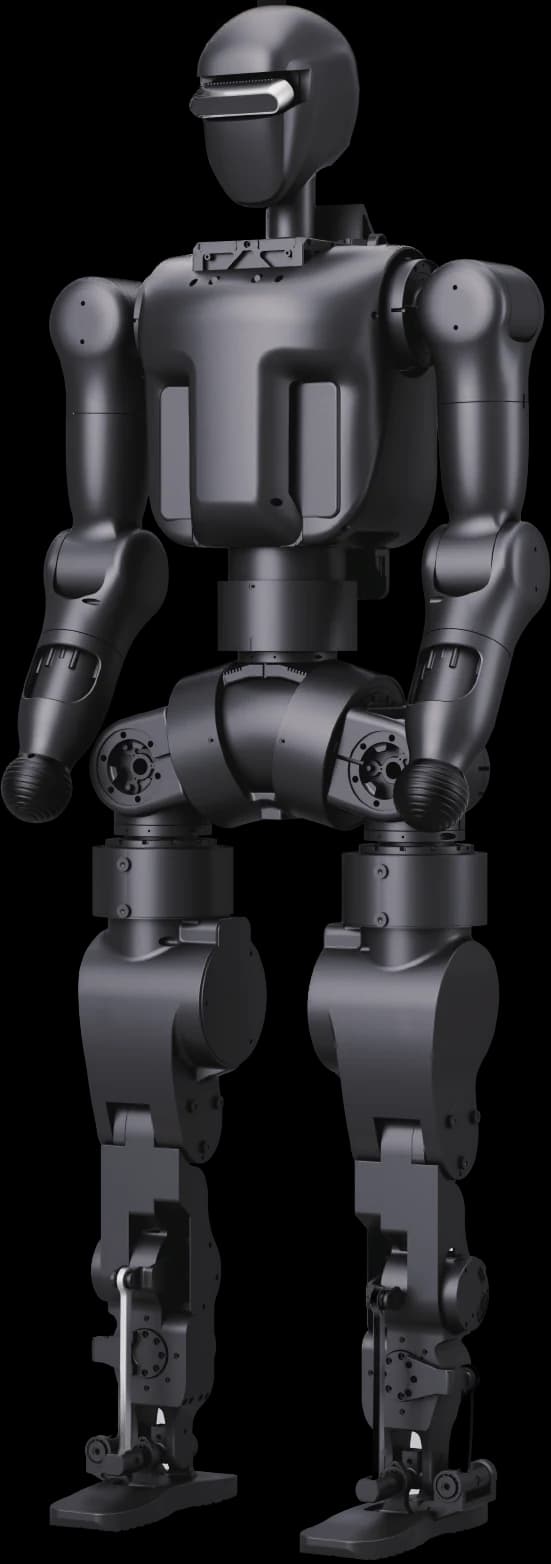
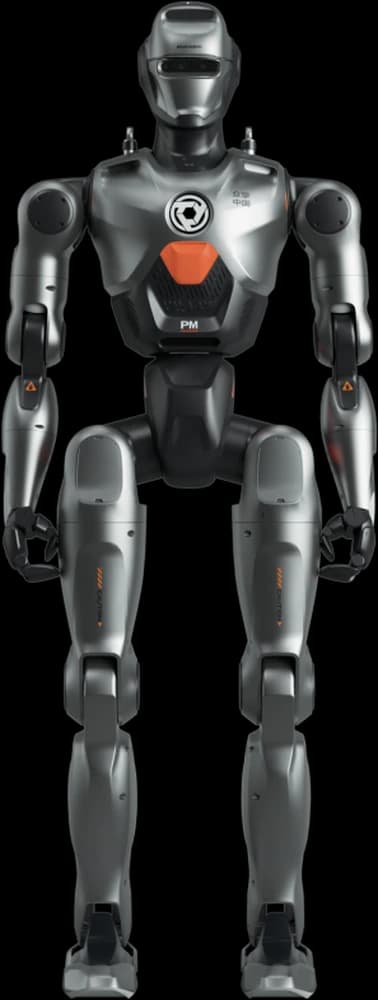
Robotics tooling is largely siloed today: data collection, model training and robot deployment live in separate ecosystems. The goal NVIDIA laid out in the stream (09:01) is to unify this chain into a single workflow. Core building blocks: the open-source reasoning vision-language-action (VLA) model Isaac GR00T 1.7 (announced with Hugging Face, 01:35), the Isaac Teleop framework and the Isaac Lab Arena simulation stack. Reference hardware platform: the Unitree G1 humanoid robot.
Step 1 — Environment Setup: Isaac Lab Arena and the Physical Cell
On the simulation side, a virtual scene is built with Isaac Lab Arena on Isaac Lab: robot, table, apple, plate and parametric success criteria (12:19). On the real-world side, the physical G1, table and cameras are positioned and Ethernet links are set up (13:15). Mirroring the two environments is the foundation of sim-to-real transfer.
Step 2 — Data Collection: Isaac Teleop with Pico VR
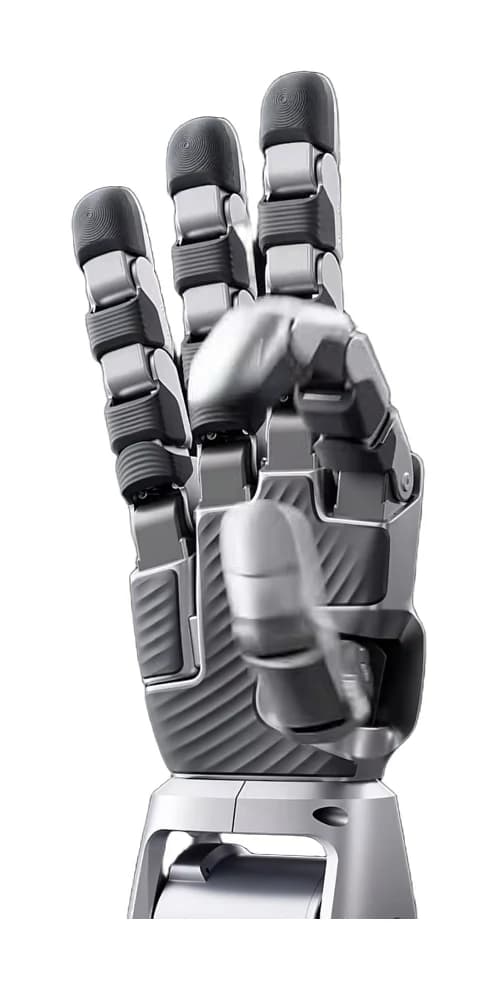
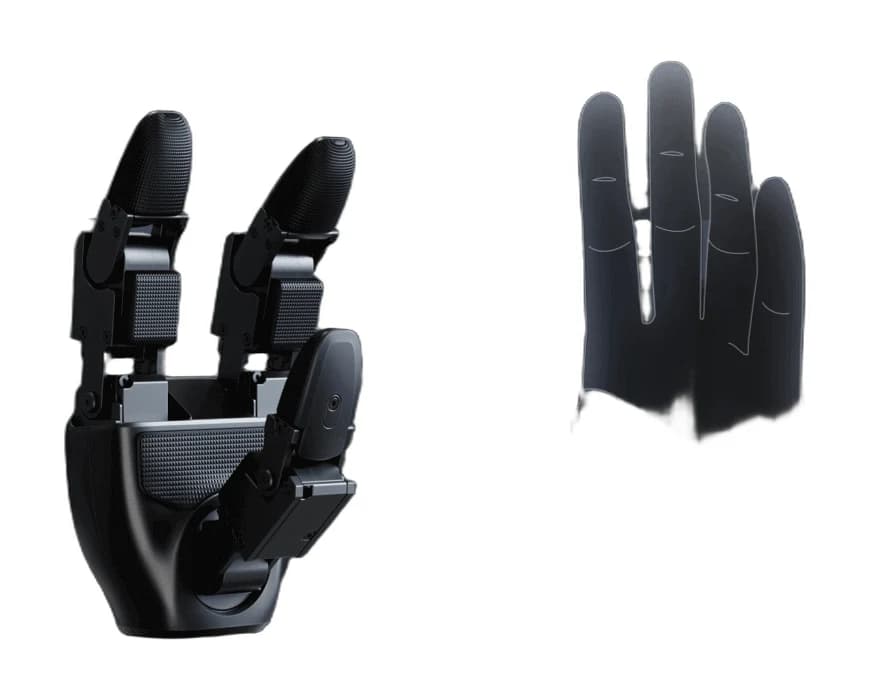
Demonstration data is collected by teleoperating the robot — in sim or in the real world — with a Pico VR headset and controllers (14:24). Each G1 hand's 7 degrees of freedom can be driven independently from the VR controller (48:29). Recordings are stored as HDF5 and converted to the LeRobot format for training (14:55). For the apple-to-plate task in the stream, 400 successful episodes across sim + real were sufficient (24:52).
Step 3 — Training the GR00T 1.7 Model (Co-training)
GR00T 1.7 carries two core components: the Cosmos Reasoning VLM for visual understanding and a Diffusion Transformer that generates actions (15:20). Sim and real-world data are combined (co-training) to fine-tune the model; H100-class cloud GPUs can be used for training (17:12). Teams without a robot can run this stage entirely in the cloud.
Step 4 — Evaluation in Simulation
Before loading onto the real robot, the trained policy is tested in Isaac Lab Arena (18:02): parameters such as the apple's position are randomized to measure robustness (18:36). The NVIDIA team reported reaching a 90-92% success rate in simulation on this task (34:50). This stage enables iteration without risking expensive hardware.
Step 5 — Real Robot Deployment: Jetson Thor + Isaac ROS
The model file is converted and deployed via Isaac ROS to the Jetson Thor on the G1 (20:36); the deployment stack runs in a Docker container (30:21). A decoupled whole-body controller (WBC) with independent lower-body and upper-body controllers is used (32:01). In the live demo, the G1 successfully grasped the apple from the table and placed it on the plate (32:27).
Safety and Scope Notes
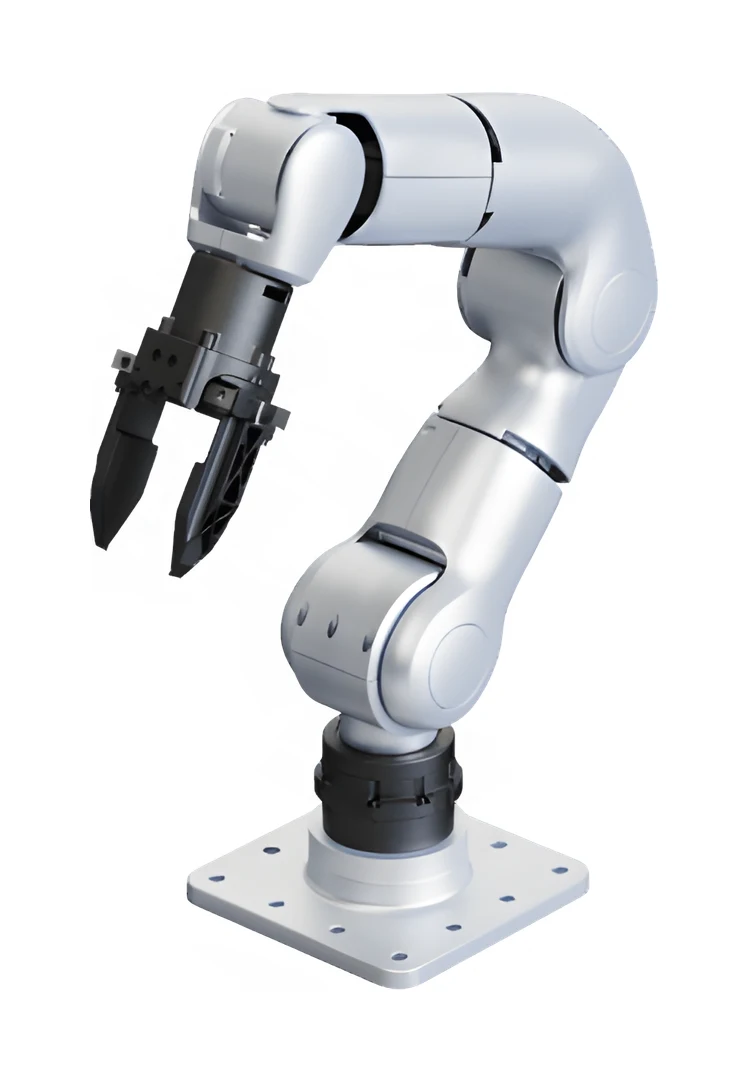
Alongside simulation testing, the team emphasized that emergency stop buttons and software safety barriers are indispensable in the physical cell (27:18). The workflow is not limited to humanoids: the same pipeline can be adapted to robotic arms and other manipulators (23:48). Combining sim and real data is an active area of development at NVIDIA (42:23).
Building This Pipeline in Turkey with the G1 EDU
Everything in the stream's pipeline — motor-level control, Python SDK, ROS2, Isaac Sim/Isaac Lab compatibility and the onboard Jetson compute module — is the standard capability set of the Unitree G1 EDU; see the G1 SDK & Hardware Guide for hardware details. As the authorized Turkey distributor, Robotlar.org includes installation, ROS2/SDK configuration, lab setup and researcher training; check the G1 pricing page or request a quote with the form below.
Advice for Newcomers from the NVIDIA Team
Closing the stream, the team gave three pieces of advice for newcomers (01:00:17): (1) However capable AI tools become, learn classical control theory (PID, LQR), linear algebra and differential equations thoroughly. (2) Start developing in simulation (Isaac) with a GPU before buying an expensive robot (01:01:02). (3) Build your own projects and learn by making mistakes (01:01:39). Planning a university lab? See our Robotics Education Lab guide.
