
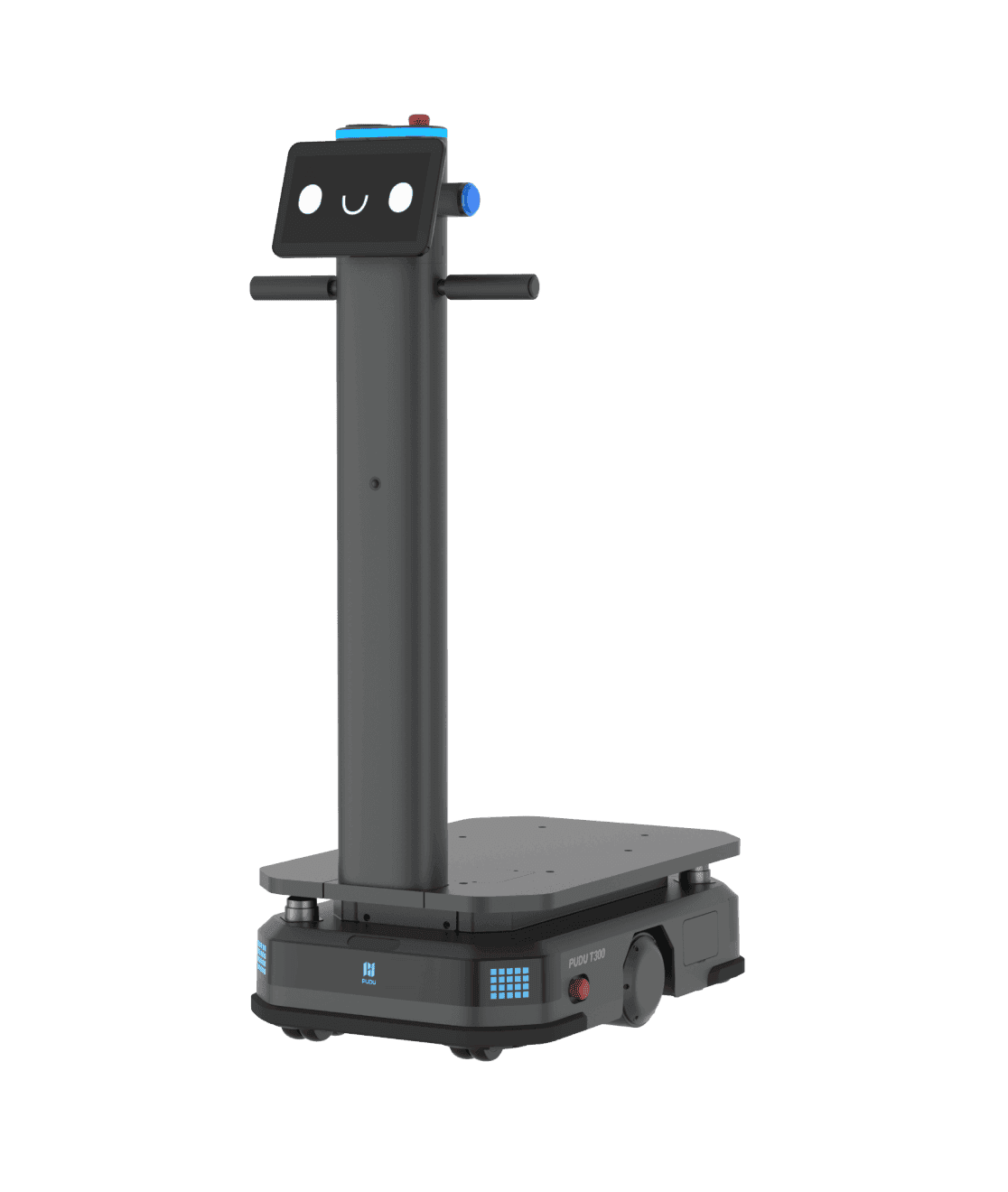
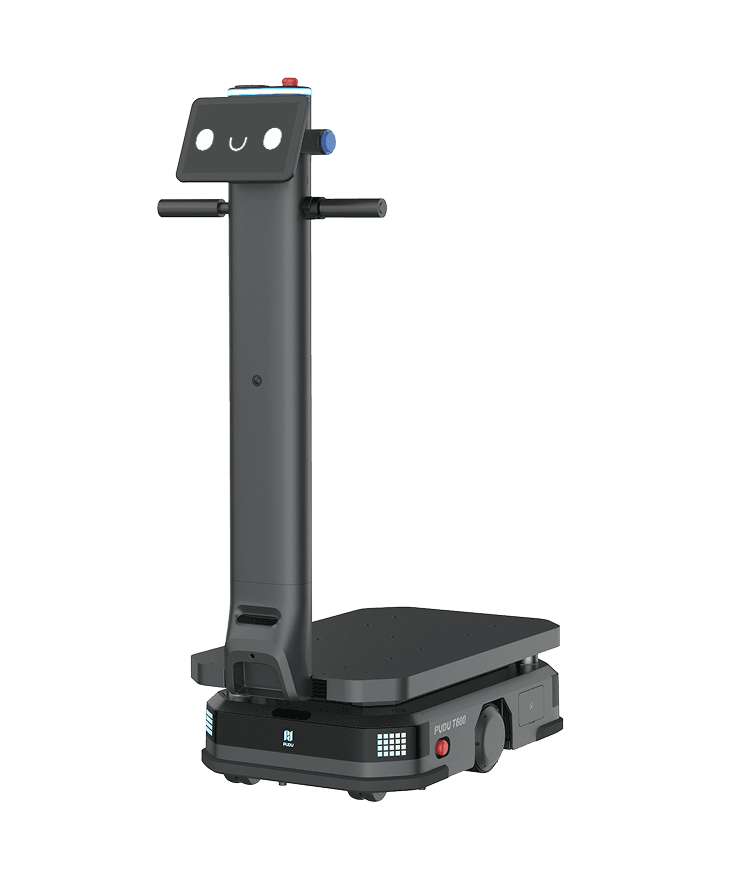
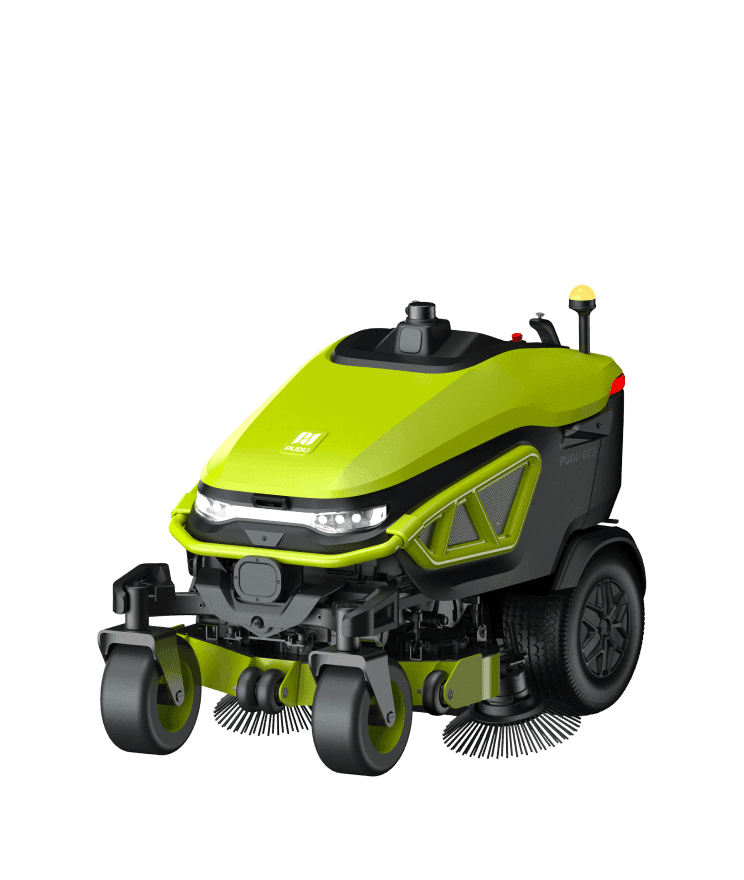
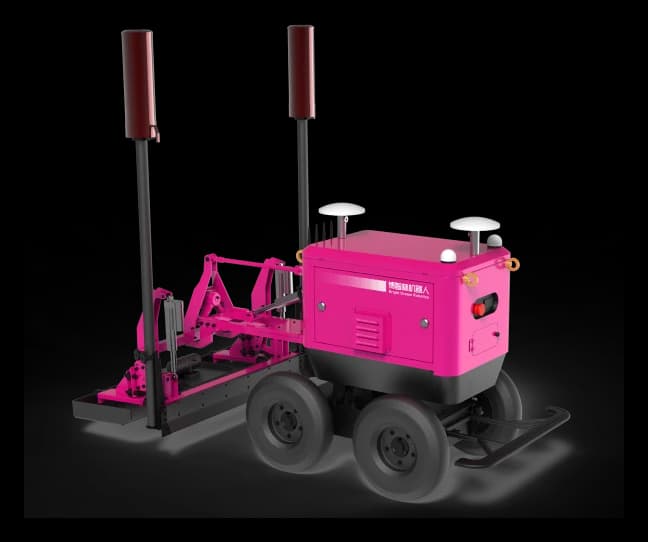
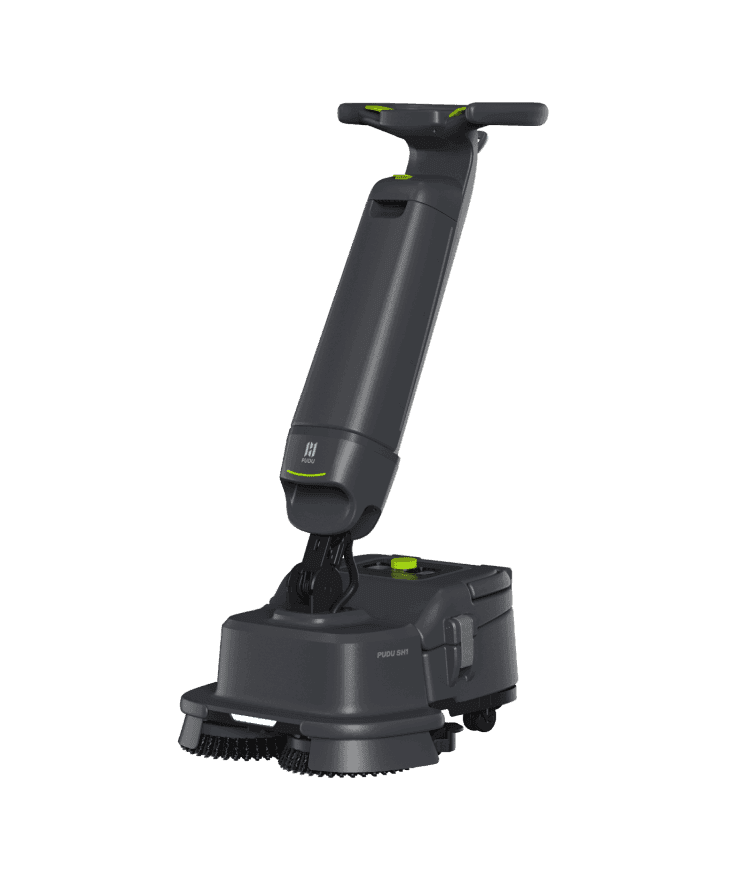
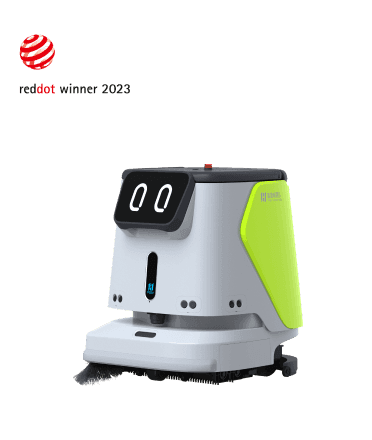
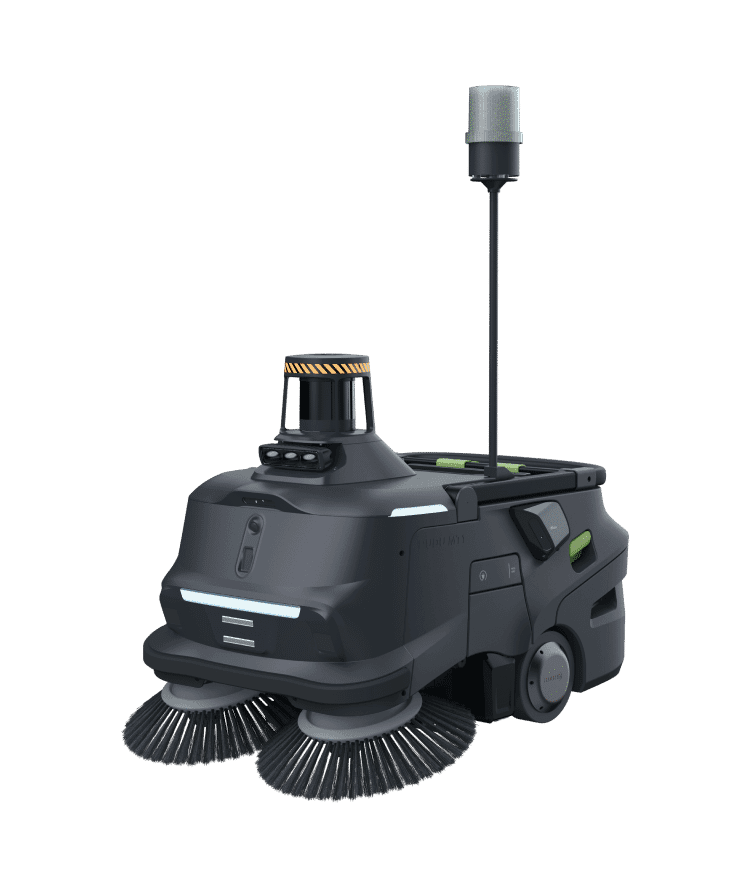
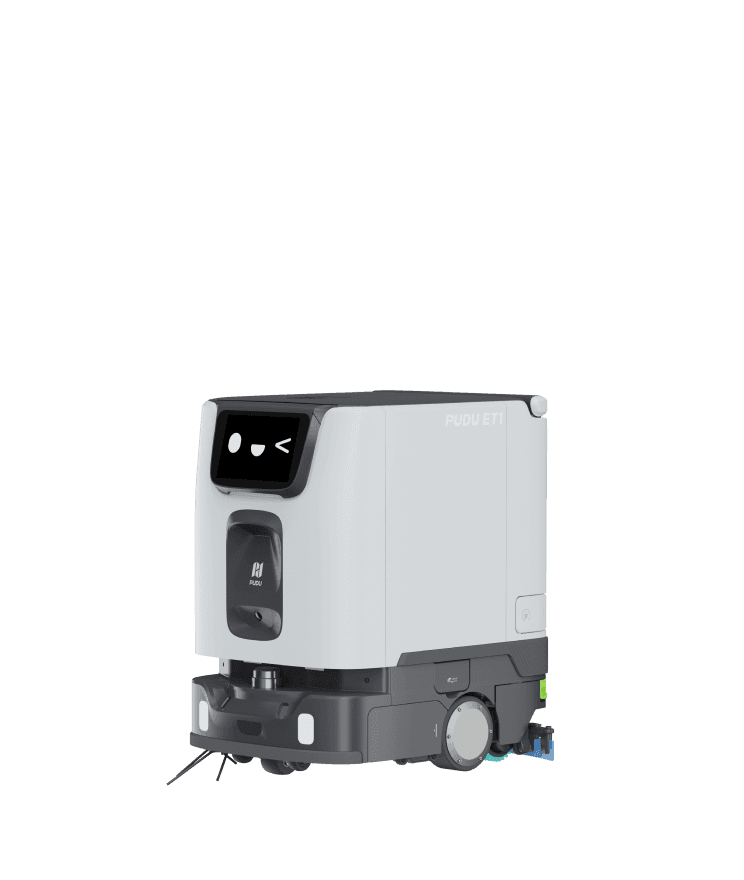
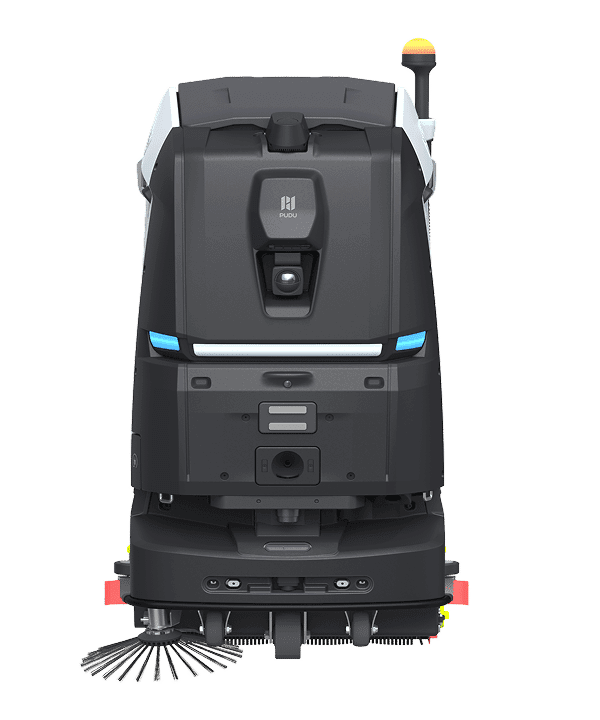
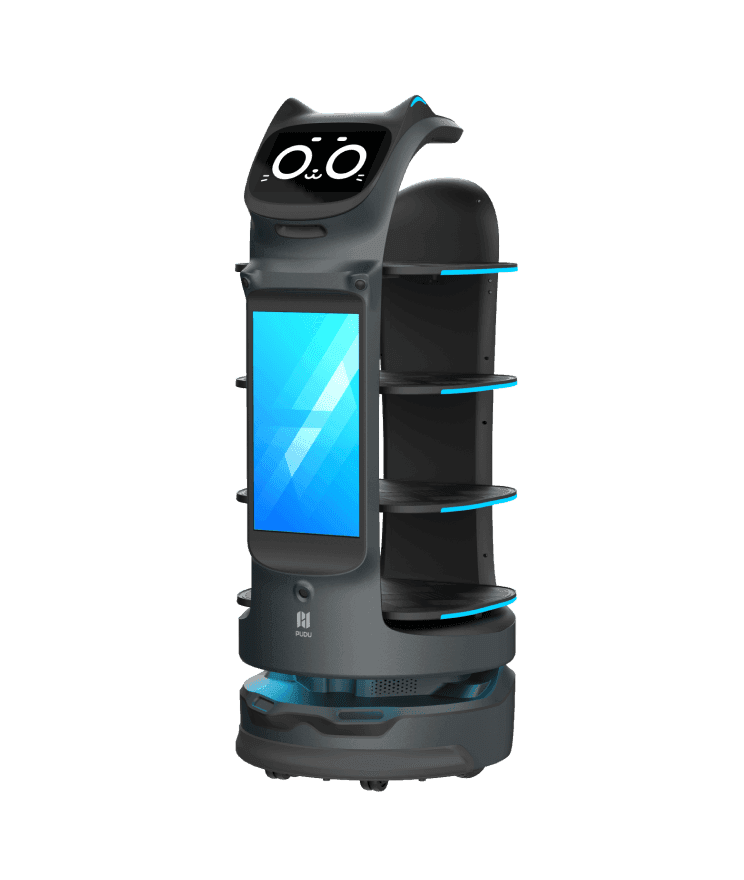
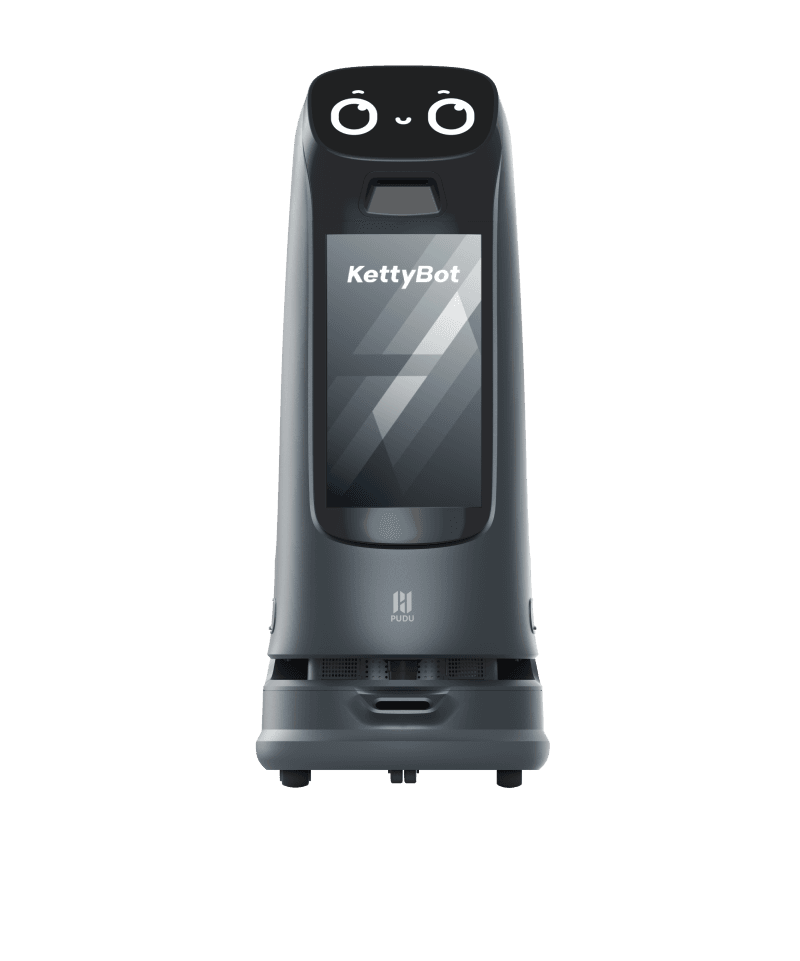
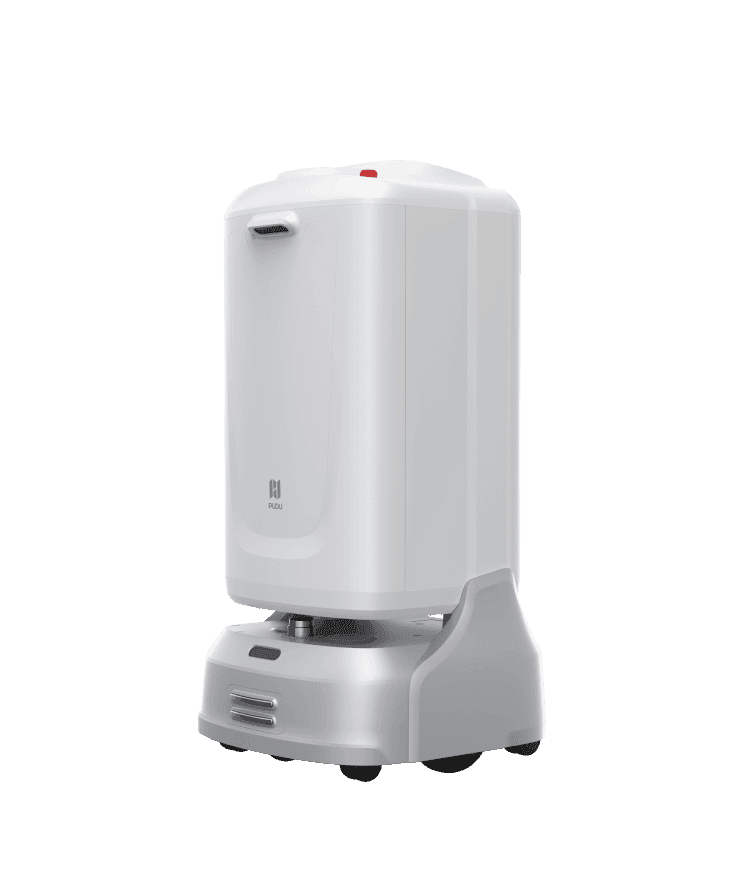

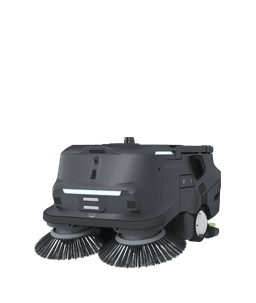
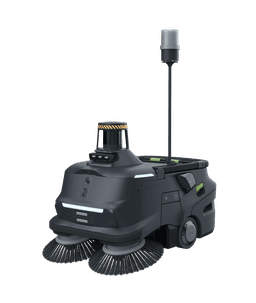
Initial Setup & Preparation
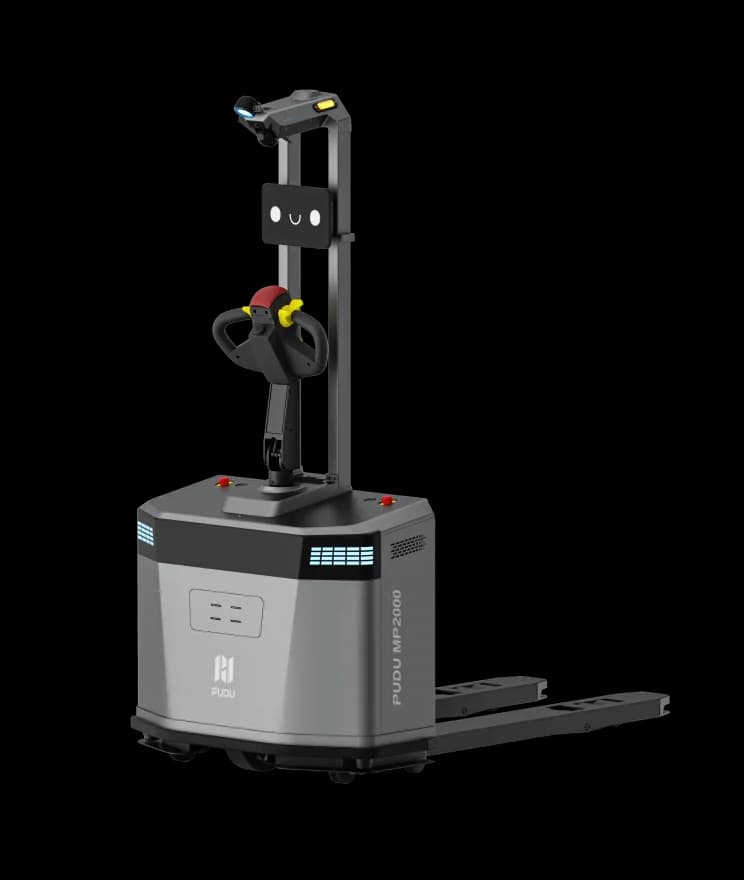
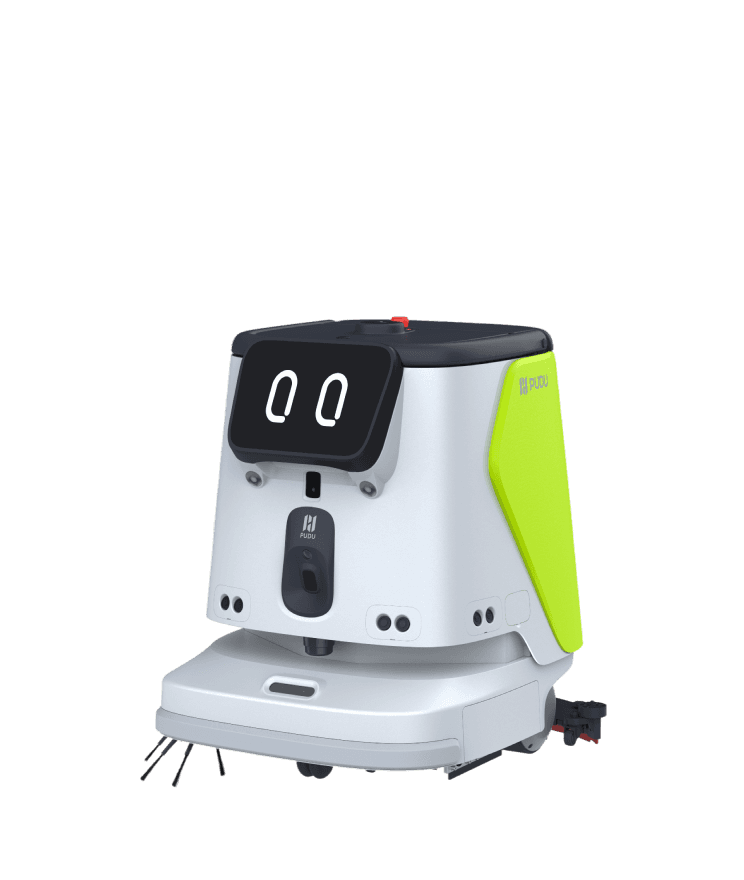
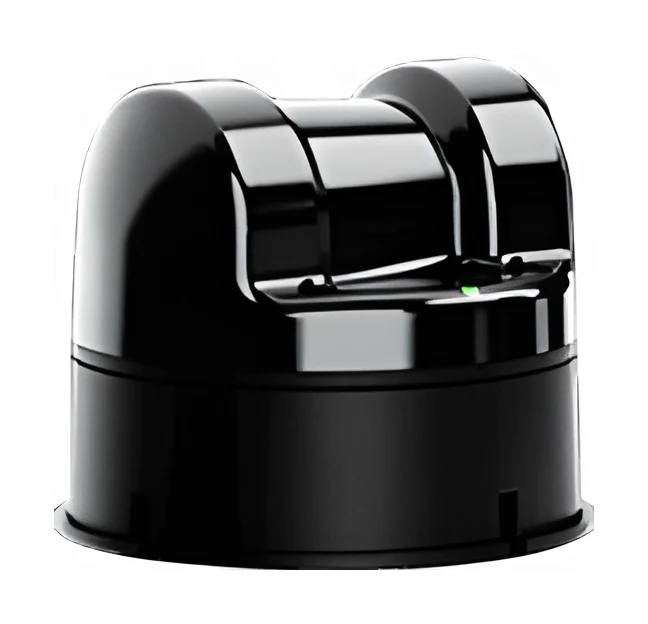
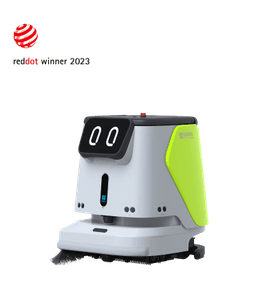
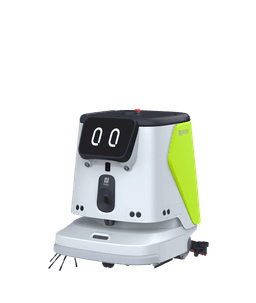
After unboxing your Pudu cleaning robot, place the charging station in a suitable location. Charge the robot fully. Robotlar.org's installation team surveys your venue for SLAM mapping and creates a digital map during initial setup.
Mapping & Route Planning
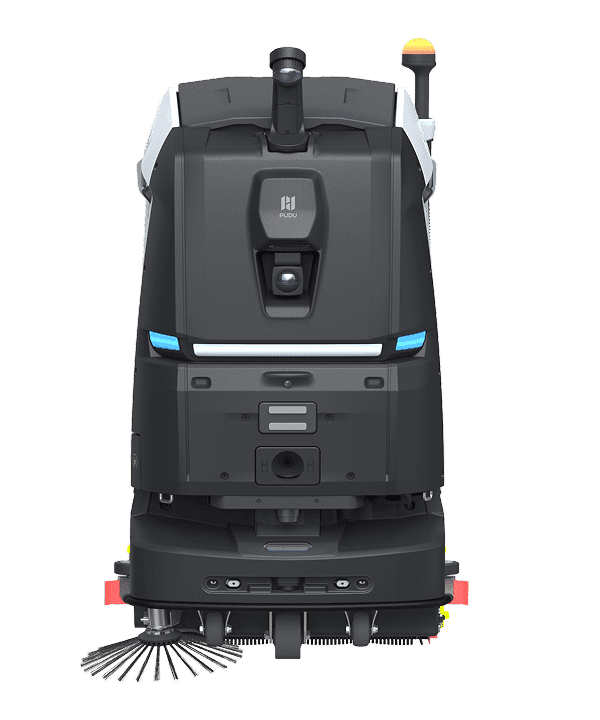
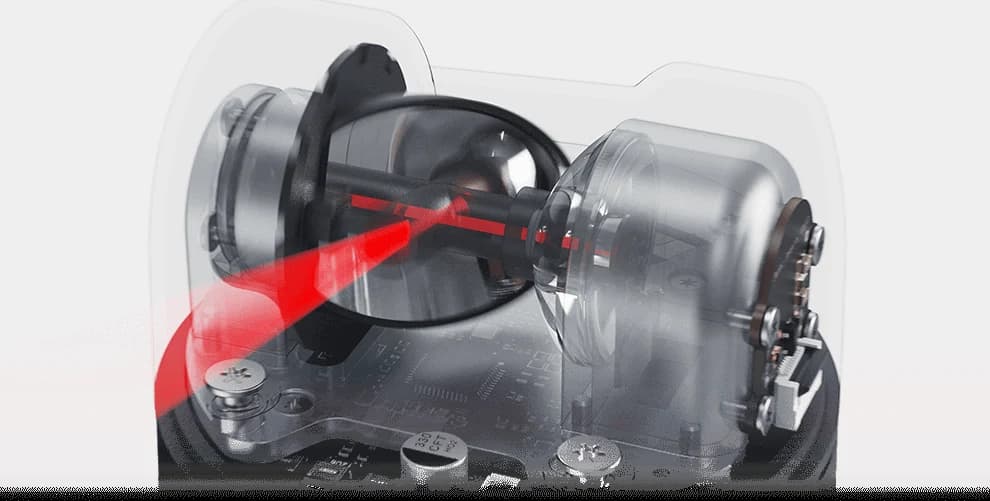
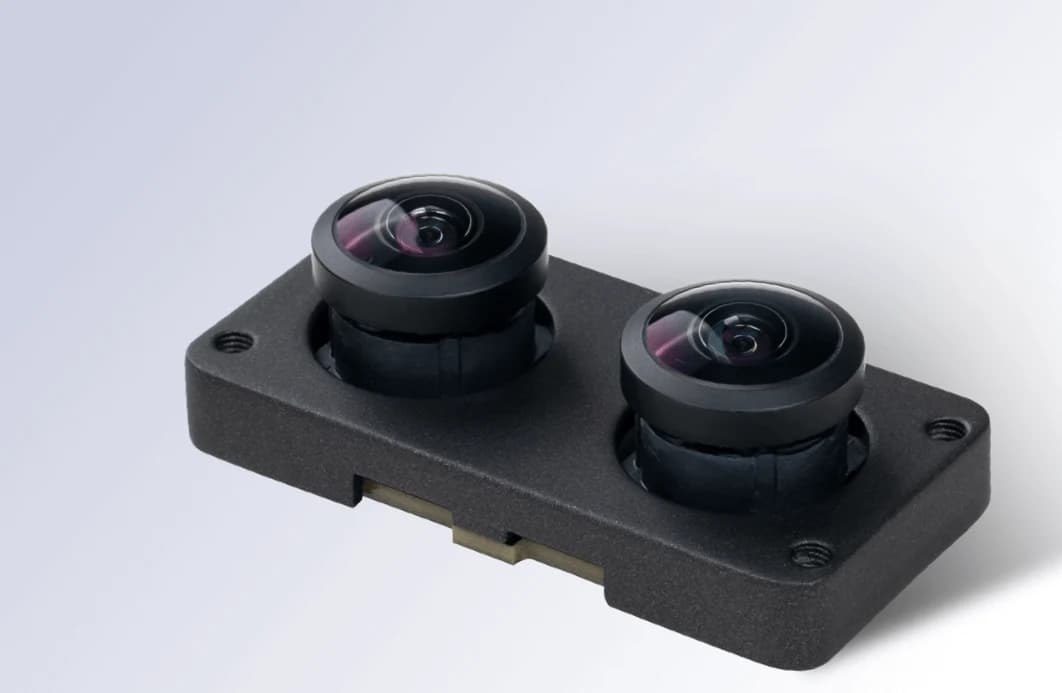
The robot creates a 3D map of your venue using LiDAR and camera sensors. Cleaning zones, restricted areas and charging station points are marked on the map. Separate maps are created for each floor in multi-story buildings. Robotlar.org handles mapping free of charge during installation.
Daily Use
The robot automatically starts cleaning according to the set schedule. It adjusts cleaning intensity based on dirt level. Ensure corridors are clear of obstacles for unobstructed passage. Press the emergency stop button on the robot in emergency situations.
Remote Monitoring & Fleet Management
All Pudu cleaning robots can be remotely monitored via the Robotlar.org cloud panel. Cleaning reports, battery status, maintenance reminders and error notifications are automatically sent to the panel. Central management panel is used for multi-robot fleets.
Periodic Maintenance
Regular cleaning of brushes and pads, emptying the water tank and wiping sensors maintain robot performance. Robotlar.org provides periodic maintenance service and original spare parts supply. Maintenance intervals are 2-4 weeks depending on usage intensity.