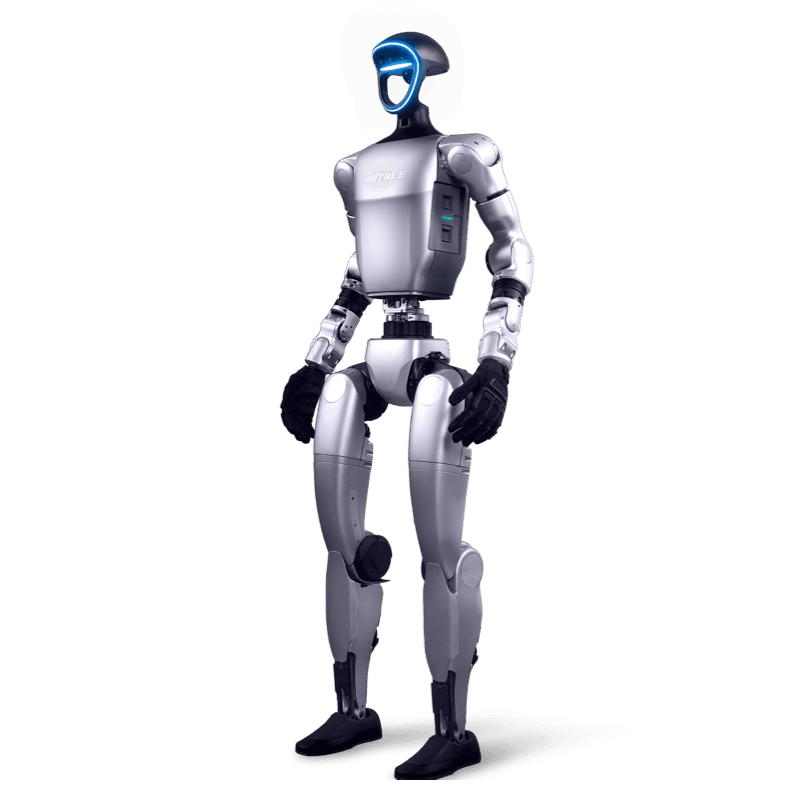
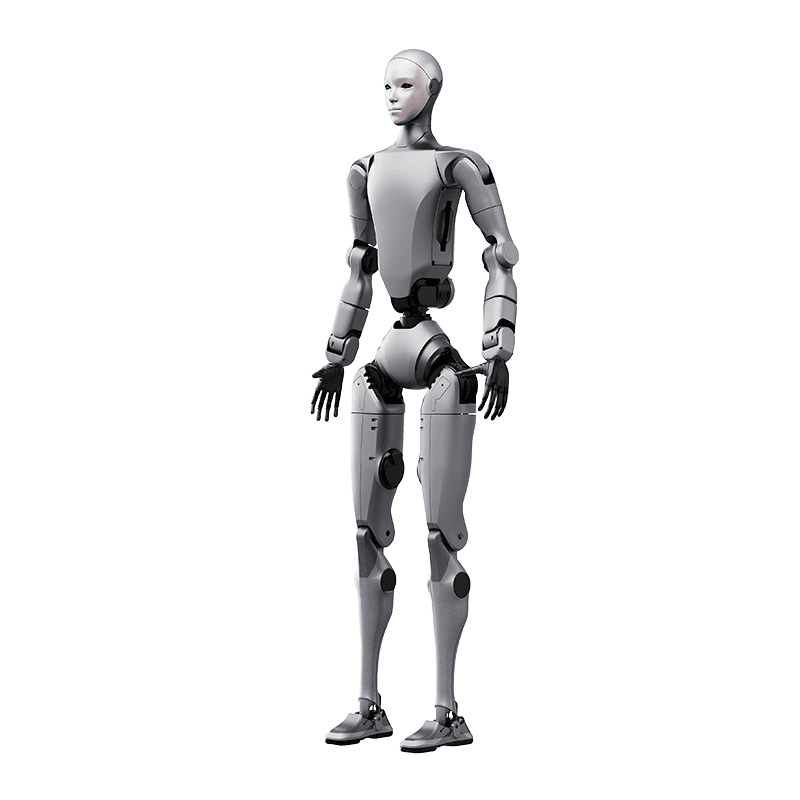
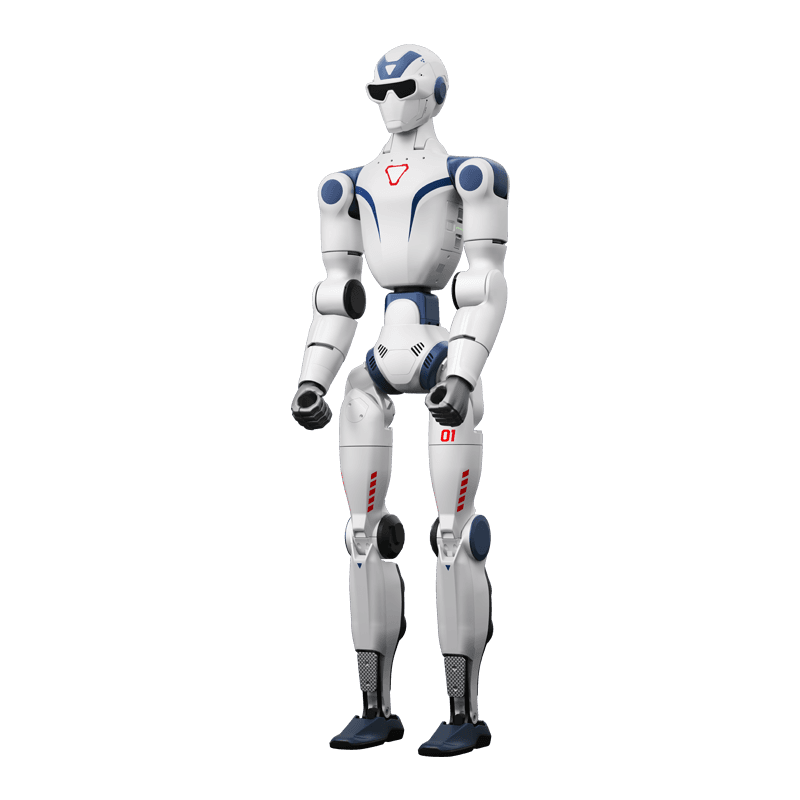
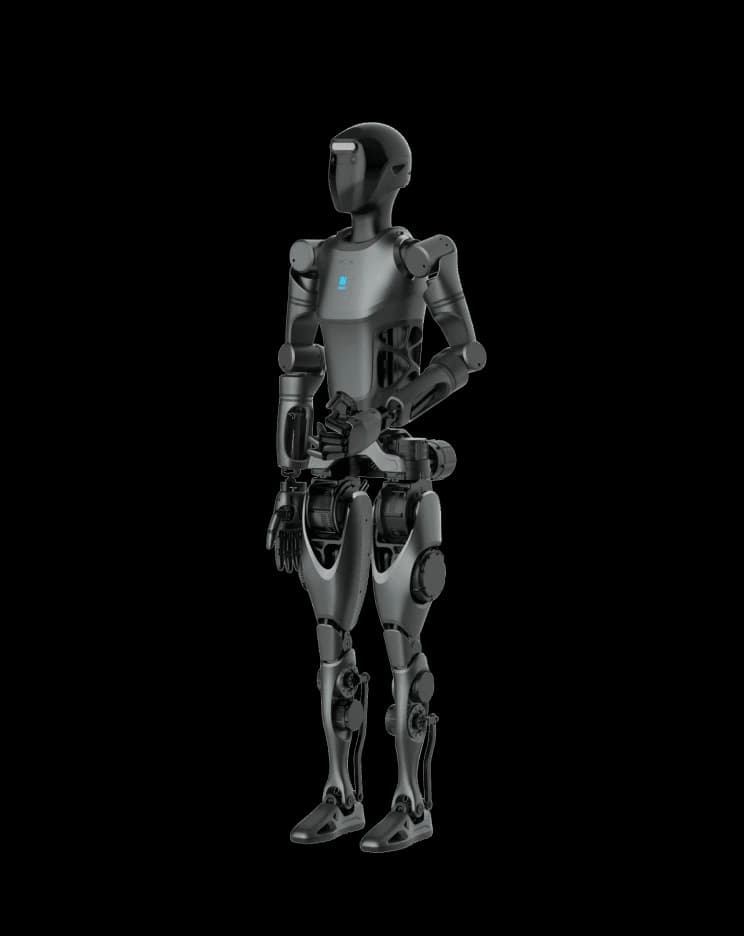
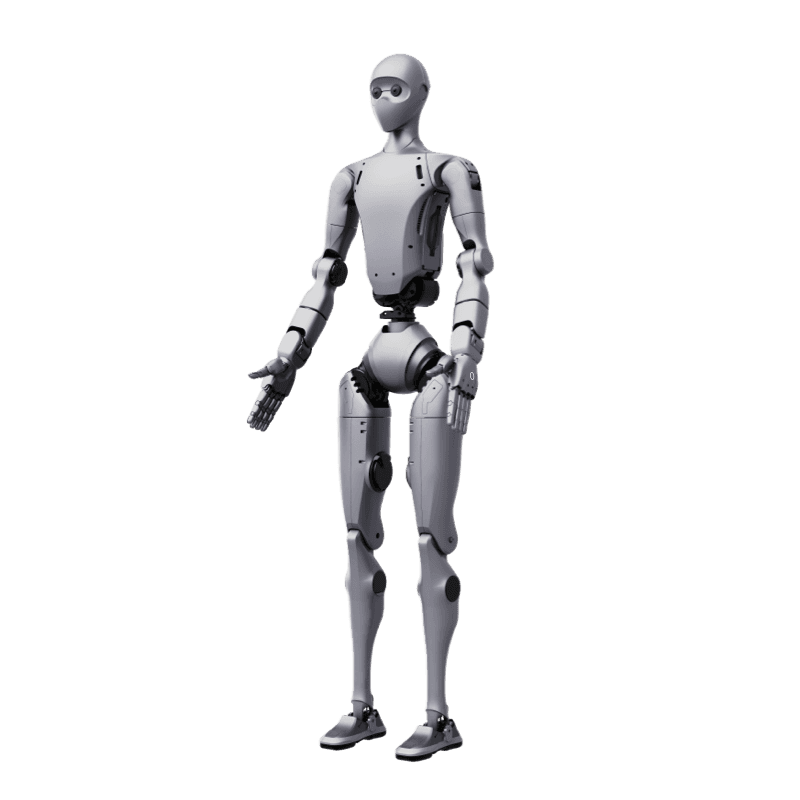
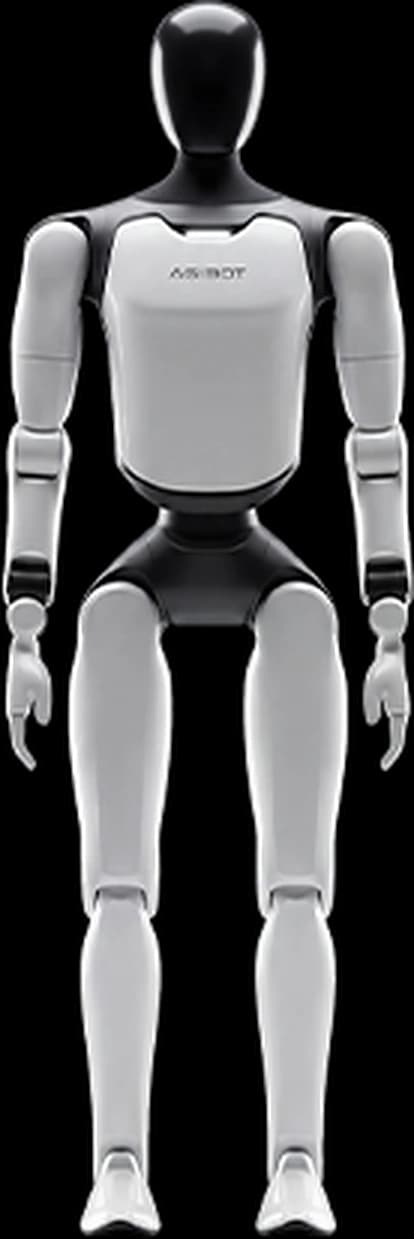
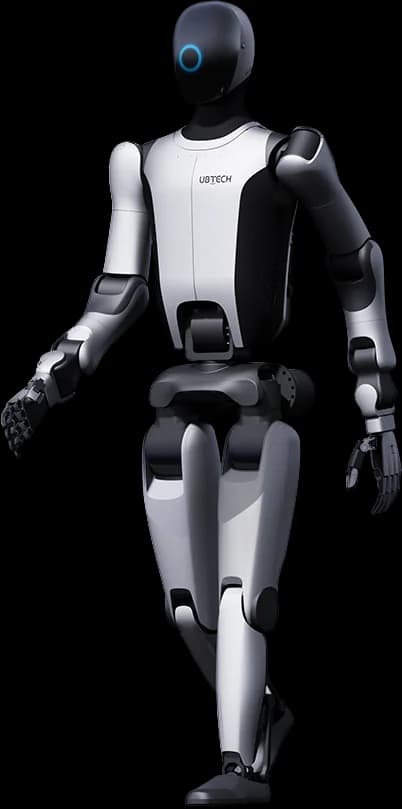
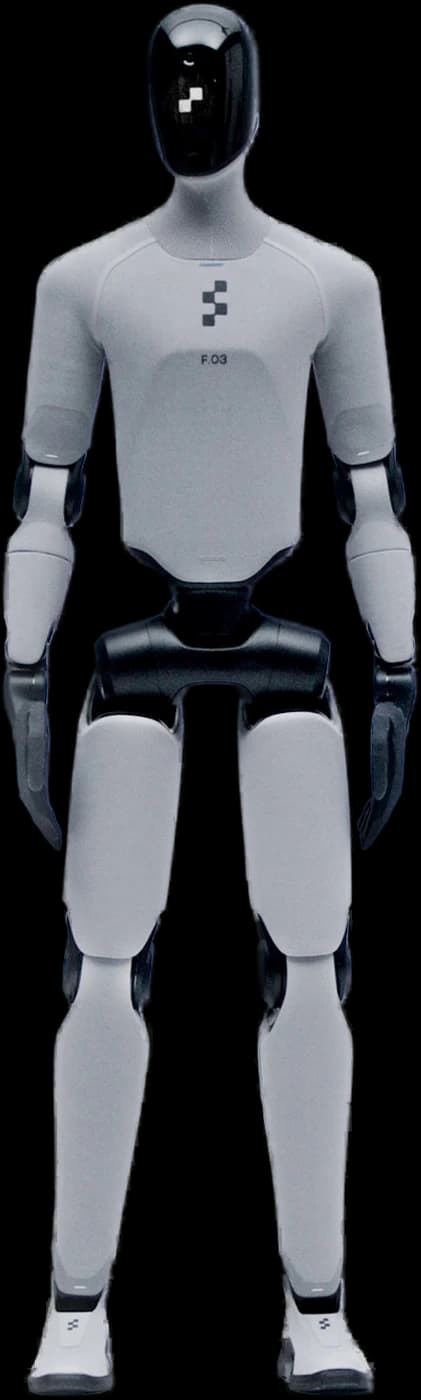
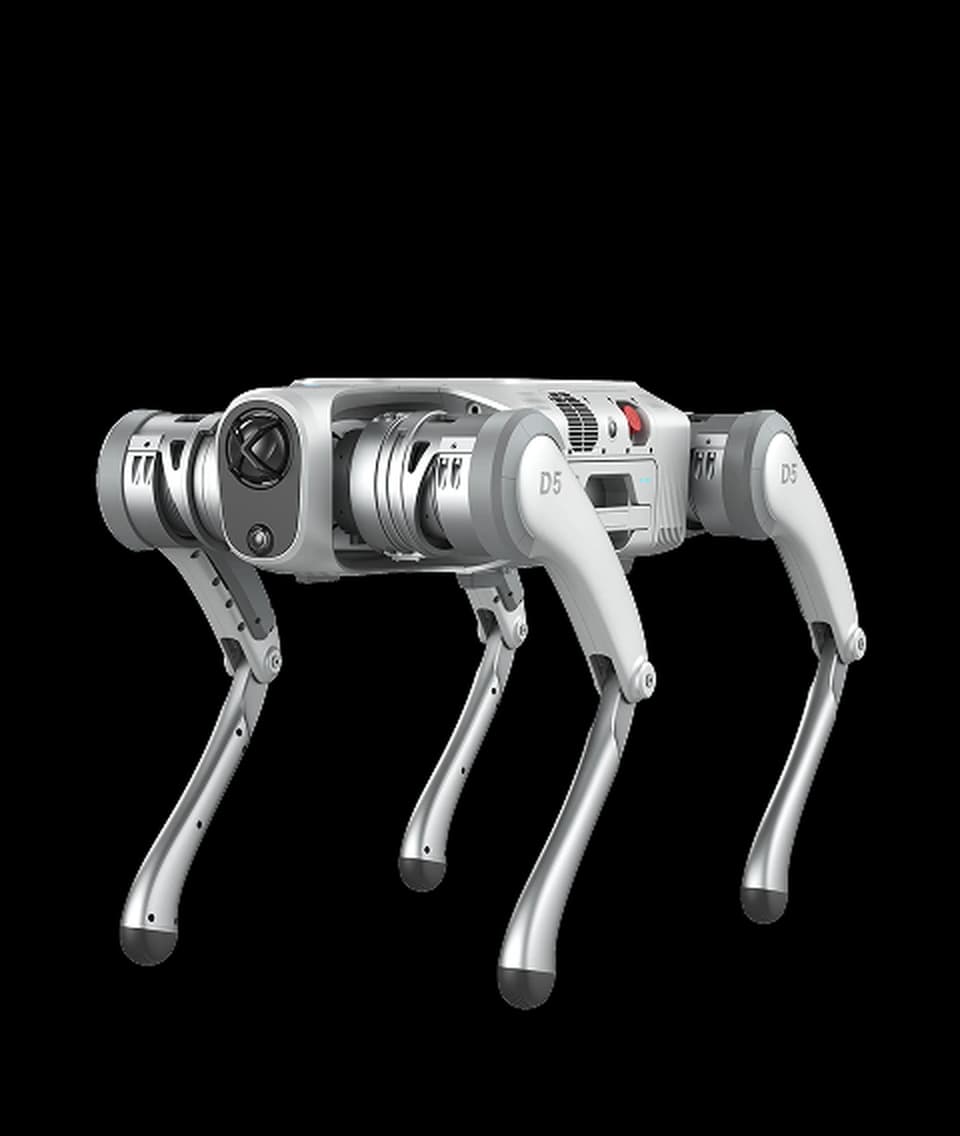
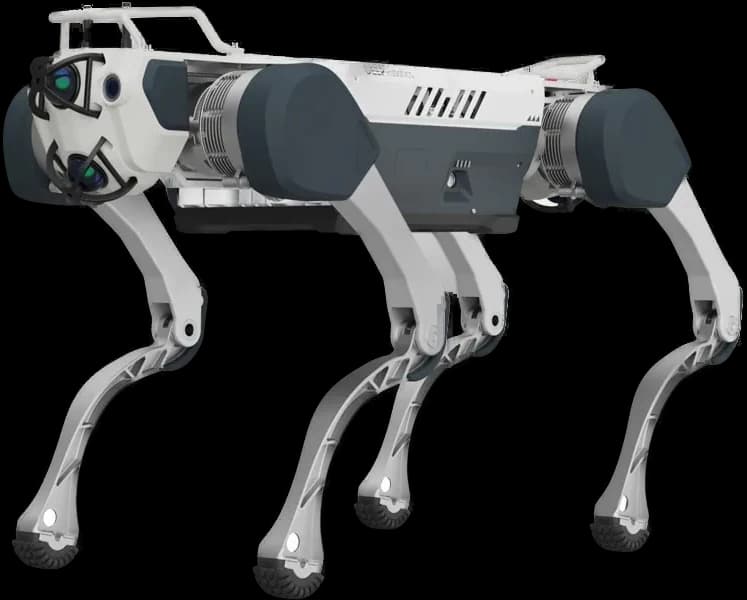
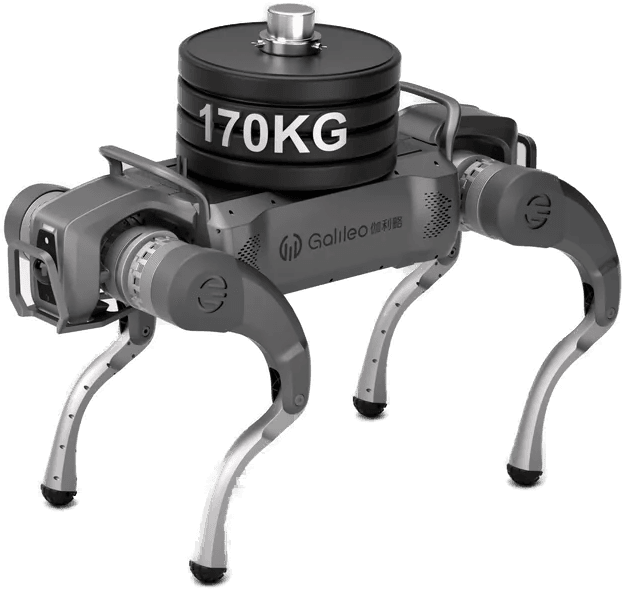
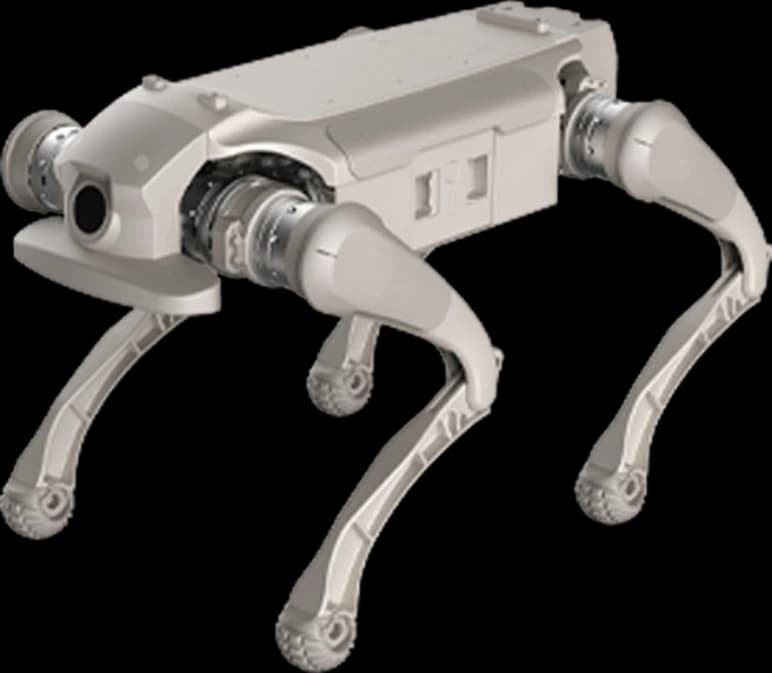
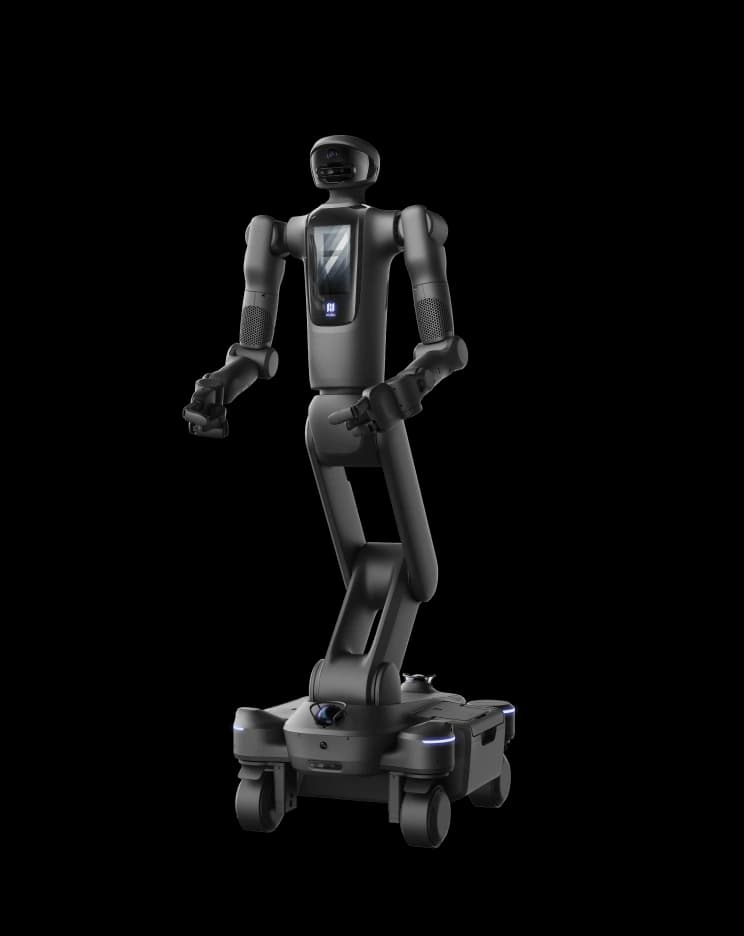
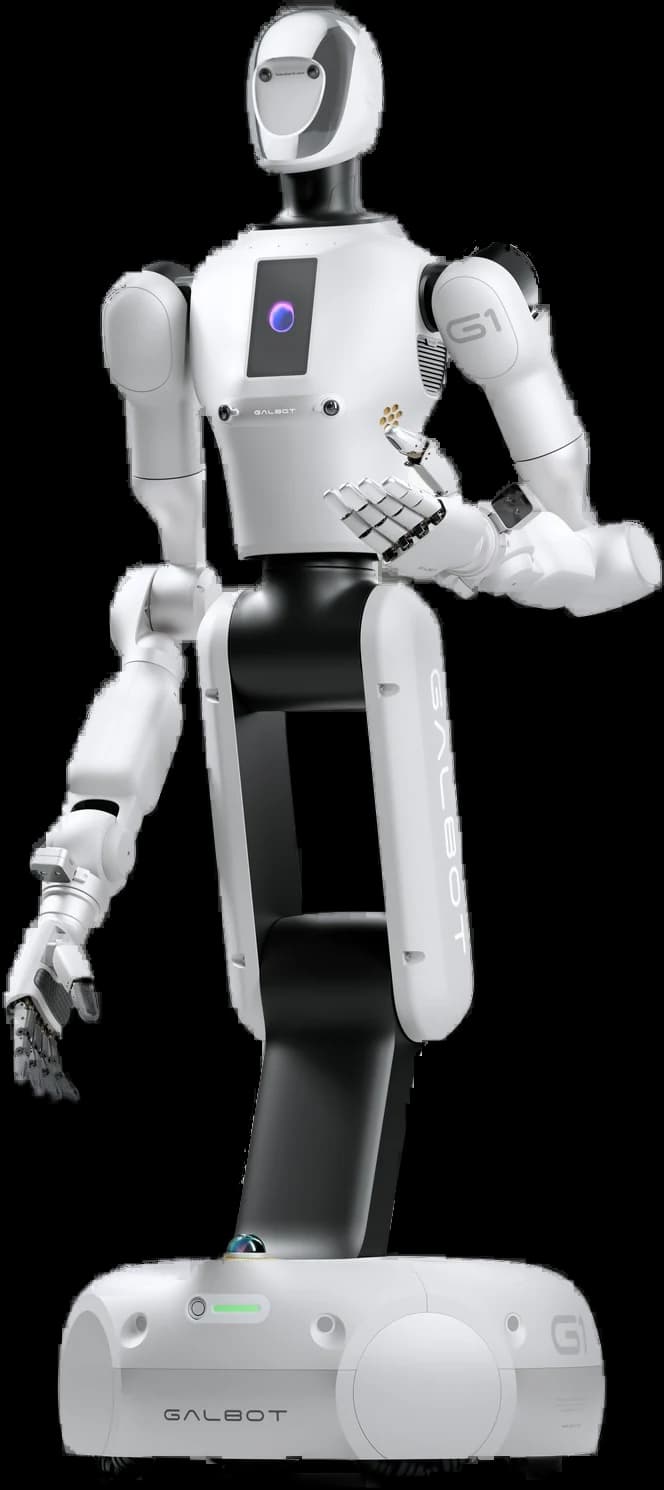
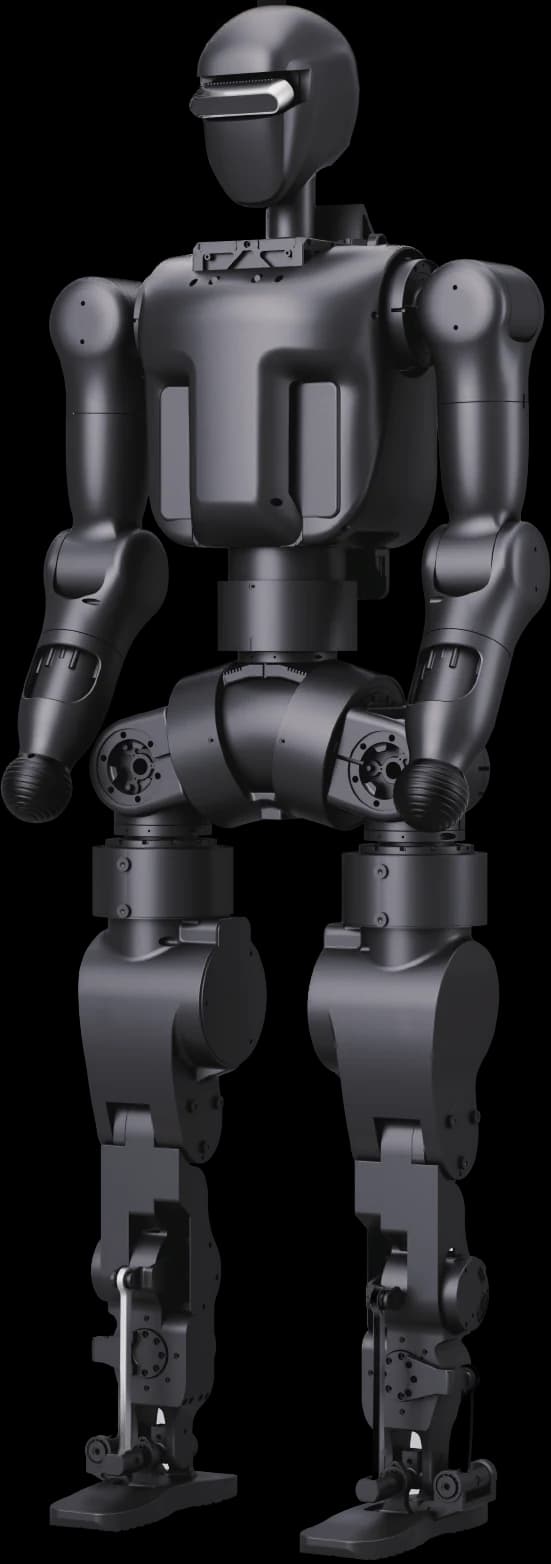
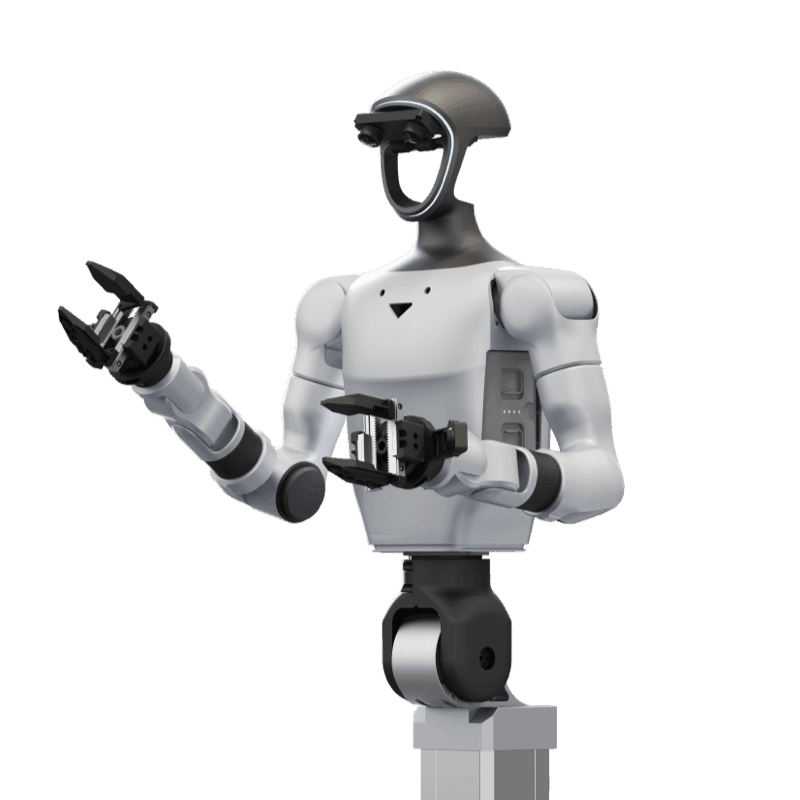
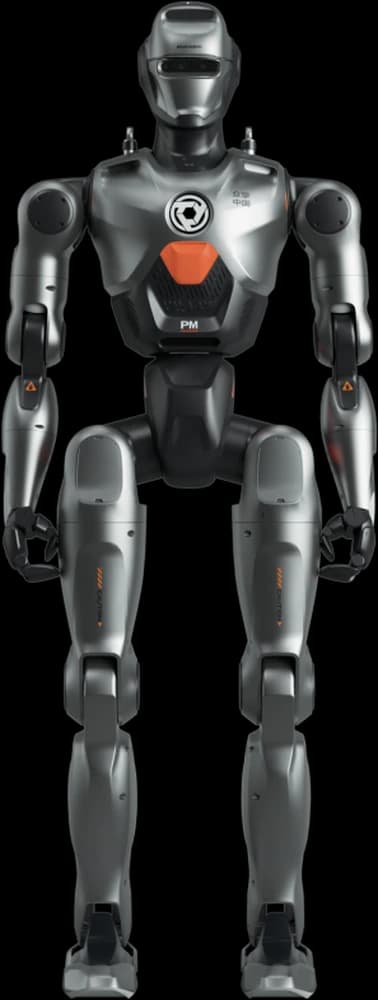

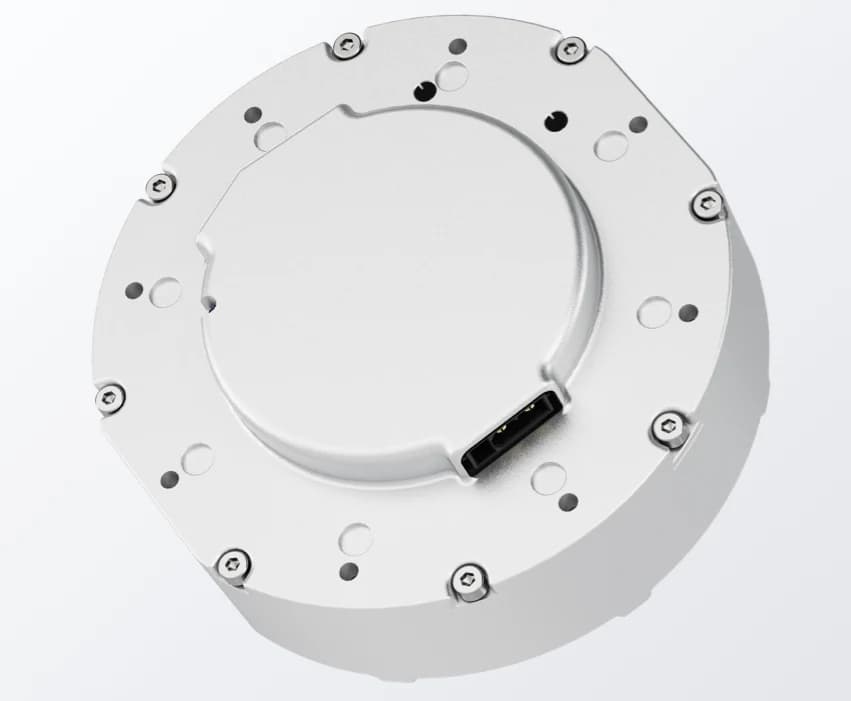
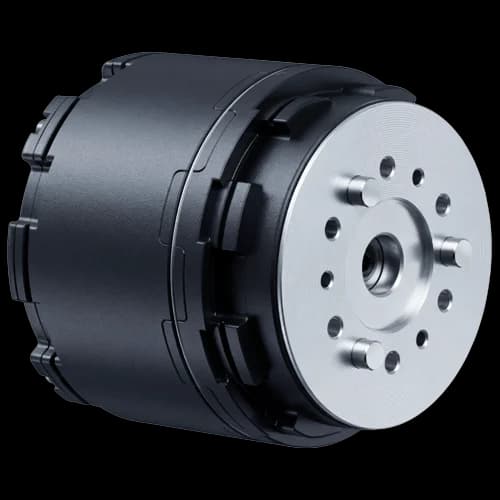

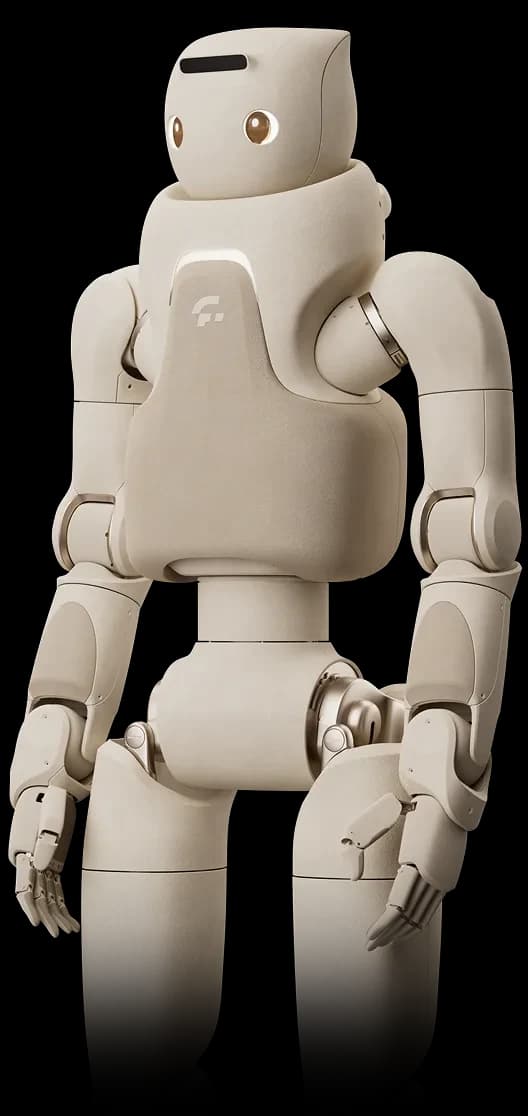
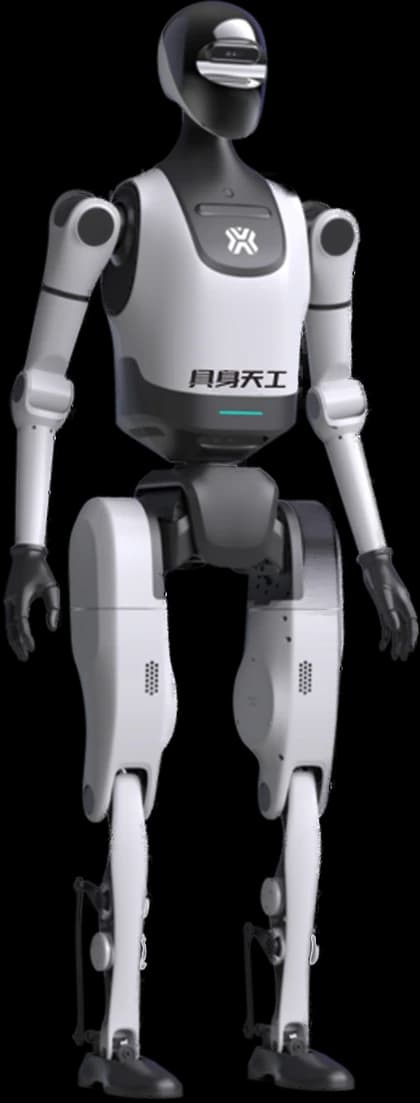
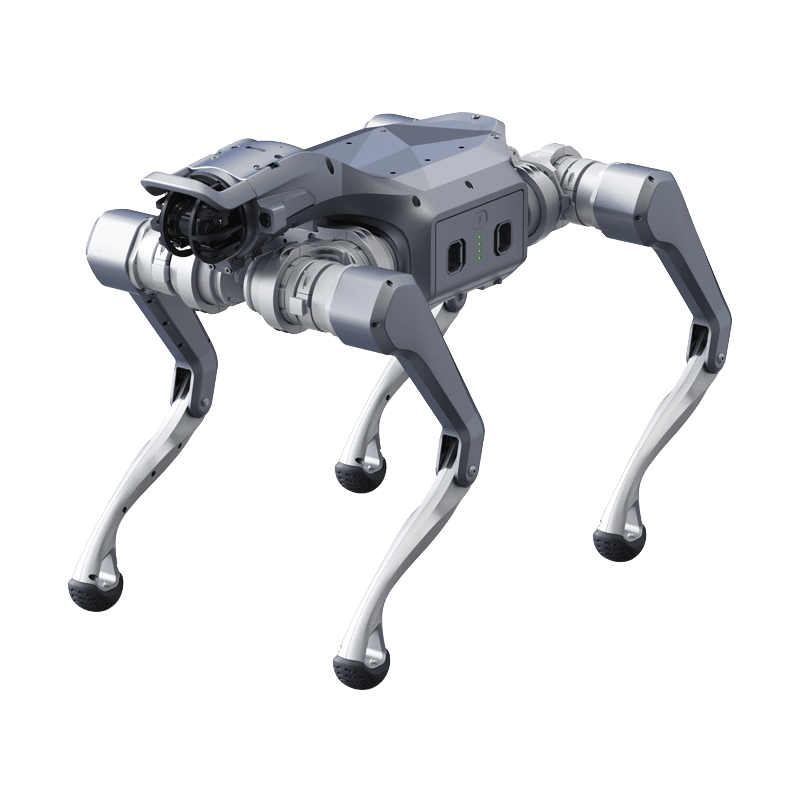
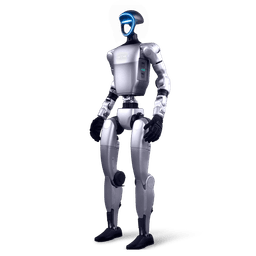
Both Versions Share the Same Body
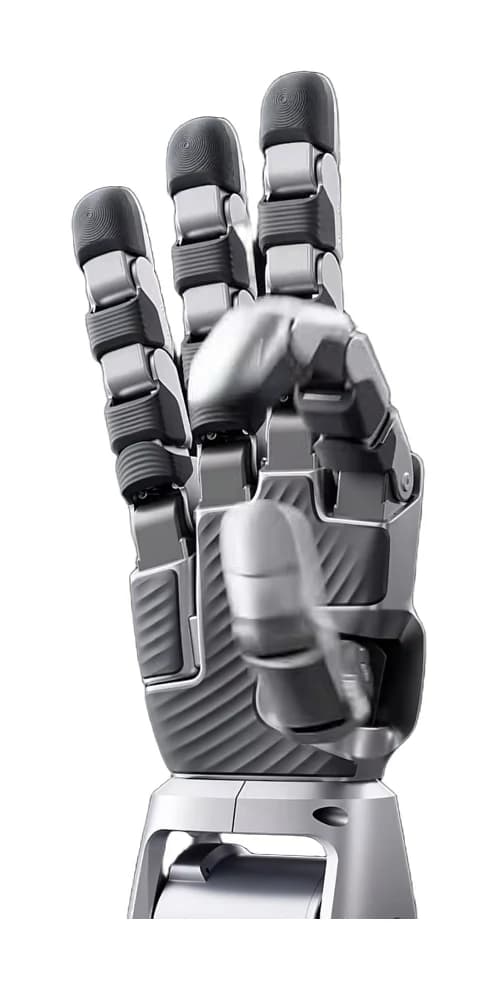
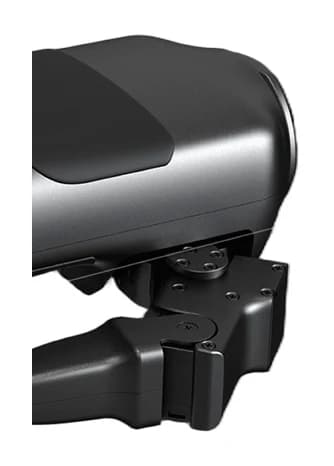
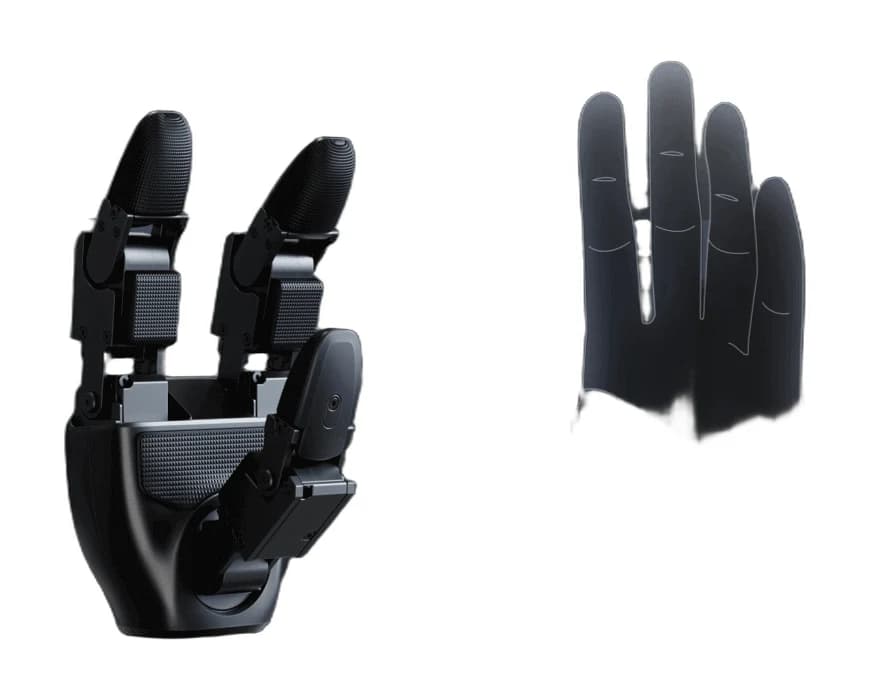
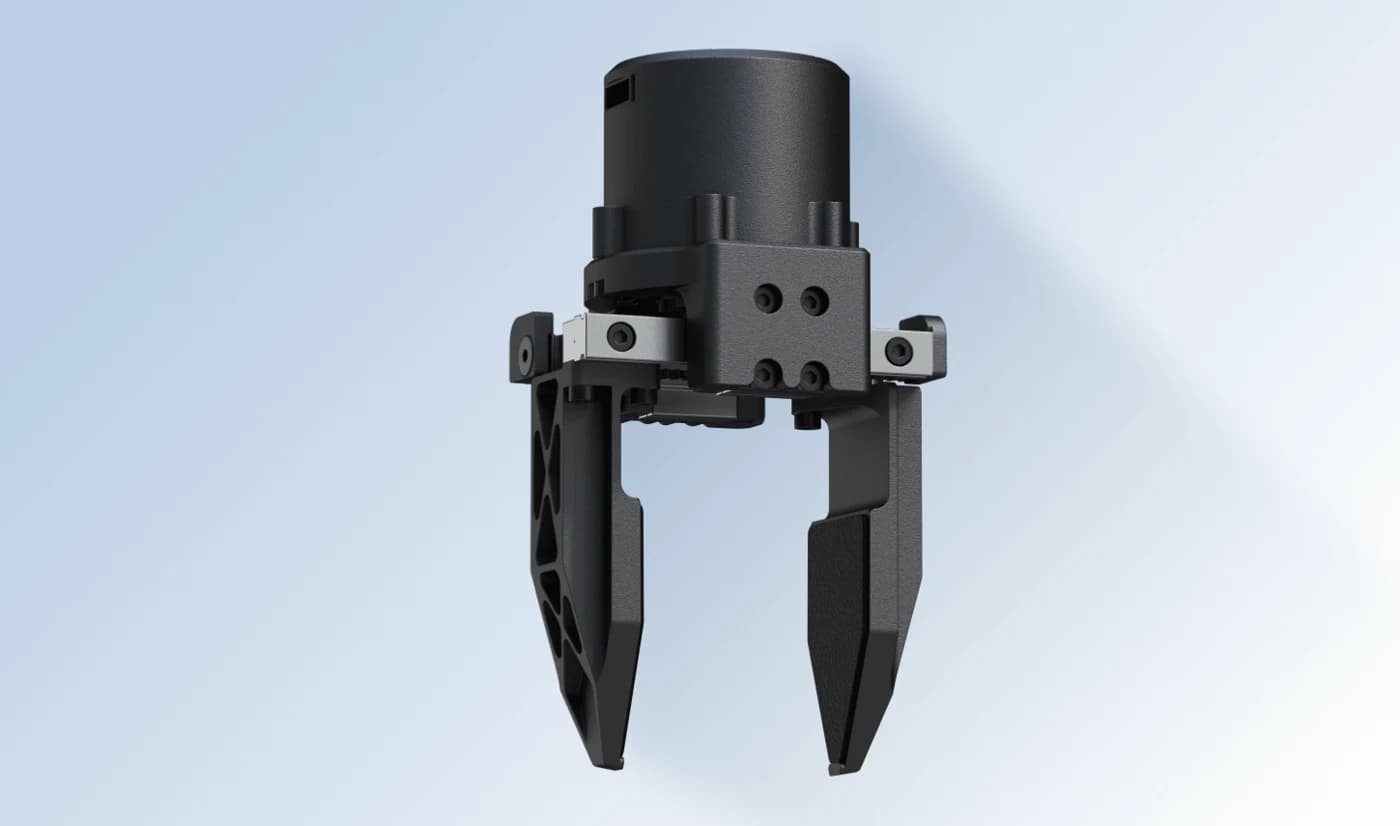
The difference between the G1 Basic and the G1 EDU is not mechanical but a matter of hardware configuration and software access. Body dimensions on both versions are 1320 × 450 × 200 mm standing and 690 × 450 × 300 mm folded, at 35 kg. Top speed is 2 m/s, the battery is a quick-release 9000 mAh pack and endurance is around 2 hours. In other words there is no expected difference in walking, balance or basic mobility; the split sits in the compute layer and in access to the code.
G1 Basic: For Getting to Know the Platform
The Basic version is built for basic motion and walking trials, promotion, trade shows and teaching demonstrations. It is a more closed system: you use the ready-made motion library rather than reaching down to low-level joint control. The Turkey partner price is set by quote. It is sufficient for internal promotion, presentations and first-contact scenarios with a robot; full specifications are on the G1 product page.
G1 EDU: The Only Option If You Will Develop
The EDU version brings full SDK and ROS 2 access along with a more capable NVIDIA compute unit, and raises arm payload from 2 kg to 3 kg. What you cannot do without that access is clear: low-level joint control, running your own navigation stack, training a reinforcement learning policy and deploying it to the robot, and building a development flow on NVIDIA Isaac GR00T. The Turkey partner price is set by quote; see the G1 EDU pricing page for configurations and current pricing.
The Question That Justifies the Difference
The decision really comes down to one question: will you run your own code on the robot? If the answer is no, the Basic is sufficient and the difference is unnecessary cost. If the answer is yes, the Basic hits a wall within a year, because you cannot do research on a platform you cannot reach at joint level, and upgrading later means buying a new unit rather than changing a configuration. The practical rule in university and R&D purchases: if a thesis, a publication or a project deliverable is the goal, choose the EDU.
Next Step
Our G1 SDK development guide covers where to start building on the EDU, and our Isaac GR00T guide covers the flow from simulation to the real robot. If you are planning a lab, the robotics education lab guide summarises hardware packages and curriculum support.