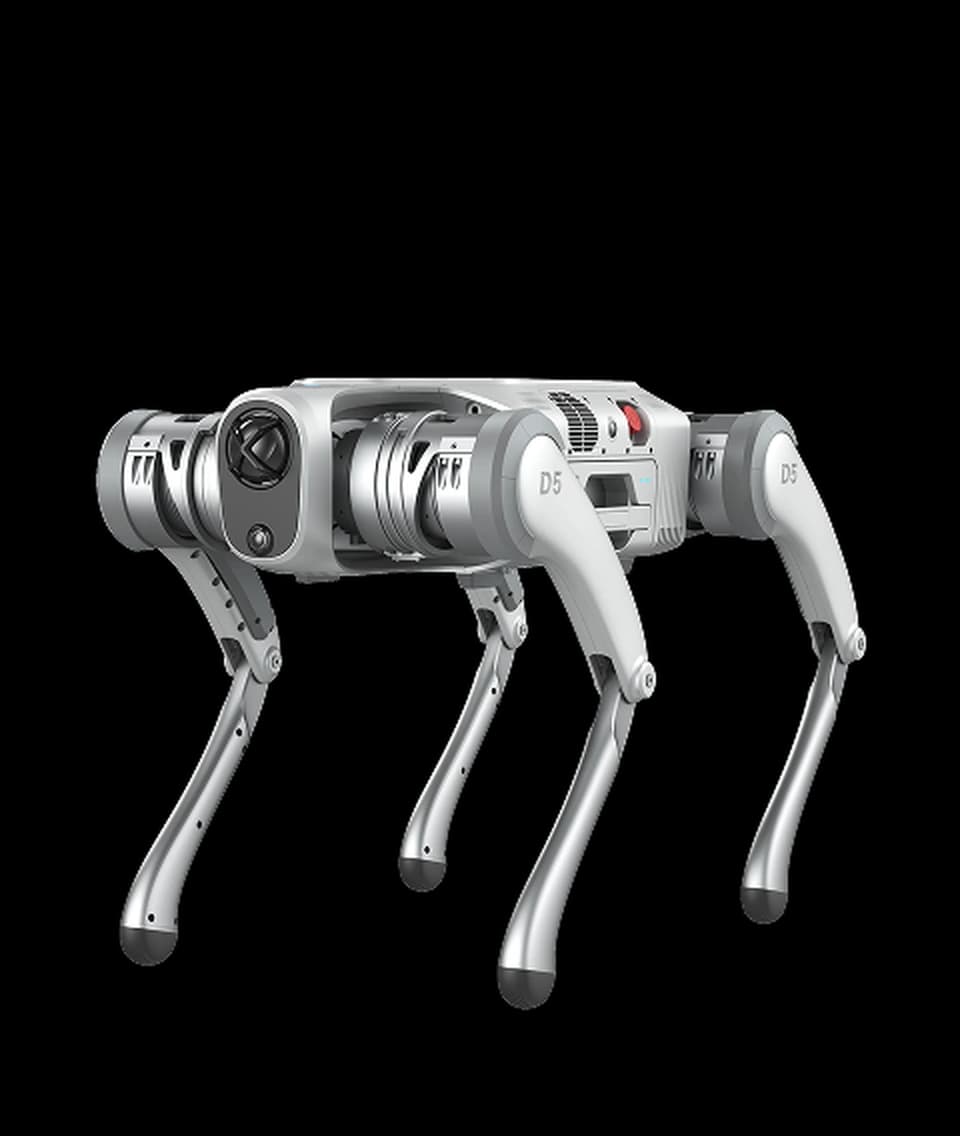
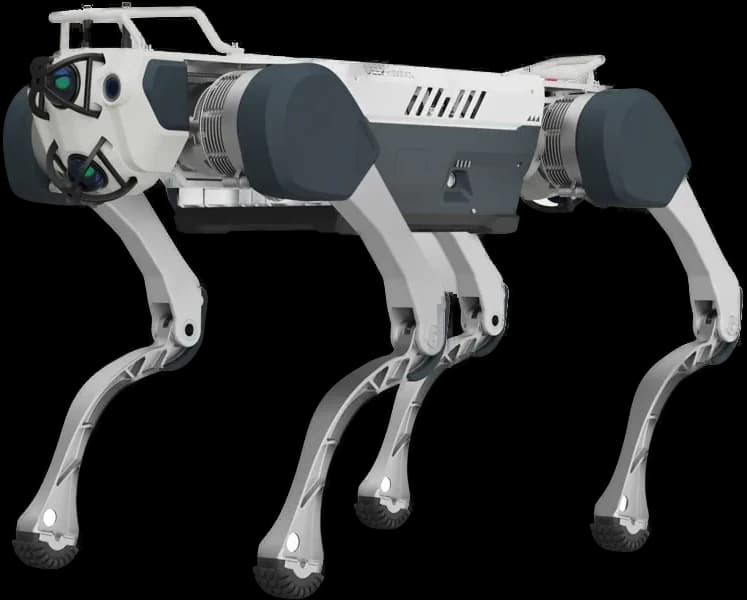
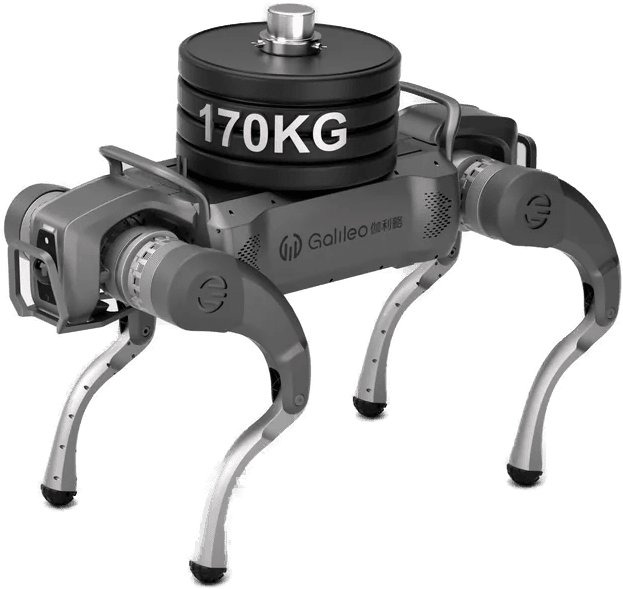
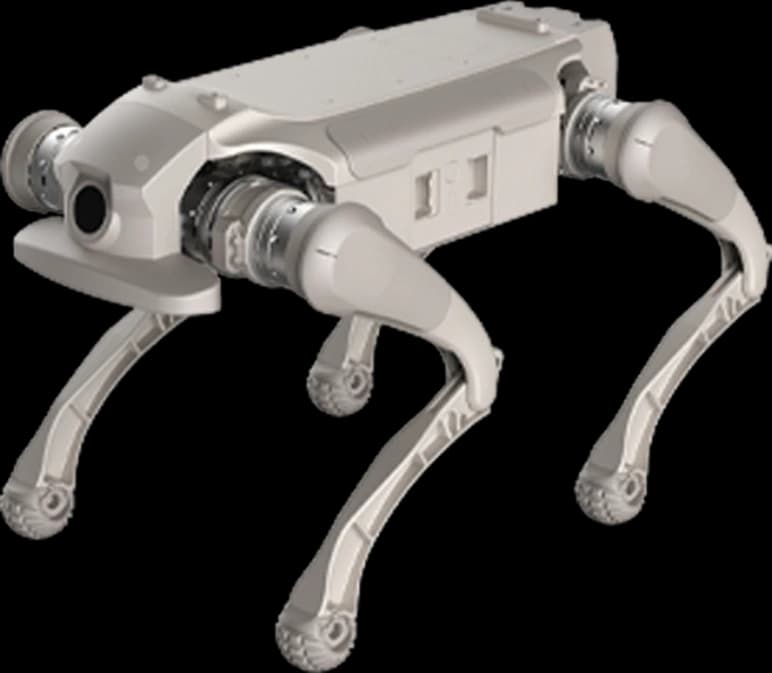
What is TrackEverything?
TrackEverything: Long Horizon Dense Tracking via De-Duplicating 3D Scene Representations (arXiv:2609.30222, cs.CV). Authors: Ayush Jain, Sreeharsha Paruchuri, Ishita Gupta, Fan Zhang, Tanner Schmidt, Jakob Engel, Katerina Fragkiadaki and Adam W. Harley; Carnegie Mellon University and Meta.
Point tracking answers one question: where is a surface point from one frame in the frames that follow? Until now there were two routes. Sparse trackers follow a few thousand chosen points over long horizons. Dense trackers follow every pixel, but either only the points visible in the first frame, or only across short 48-64 frame clips. TrackEverything aims to remove that trade-off: a point is picked up as soon as it appears in the video and followed across 1000+ frames. On a 30 fps camera, 1000 frames is roughly 33 seconds.
How it works: three ideas
The starting point is a simple observation: a video is a 2D projection of a persistent 3D world. Trackers working in pixel space re-represent the same surface in every frame. TrackEverything instead keeps the scene as persistent 3D tracks in world coordinates. The method has three parts:
- Tracking in 3D scene-content space: repeated observations of the same surface are fused into one point; occluded points persist instead of being lost.
- A recurrent architecture: motion estimates are refined iteratively and chained across sliding windows, so a long video is processed piece by piece.
- Per-window static/dynamic classification: trajectory decoding is spent only on points in motion. No trajectories are wasted on walls, floors or shelves.
At every window boundary the 3D representation is voxelized to remove duplicates. The result: model cost grows with the amount of distinct scene content, not with video length. Two figures the authors give: the model has 61M parameters, is trained on public datasets only, and processes 1000+ frame videos in under 40 GB of GPU memory. Camera motion is accounted for, so the scene stays consistent while the camera itself moves.
Results: what the numbers say
Evaluation is on TAPVid-3D across three subsets: ADT (Aria Digital Twin, indoor video from a wearable camera), DriveTrack (driving) and Panoptic Studio (human motion). Values we selected from the project page table (APD-P / APD-M, higher is better):
| Method | ADT, first 48 frames | ADT, full video | DriveTrack, full video |
|---|---|---|---|
| TrackEverything (dense) | 40.0 / 89.1 | 30.5 / 81.6 | 23.7 / 39.6 |
| TAPIP-3D + Pi3 (sparse) | 39.6 / 88.5 | 32.7 / 82.0 | 25.0 / 40.9 |
| SpatialTracker-v2 + Pi3 (sparse) | 39.9 / 88.1 | 32.1 / 82.4 | 26.2 / 43.5 |
| Any4D + Pi3 (dense) | 5.1 / 61.5 | out of memory | out of memory |
The table deserves an honest reading. On full-length videos TrackEverything is the only dense method that runs at all; the other open dense method runs out of memory. Sparse trackers stay a few points ahead on long video. But sparse trackers follow only the queried points, while TrackEverything follows the whole scene. The authors frame their claim the same way: "competitive with sparse trackers while tracking orders of magnitude more points", and over 20% ahead of open-source dense 3D trackers. The closed-source, 1B-parameter D4RT scores higher APD-P on 48-frame clips but has not been evaluated beyond 48 frames.
Fit with robots: four questions
Whether a vision model is "robot compatible" does not fit in one answer. We asked four separate questions.
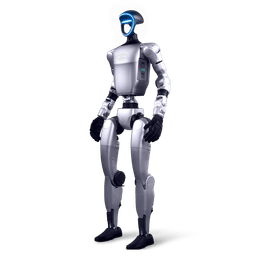
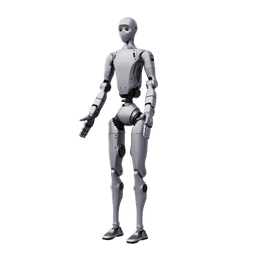
1. Input: can a robot feed this model? Yes. The project page shows the input as an ordinary video, with no separate depth sensor requirement stated. Any robot with a camera, even a phone held next to the robot, can be a video source. Platforms with a depth camera (such as the Intel RealSense D435i on the Unitree G1 EDU) add value for later depth-based validation, but the model itself does not appear to need one.
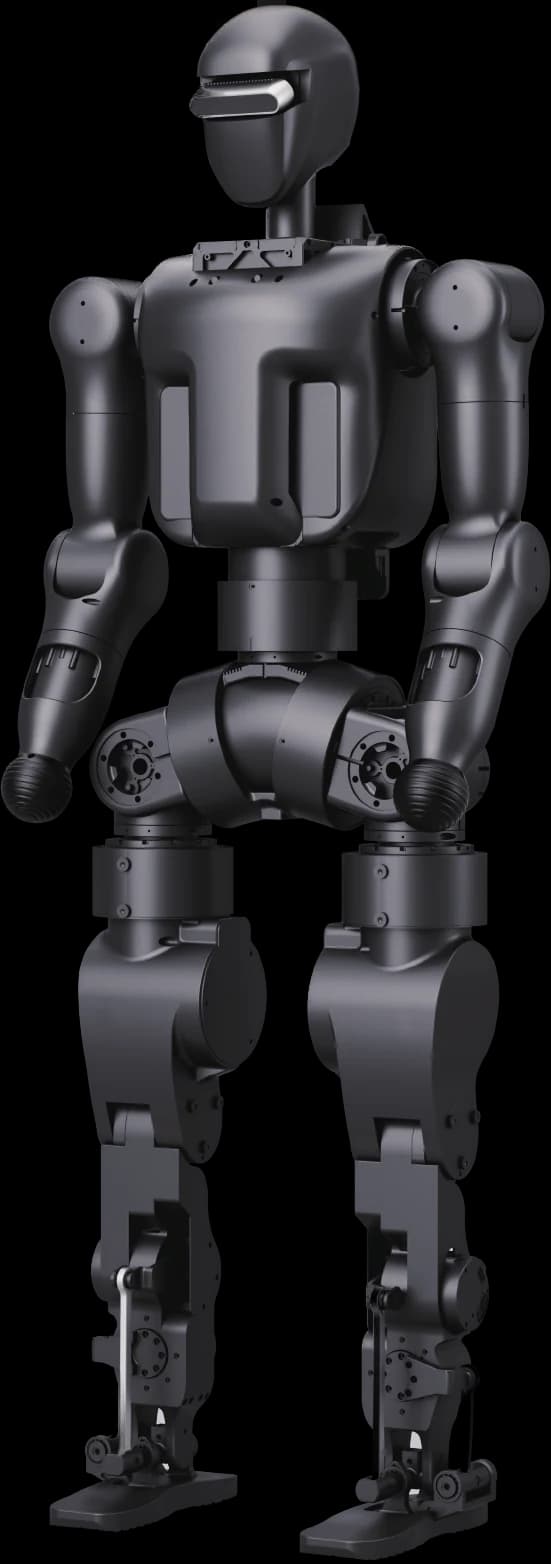
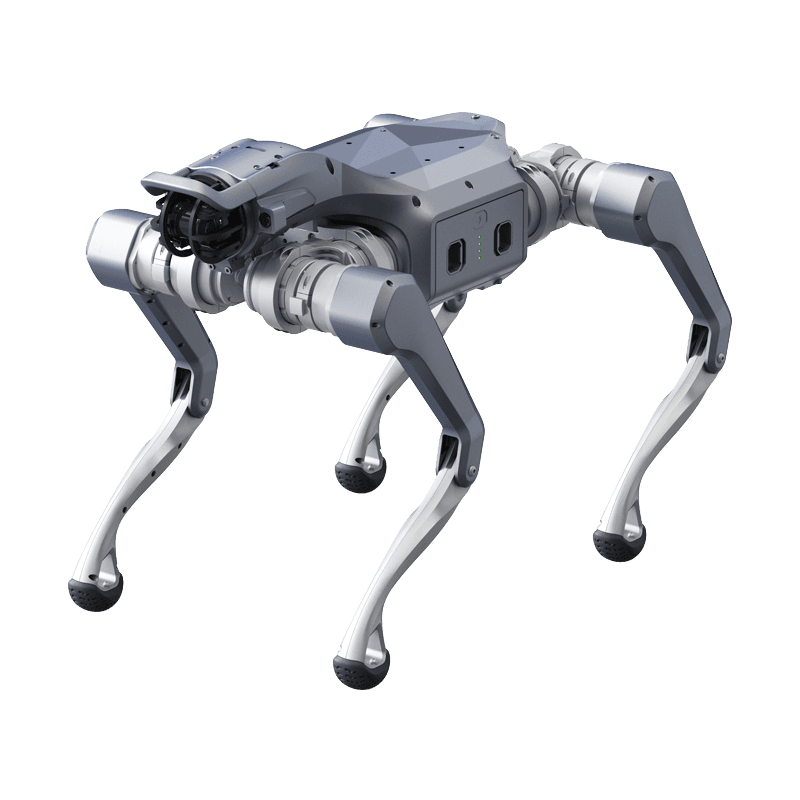
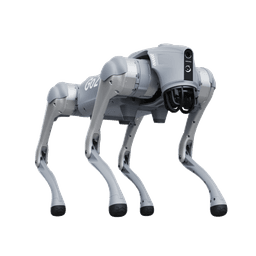
2. Compute: does it run on the robot? On most robots today, no. The authors' memory budget is under 40 GB; the Unitree G1 EDU development computer is a Jetson Orin NX with 16 GB, and the Go2 EDU's Jetson Orin module tops out at 16 GB as well. The exception is platforms carrying a Jetson Thor with 128 GB of unified memory (Unitree H2 Plus, optionally the H2 EDU): memory is enough on paper, but whether the model builds and how fast it runs on Thor is unverified, and the code is not out yet.
3. Real time: can it sit in the control loop? No, and that is a design choice, not a flaw. The model processes long video retrospectively with sliding windows; the project page gives no frame rate. TrackEverything is a tool for analyzing recorded video after the fact, not for a robot's live obstacle or grasp loop. The right pattern: the robot records, a workstation processes.
4. Motion conditions: does a robot's camera suit this model? Partly. The model accounts for camera motion, and the ADT subset in the evaluation is shot with a wearable, head-moving camera, close to a humanoid's head camera. But the failure modes the authors list are critical for robots: fast, large-displacement motion and repetitive or low-texture backgrounds. The shaking camera of a running quadruped, blank white walls, warehouse aisles lined with identical racks and plain-colored floors fall squarely into that class.
Compatibility table by platform
The table compares the official compute and memory figures of the research platforms in our range against the authors' 40 GB budget. "Video source" says whether the robot can produce data for the model; "On-robot inference" says whether the model could run on the robot's own computer.
| Platform | Development computer | Video source | On-robot inference |
|---|---|---|---|
| Unitree G1 EDU | Jetson Orin NX, 16 GB | Suitable (RealSense D435i, moving head) | No: memory below the 40 GB budget |
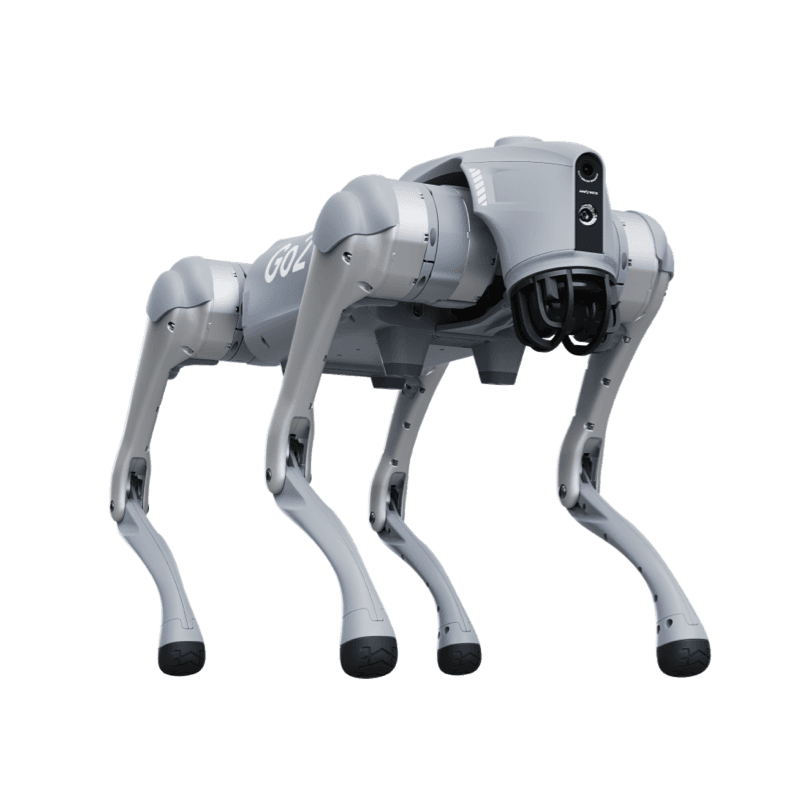
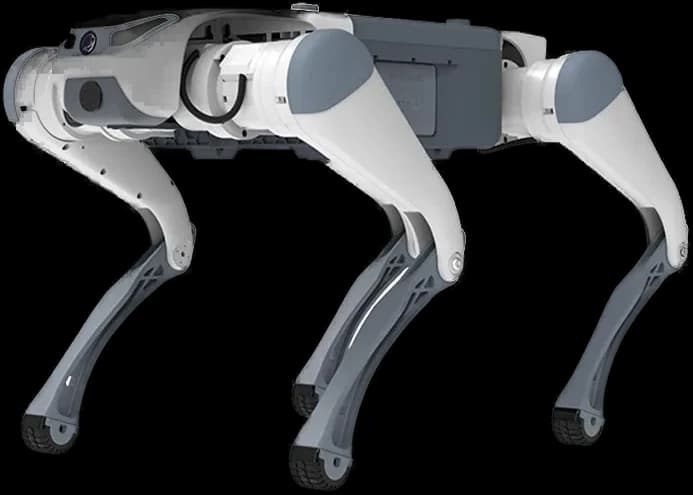
| Unitree Go2 EDU | Jetson Orin, up to 16 GB | Suitable at walking pace; shake while running hits the failure mode | No |
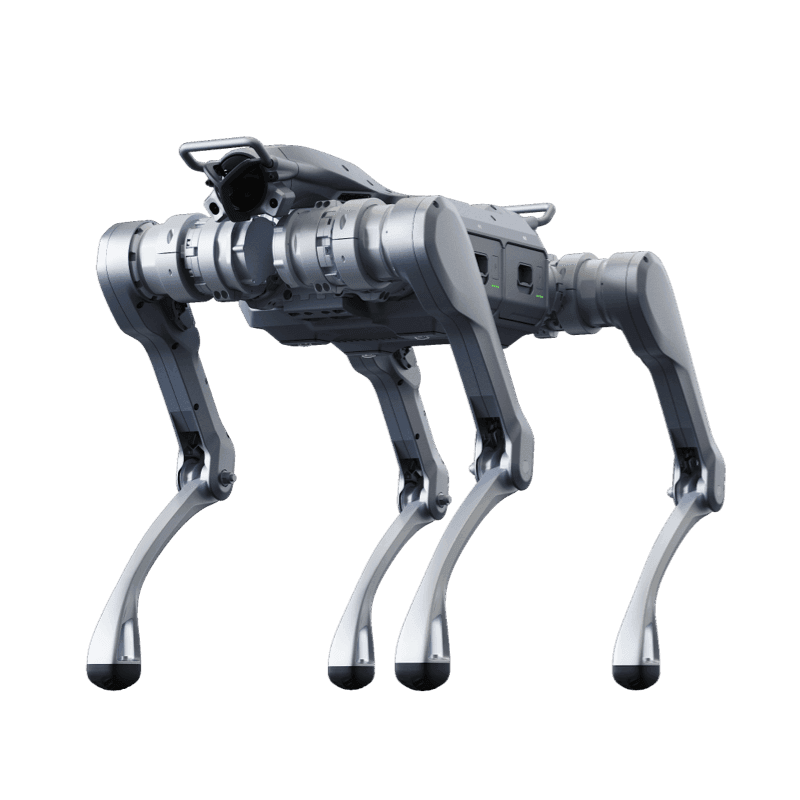
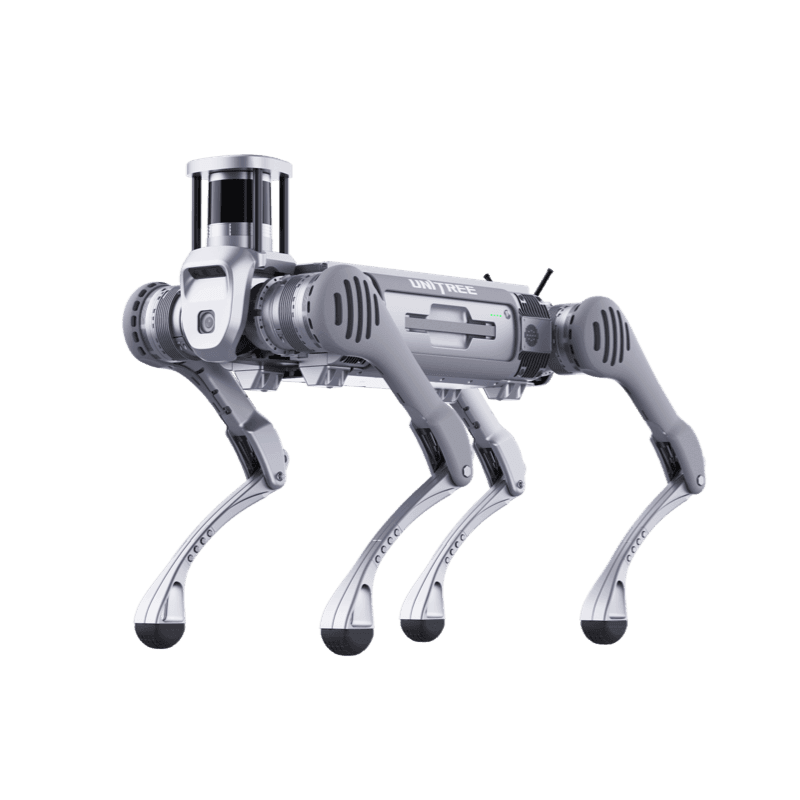
| Unitree B2 | Jetson Orin NX (up to 3 modules) | Suitable | No: module memory does not pool |
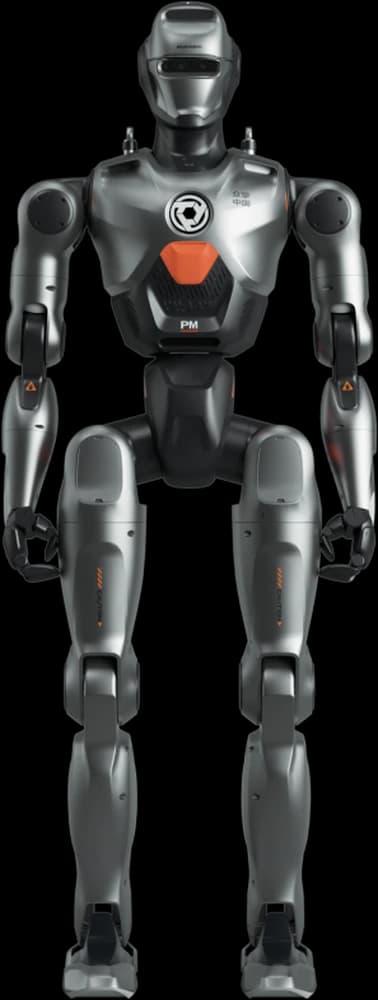
| Unitree H2 Plus | Jetson Thor (T5000), 128 GB unified memory | Suitable | Memory fits; speed and build unverified |
| Workstation / server | Data center or workstation GPU with 48 GB or more | Processes robot recordings | Recommended route |
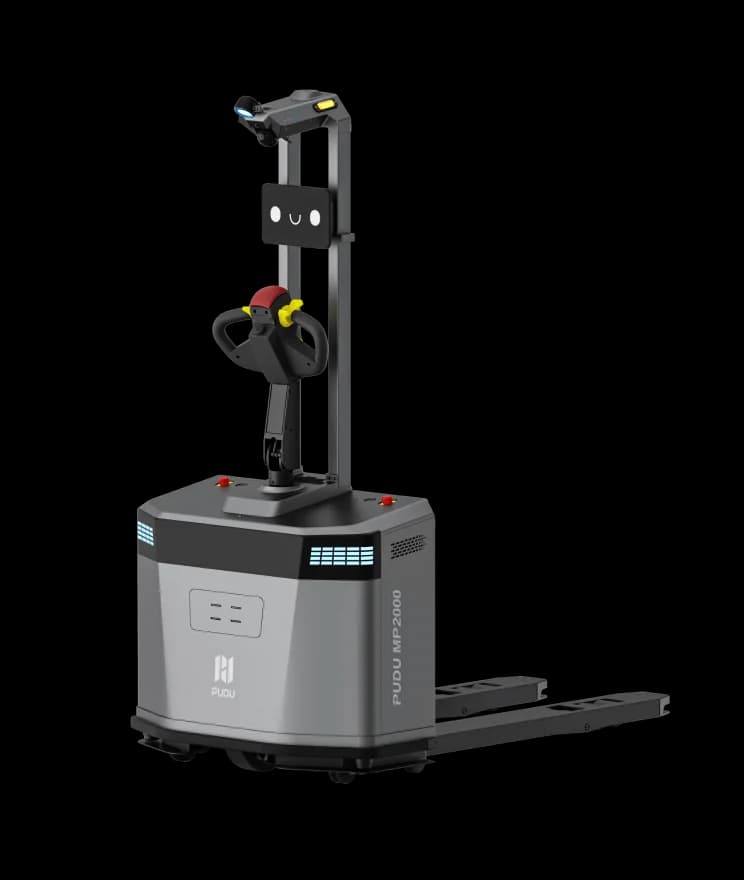
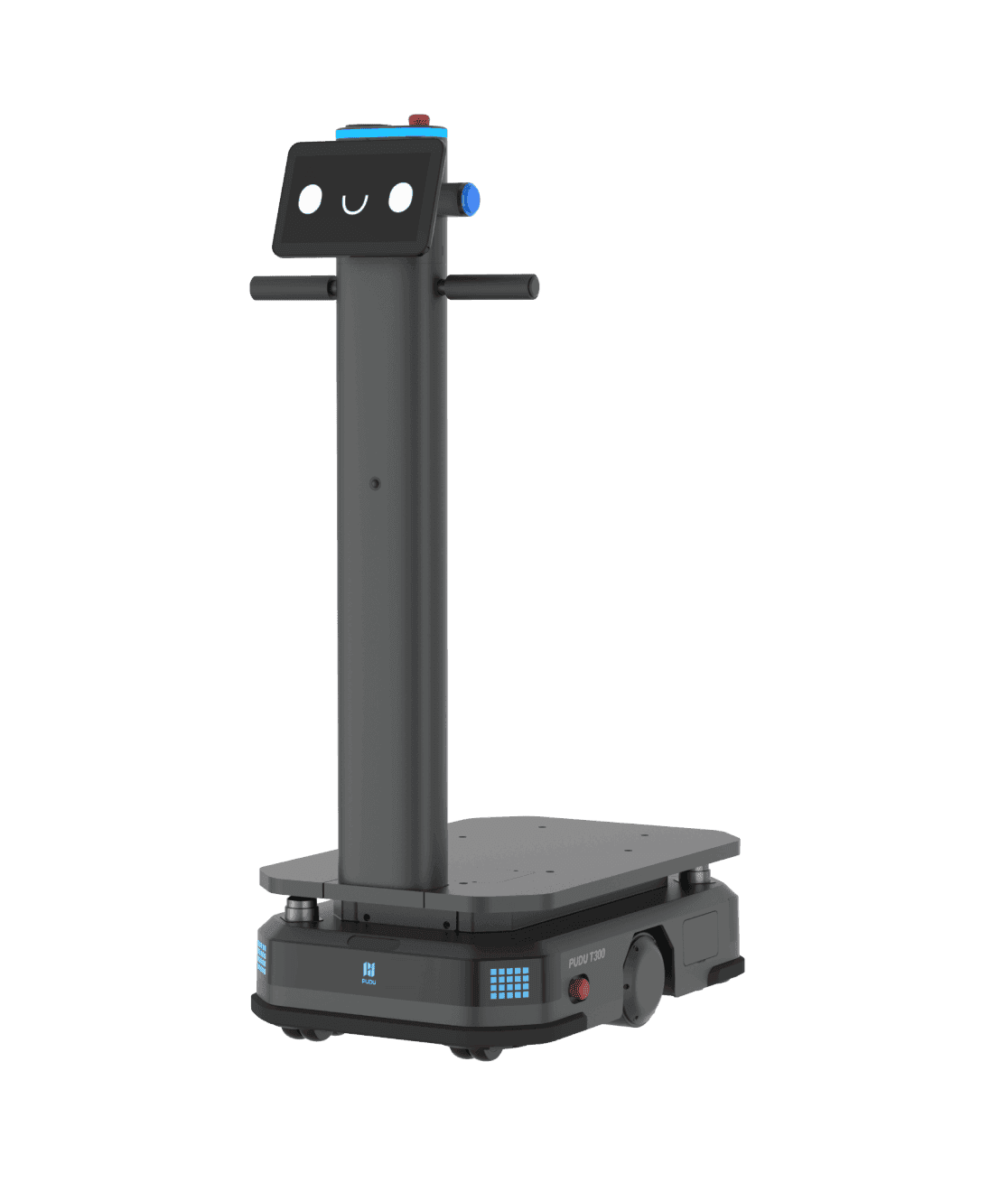
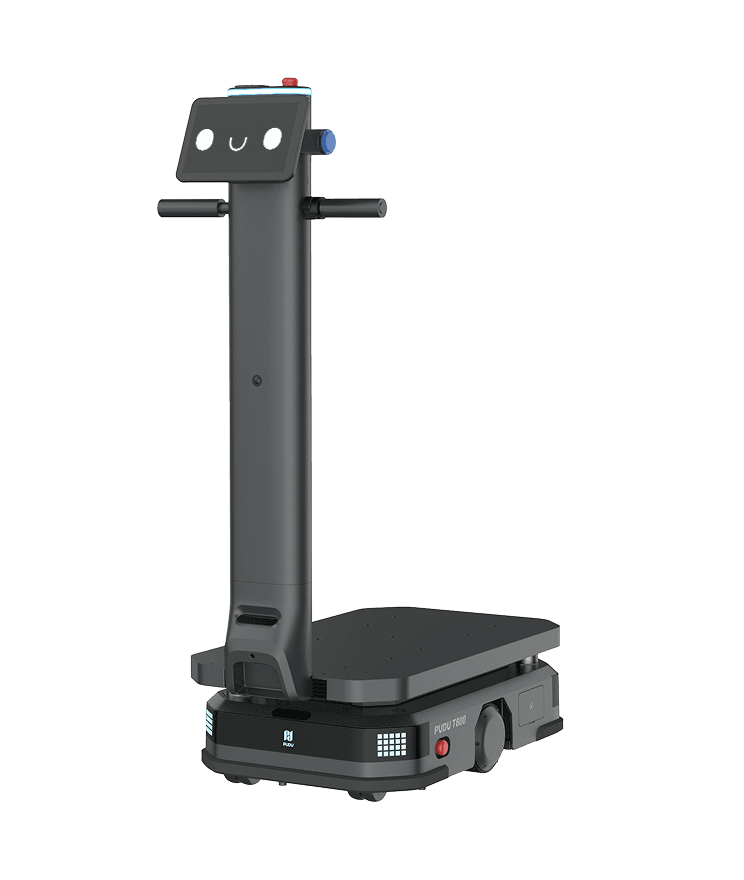
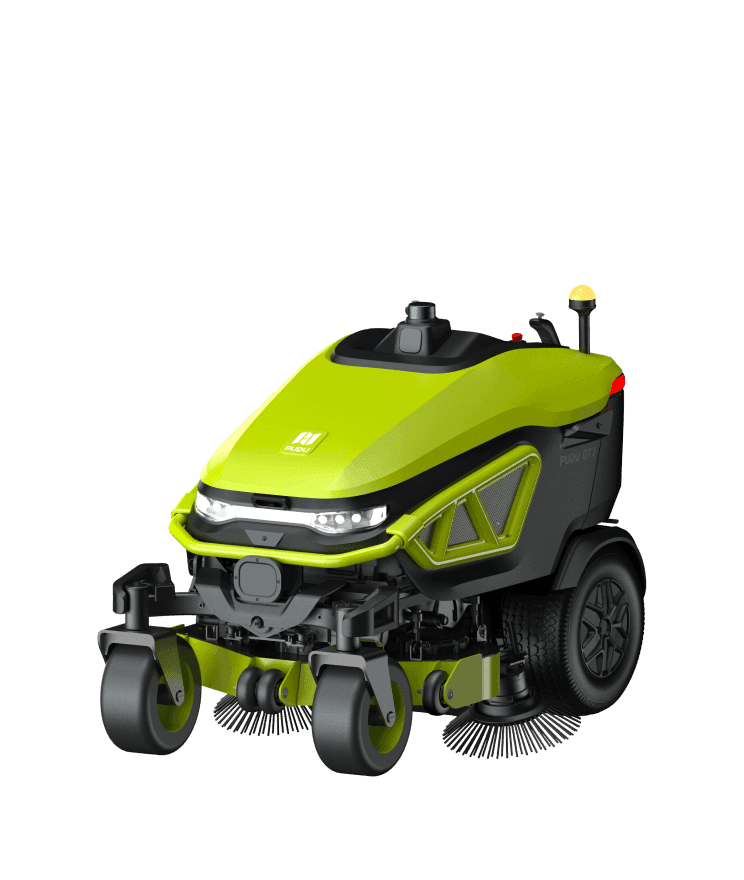
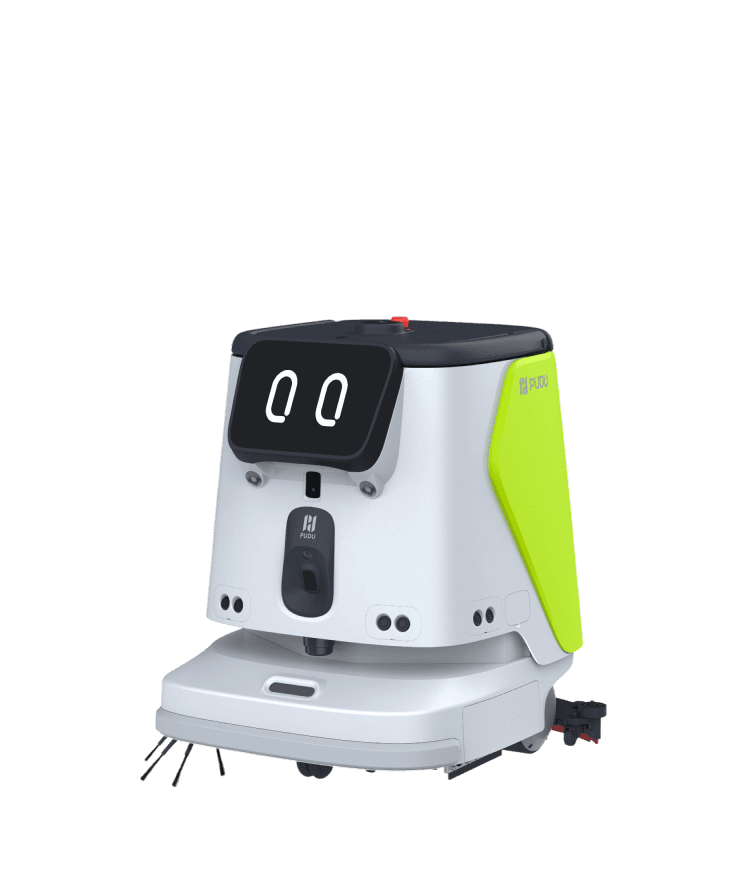
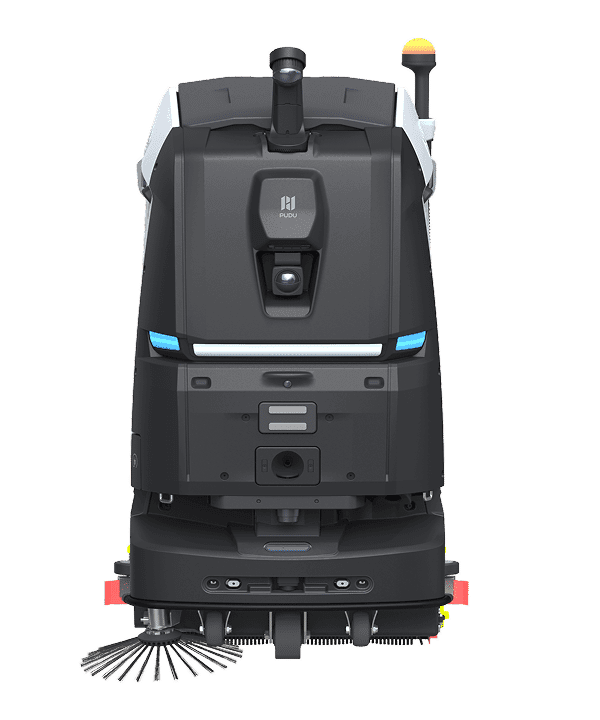
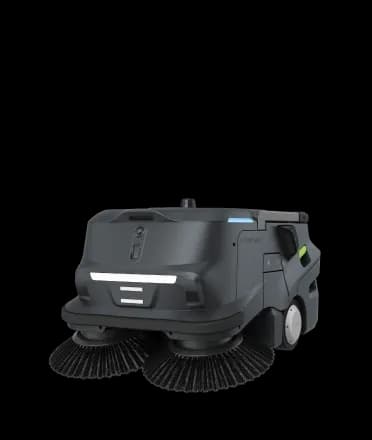
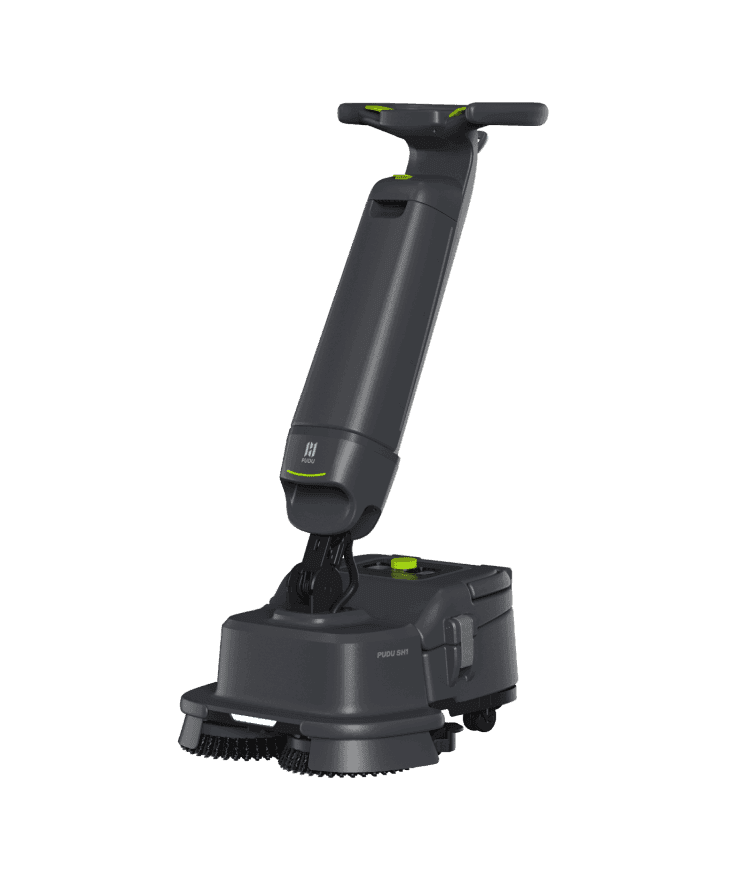
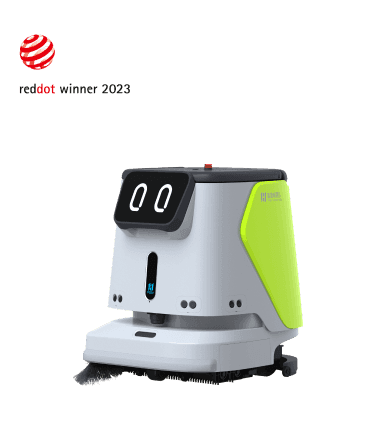
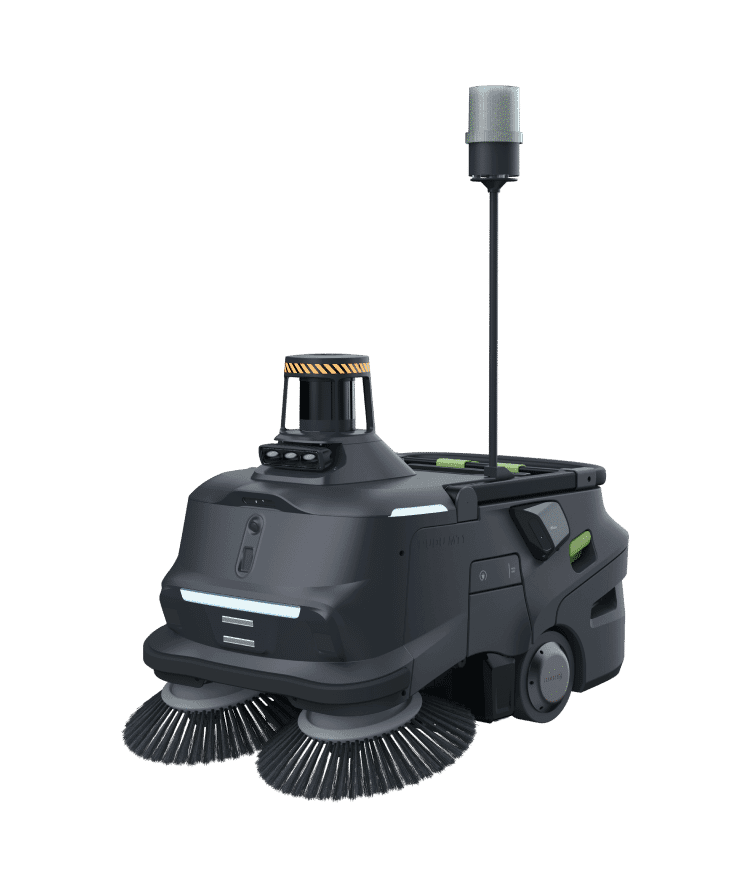
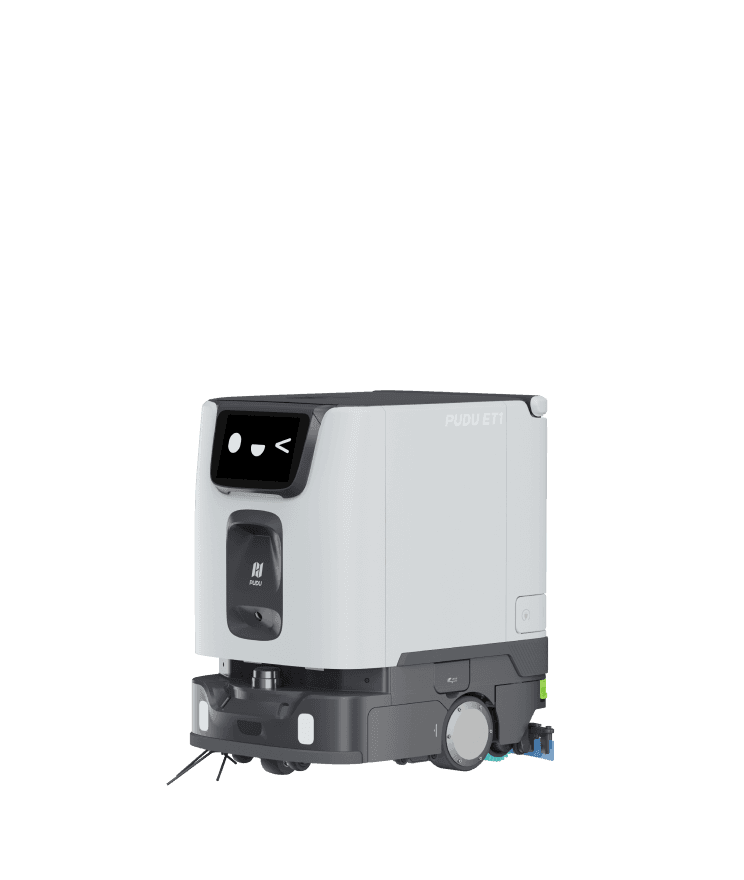
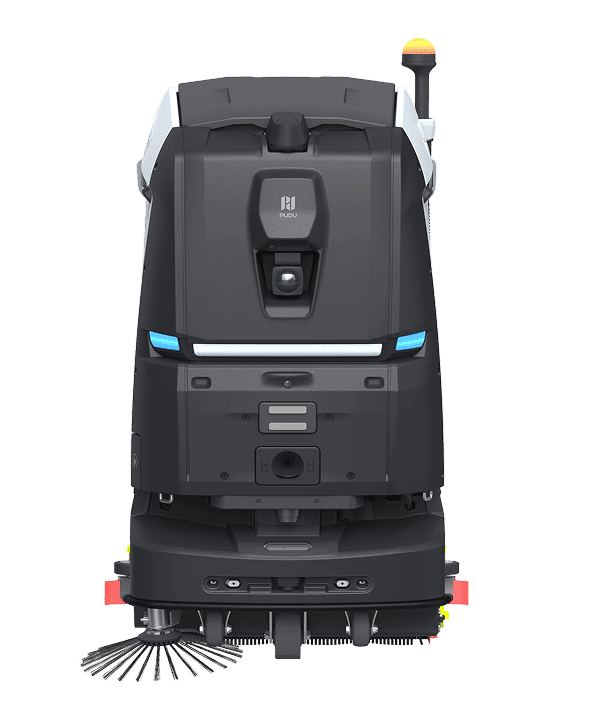
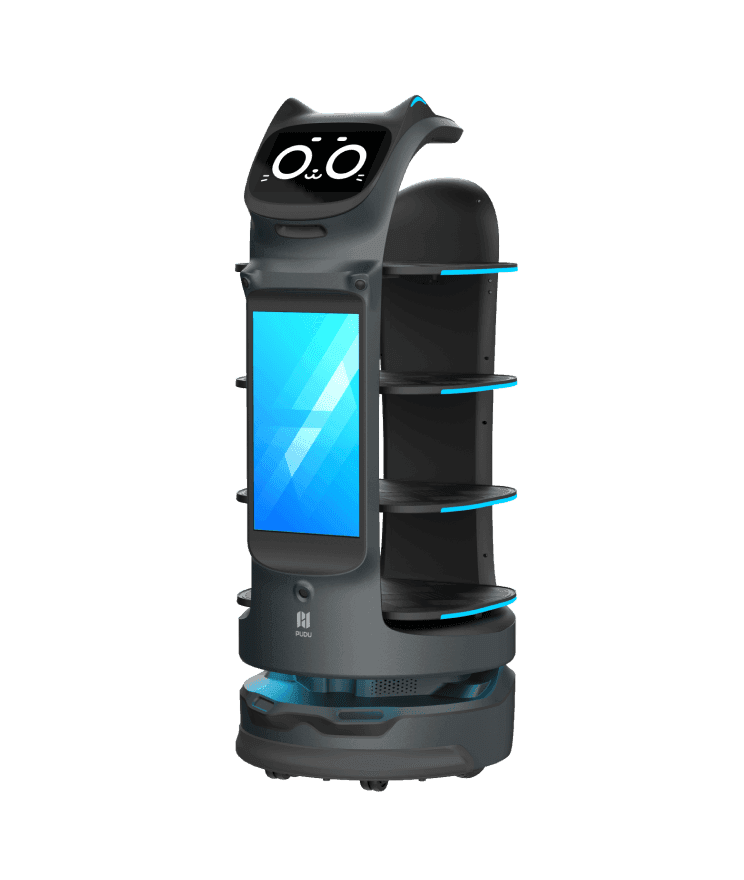
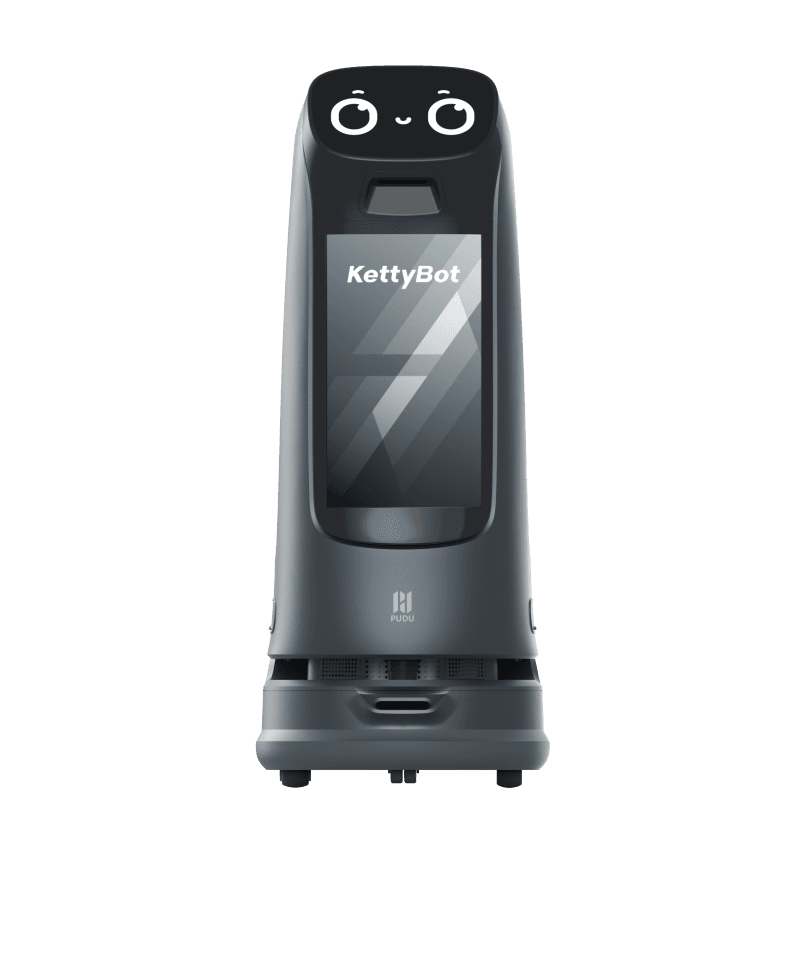
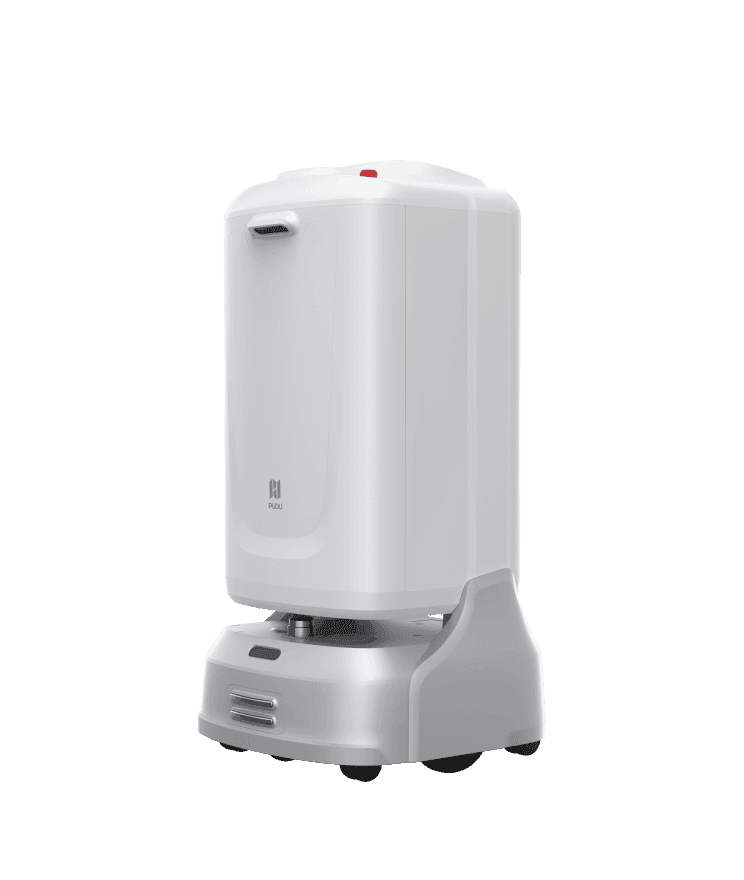
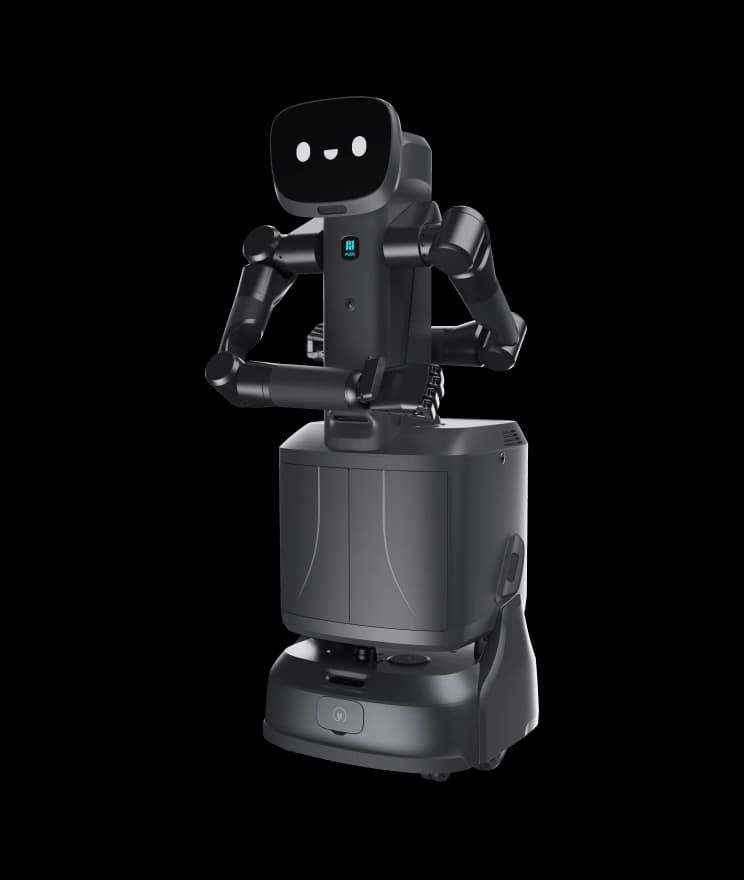
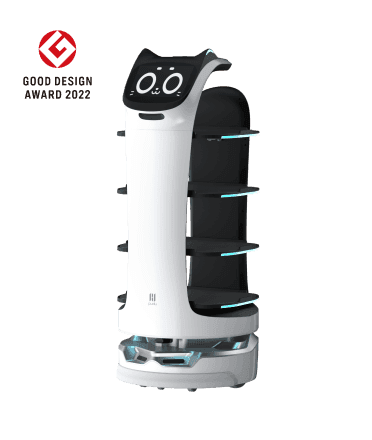
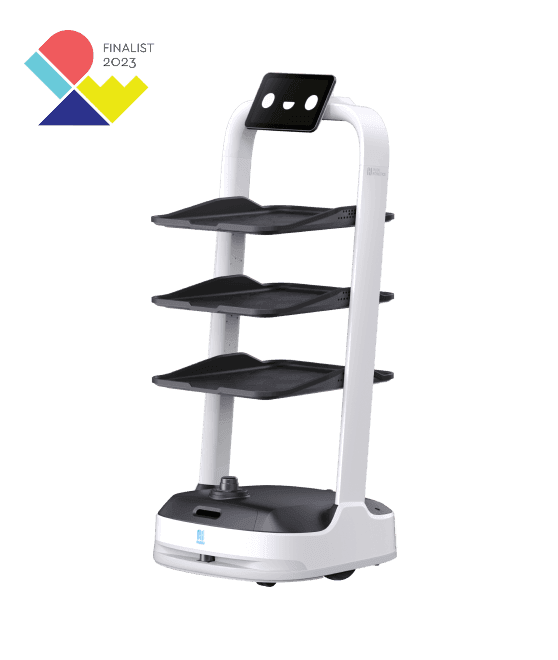
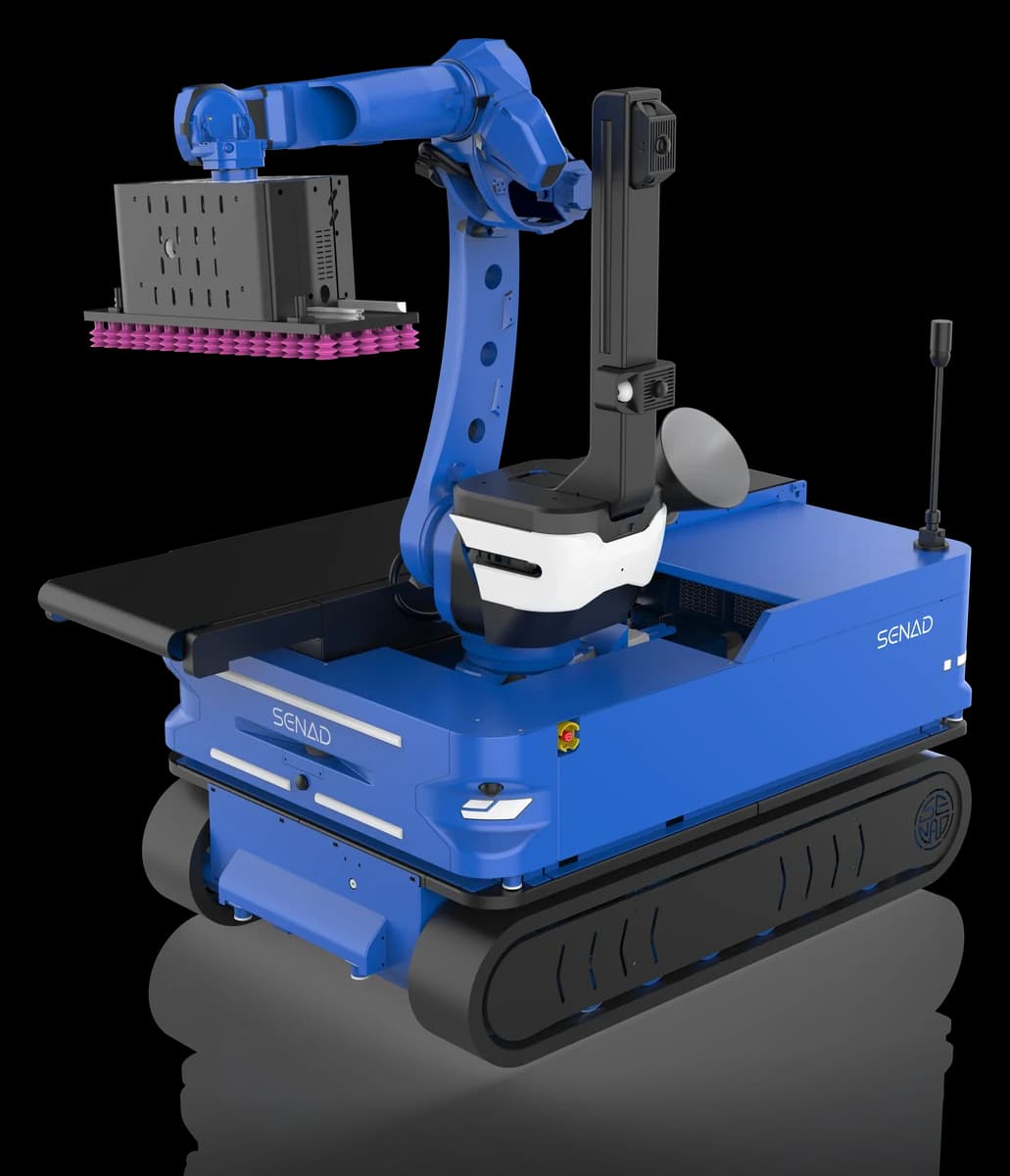
Pudu's service and cleaning robots are commercial products running the manufacturer's own software; they are not part of the research workflow this work targets. On their sites TrackEverything could only be used on video from a separate camera, for example to review human and robot traffic after the fact.
Where it helps in robotics
The project page contains no robotics experiment; this section is our engineering reading. The method's three properties (every point, long video, 3D world coordinates) map onto these robotics jobs:
- Learning from human video: record a person doing a tabletop task and extract the 3D trajectories of the objects and the hand. Work that uses point tracks as policy input (for example ATM and Track2Act) is fed by such tracks; a tracker that also follows every point and surfaces that appear later enriches the data side of that pipeline.
- Enriching robot datasets: adding dense 3D motion labels to teleoperation recordings collected with the G1 in the unitree_lerobot workflow. The labels are produced automatically after recording, not by hand.
- Separating dynamic scenes: static/dynamic classification tells what is fixed and what moves in a recording. That can later be used to clean moving objects out of SLAM maps or to build a digital twin from the field.
- Long recording analysis: seeing which object was moved where in patrol or site-inspection video that runs for minutes.
Limits and open questions
- No code yet. The project page and GitHub repository say "coming soon". As of 25 September 2026, when this page was written, weights and training code are not released.
- Licence unknown. Until the code ships, commercial terms are unknown. Work co-authored by Meta and universities is sometimes released under a non-commercial licence; read the licence file before embedding it in a product.
- Failure modes overlap robot sites. Fast motion and low-texture or repetitive backgrounds are common in typical robot environments such as warehouses and corridors. Do not assume performance before a small trial on your own site.
- Not real time. It is not designed for a control loop; no speed figures are published.
Recommendation for teams in Turkey
A lab that wants to try methods like this needs two things: a robot with open developer access that produces good video and a GPU that meets the 40 GB budget. On the robot side, the G1 EDU offers a head-moving humanoid viewpoint and a depth camera, and the Go2 EDU a lower-budget moving camera platform. For teams that want to try the model on the robot itself, the H2 Plus with 128 GB of memory is the only candidate, but that use is not yet verified.
Until the code ships, the most productive thing to do is to build up recordings from your own site, so you can test on your own data the day it is ready. For university procurement through BAP and TÜBİTAK, see our institutional buying guide.
Robotlar.org note
TrackEverything is an independent academic work by researchers at Carnegie Mellon University and Meta; Robotlar.org has no affiliation with the work or its authors, and the paper's results are not reproduced here. The compatibility table compares the authors' stated memory budget with hardware figures published by the manufacturers. Robotlar.org is the Turkey partner of Unitree Robotics; contact us for platform selection and research configuration. Sources: the project page, arXiv:2609.30222 and the GitHub repository.