Unitree RobotSkills: Robot Skills for AI Agents
In its GitHub description, Unitree presents the repository as a robot skill framework for quickly connecting frontier AI models, such as GPT-6 Astra, to Unitree robots. According to the README updated on November 26, agents such as Codex and Claude Code can use these skills. The capabilities each skill needs vary, for example image input, shell access or MCP tools.
In every skill the agent reads raw frames from the robot's cameras directly. It moves the robot through bounded tools built on Unitree SDK2 and DDS. A SKILL.md file tells it how to do the task, what to check and when to stop. According to the README, the agent closes the loop of observing, reasoning, acting and verifying on its own. The documentation states that a new task needs a new skill rather than a new model.
Chinese Chess (Xiangqi) on the Unitree R1-D
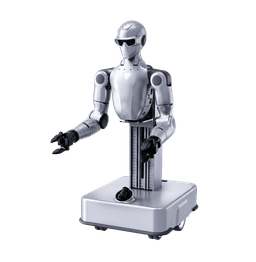
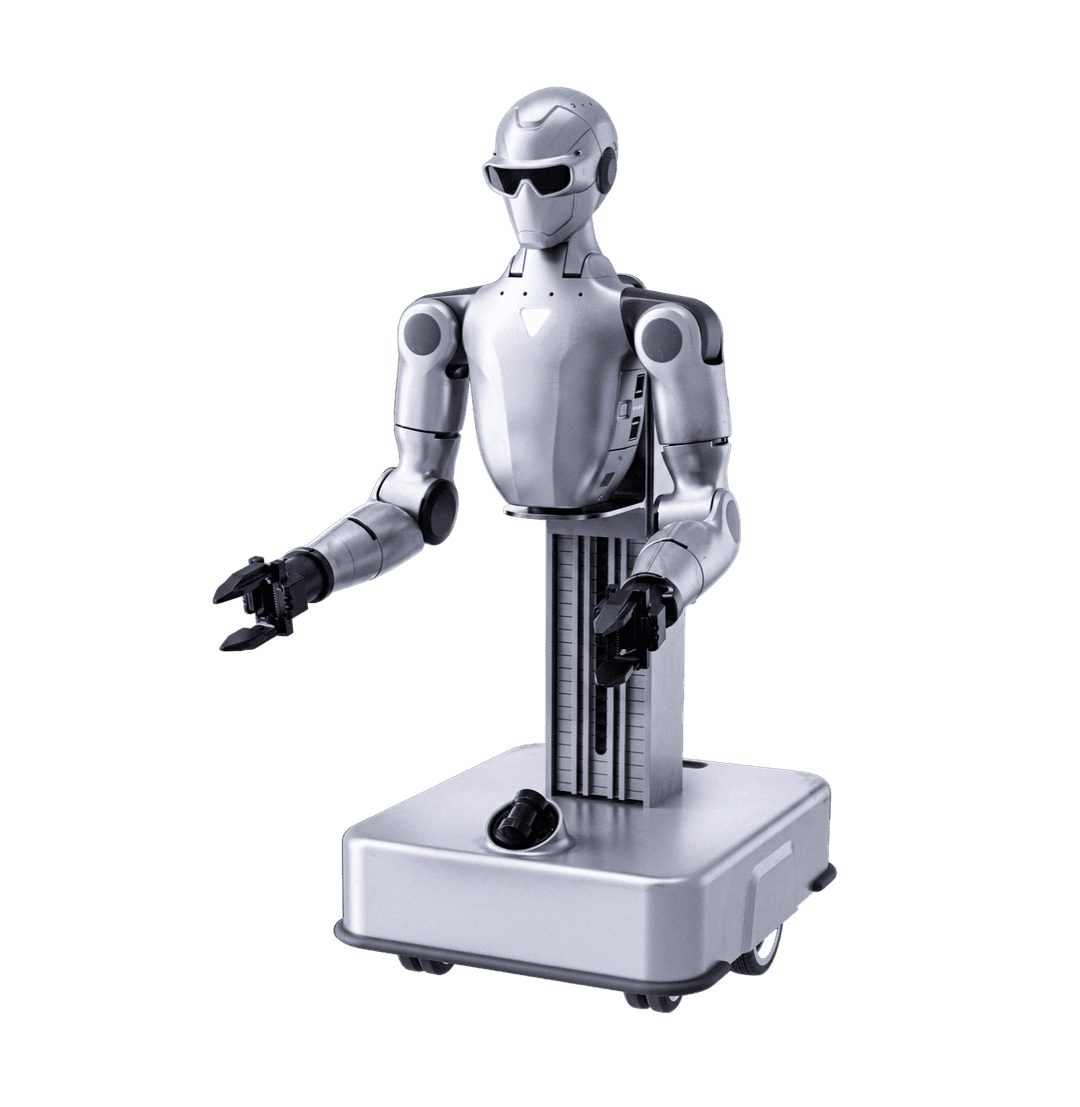
The r1d_chess skill lets an R1-D with Dex1 grippers (the R1-A7-D configuration) carry out one Chinese chess move from start to finish. According to the README, the model reads the board from the head camera, has the Fairy-Stockfish engine choose the move and decides which arm and which poses to use for picking and placing. Before any motion, a Python service runs a preflight of the full plan. At each visual checkpoint the model looks at the head and wrist camera images and gives its approval. The robot moves the piece with either arm and also handles captures.
The package also includes tools for bringing up a new robot or a new site:
- camera check
- head camera calibration
- arm accuracy calibration
- chess scene parameters
- board calibration, which measures the 90 intersections of the board
According to the README, the files in the config folder are the calibration results of one reference robot. The documentation asks that this setup be completed before moving pieces in any new environment, and that every setup step that moves the robot runs with the operator's approval. For the first attempt it recommends a dry run without gripping a piece after the full preflight.
R1-D Painting: From a Reference Image to Brush Strokes
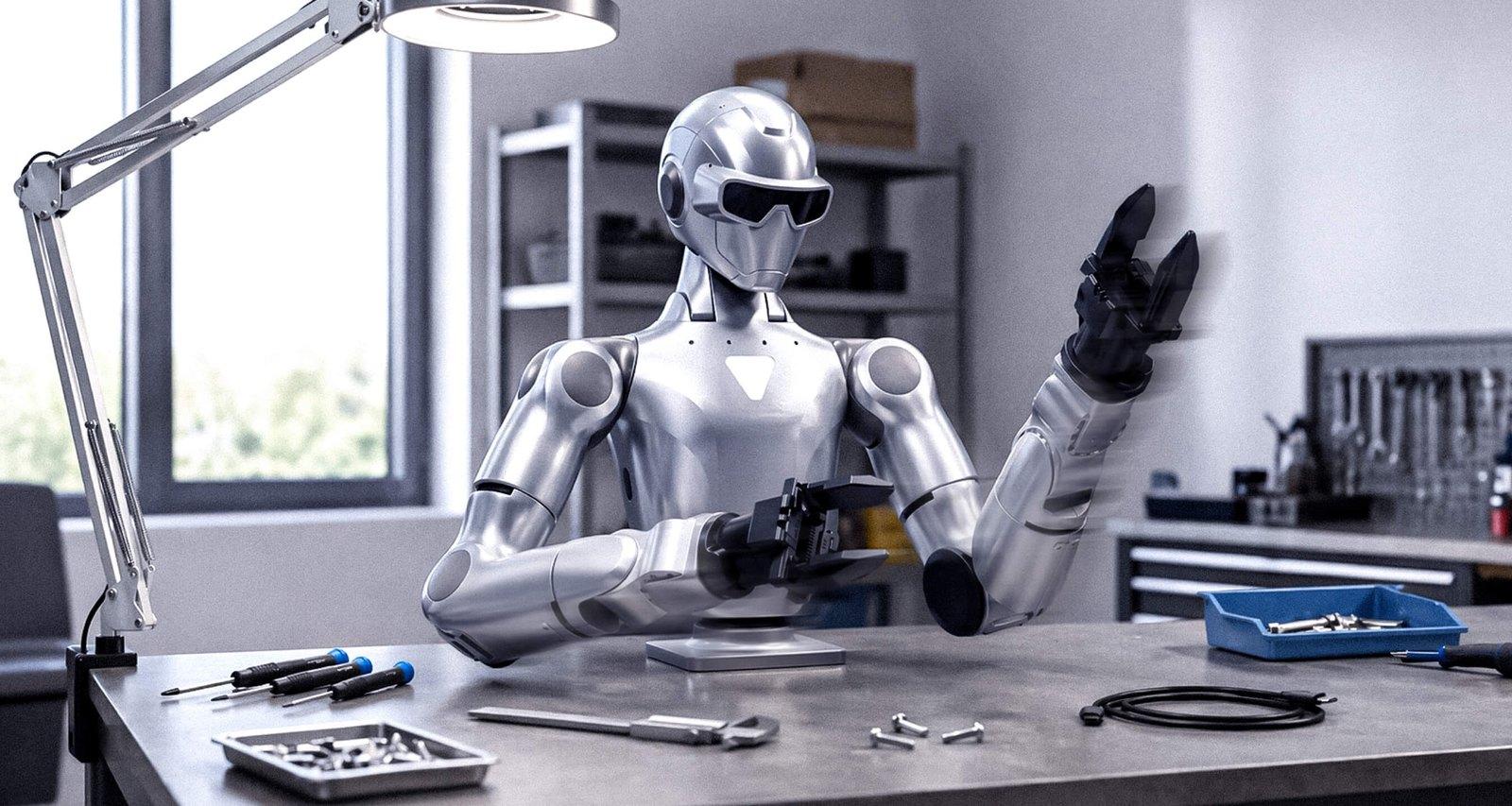
r1d_draw is written for the R1-D (R1-A7-D) with two 7-axis arms and grippers. The work follows five steps: plan, measure, record, compile and run. The agent first designs the brush strokes from a reference image. It then measures and records the paper, the brush, the paints and the water.
Next, all joint trajectories and a run.sh launch script are compiled offline. During painting, the strokes are run by local code executing the compiled job, not by a model. Because the R1-D's DDS is authenticated, reads and commands go through programs that the workstation starts on the robot over wired SSH.
If a job is interrupted, the --resume option continues where it stopped. The program skips finished batches and repeats the interrupted batch from its start. The documentation asks users to review the whole path for collisions themselves and to record this in the clearance_review field.
Marker Sorting with the R1-7a Robotic Arm
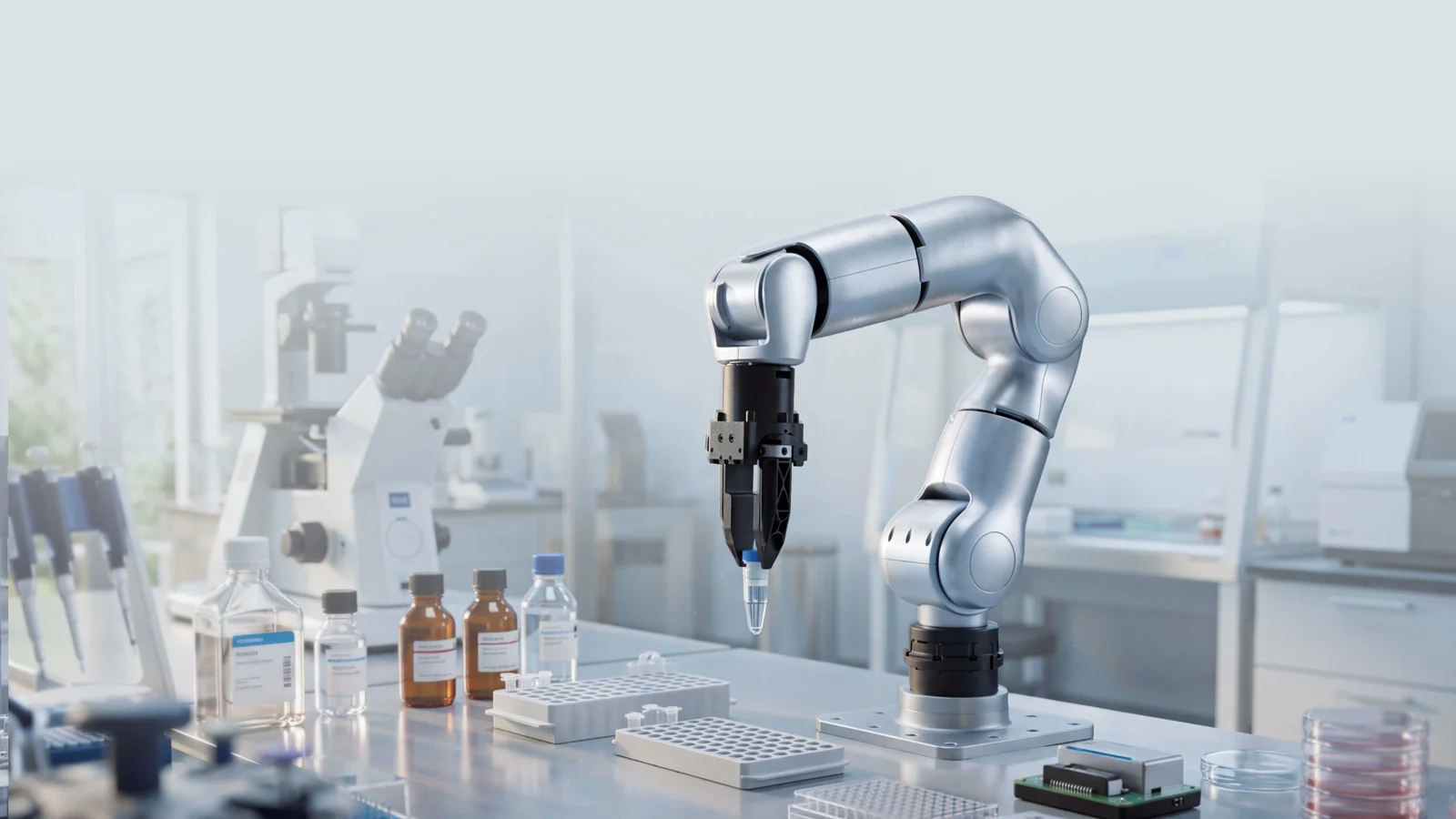
The third skill, r17a_marker_sort, is written for the R1-7a robotic arm. With a Dex1-1 gripper and a wrist RGB camera, the arm picks up markers scattered on a desk one by one and puts them into a 4×6 box in colour-number order. The agent looks at the wrist camera image, calls the repository's tool scripts step by step. After each step it looks at the image before choosing the next one.
Users connect their own controller for joint control. The repository provides inverse kinematics (IK) and camera calibration tools. The README reports that on the authors' R1-7a the calibration reached 0.52 px reprojection error and 3.6 mm RMS position error on the desk plane. Unitree published the skill as a method worked out on one real robot, with lessons from failed attempts included, as a reference.
According to the README, the R1-7a put multiple markers back in each run during real-robot trials. A full run took on average 23.8 minutes with Claude Fable 5.2, 43.6 minutes with GPT-6.1 Terra and 20.6 minutes with DeepSeek 4.1 Flash via DeepSeek-Harness. Unitree gives these times as reference values.
R1-D Gomoku Video and Safety Rules
On November 22 a demo video of the R1-D playing Gomoku was added to the README's video section. The Gomoku skill code in the repository (g1d_gomoku) is written for the G1-D. The navigation skill for the R1-D and G1-D, driven by natural-language instructions (g1d_r1d_navigation), has been in the repository since the first release on October 28. According to the README, the demo videos are sped up, and part of the waiting time for model reasoning and network requests has been trimmed.
According to the safety section of the README, every physical skill requires matching hardware and SDK versions, current calibration, a cleared area, on-site personnel and an accessible hardware emergency stop. A software stop does not replace the hardware emergency stop.
AI Robot Skills with the Unitree R1-D in Turkey
For university labs and research teams in Turkey, the repository is an open-source example of connecting frontier AI models to a real robot. The Apache 2.0 licence makes it easy to study and adapt the code in courses and theses. The chess and painting skills come with offline tests and a simulated connection, so teams can test the code on a computer without connecting to the robot.
Robotlar.org is the official distributor of Unitree Robotics in Turkey. For configurations of the dual-arm platform, see the Unitree R1-D page, and for the arm, the Unitree R1-7a page. The bipedal Unitree R1 is also in our range, while the skills in this article are written for the R1-D and the R1-7a. We covered UNICALIB, the tool for hand-eye calibration of the wrist camera on the R1-A7-D, in our earlier news article. You can ask us for a demo, technical information or a quote for your lab. We work out the robot's configuration with you during the discovery phase.